






Virtual Cottage 2 Review — Cozy Focus Tool Meets Chill Multiplayer
A warm, minimalist productivity sim that turns studying into a cozy ritual. Timers, ambient soundscapes, and multiplayer co-working make focus feel less like a chore and more like company.
I booted up Virtual Cottage 2 expecting a pretty productivity app and left surprised by how gently effective it is. It’s not flashy — it’s a cozy space that nudges you into work with lofi beats, rain sounds, and a strict no-drama UI. If you ever wished your study routine felt like a calm café or a friendly, judgment-free living room, this sequel tightens what worked in VC1 and layers in multiplayer, more customization and smarter timers.
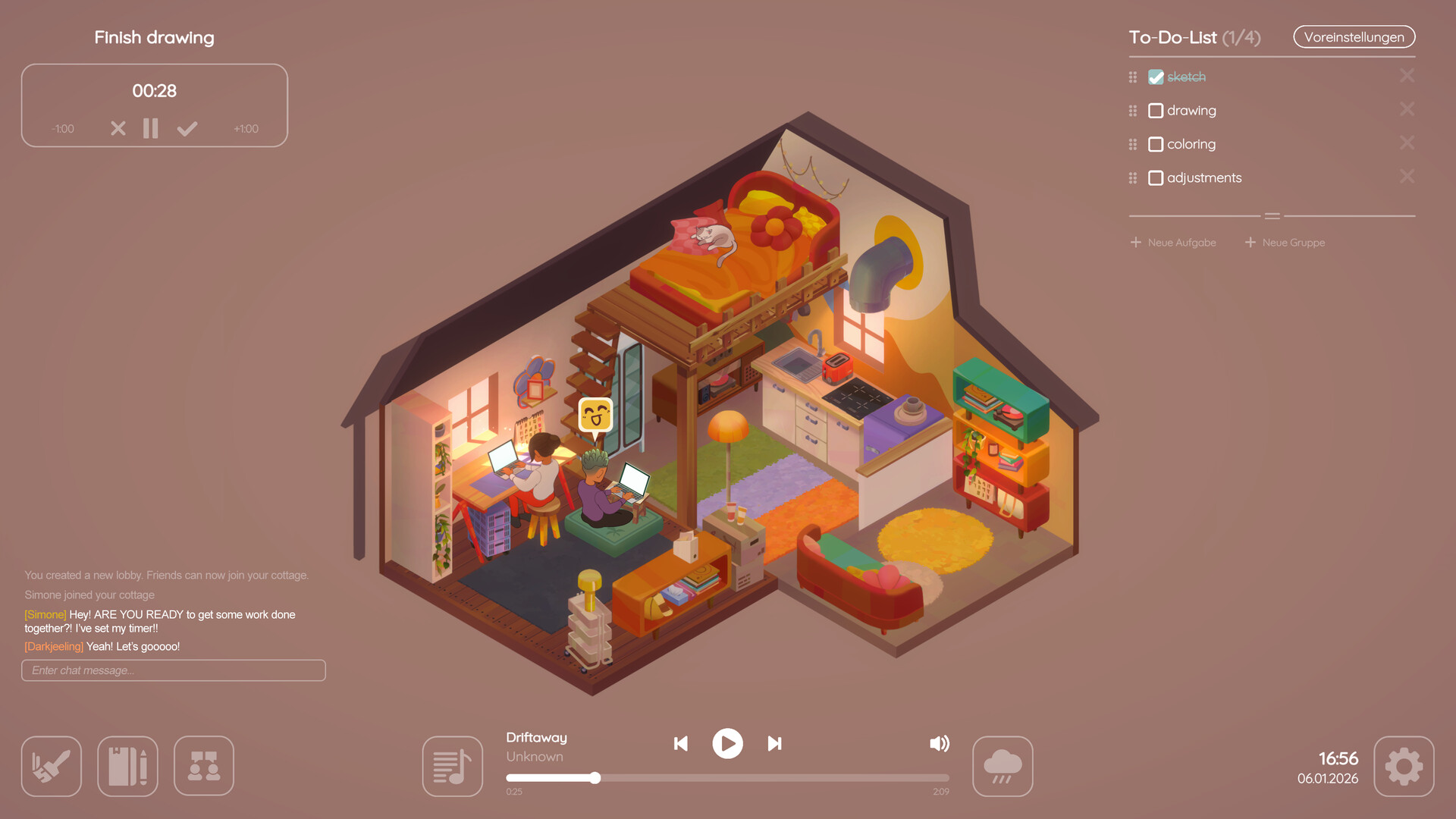
Settling Into Your Digital Nook
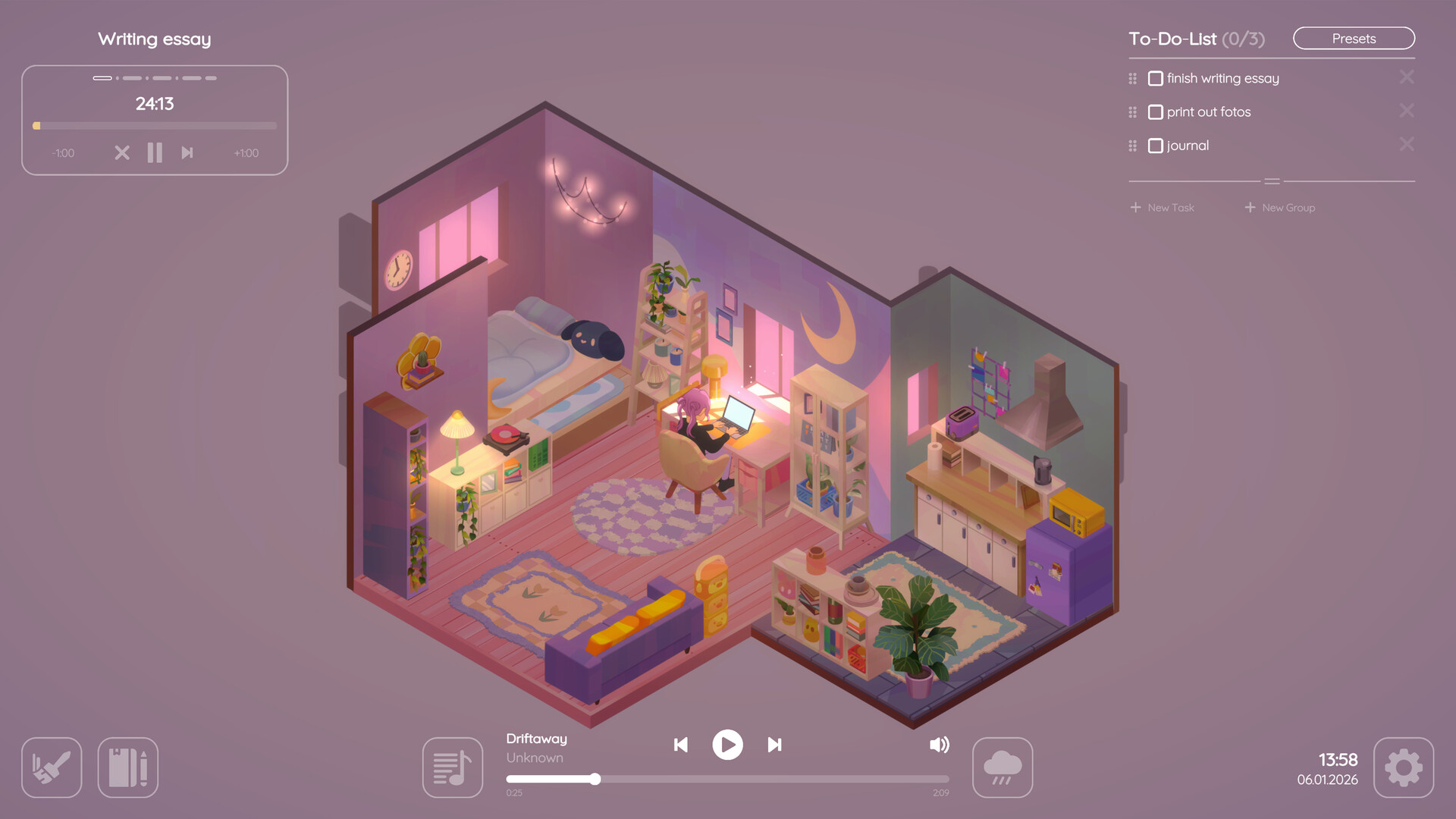
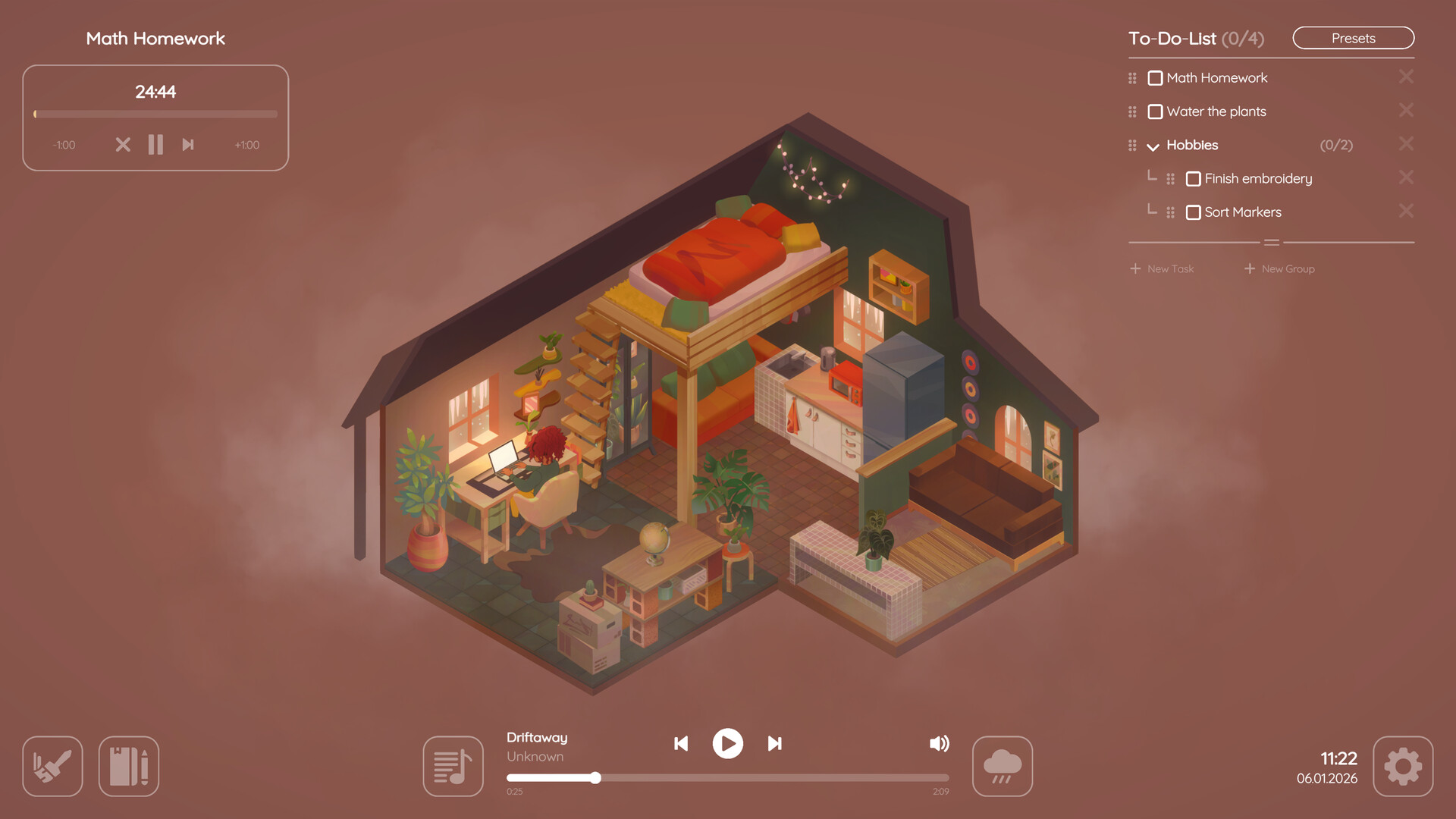
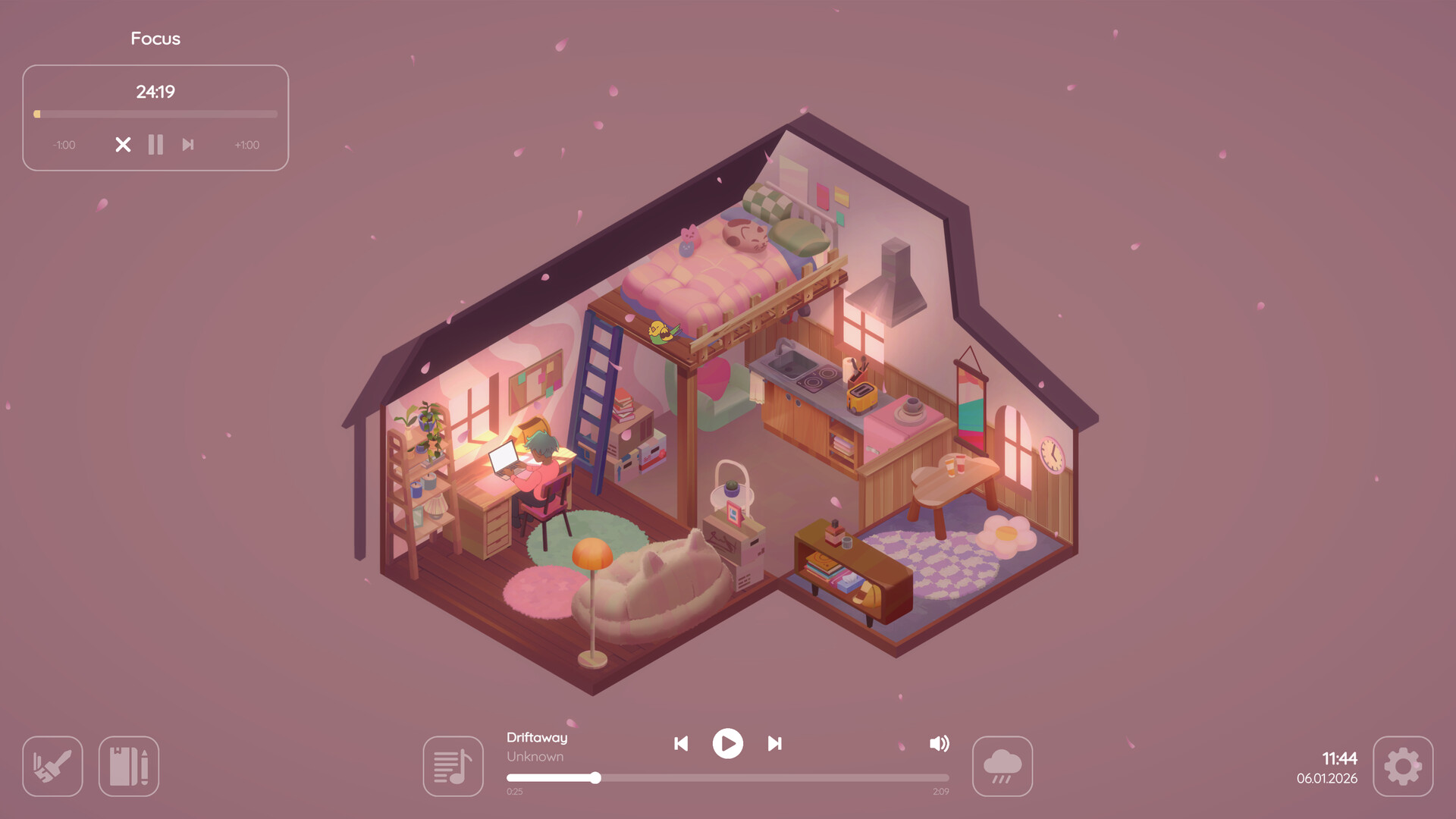
Virtual Cottage 2 is built around small, repeatable rituals: create a task, choose a timer (classic countdown, Pomodoro, or stopwatch), pick ambient sounds and music, and then actually do the work. I found myself treating each session like an appointment with my own cottage — the act of opening the app, tucking a task into the to-do list and hitting the timer is oddly calming. You click less, focus more: there’s no complicated reward wheel or intrusive levelling system, just reliable tools that help you chunk work and rest. Daily unlocks for furniture make habitual studying feel satisfying in a gentle, low-pressure way — you study, you get a little cosmetic present. For someone who procrastinates, that tiny carrot is a surprisingly effective motivator.
Little Mechanics That Punch Above Their Weight
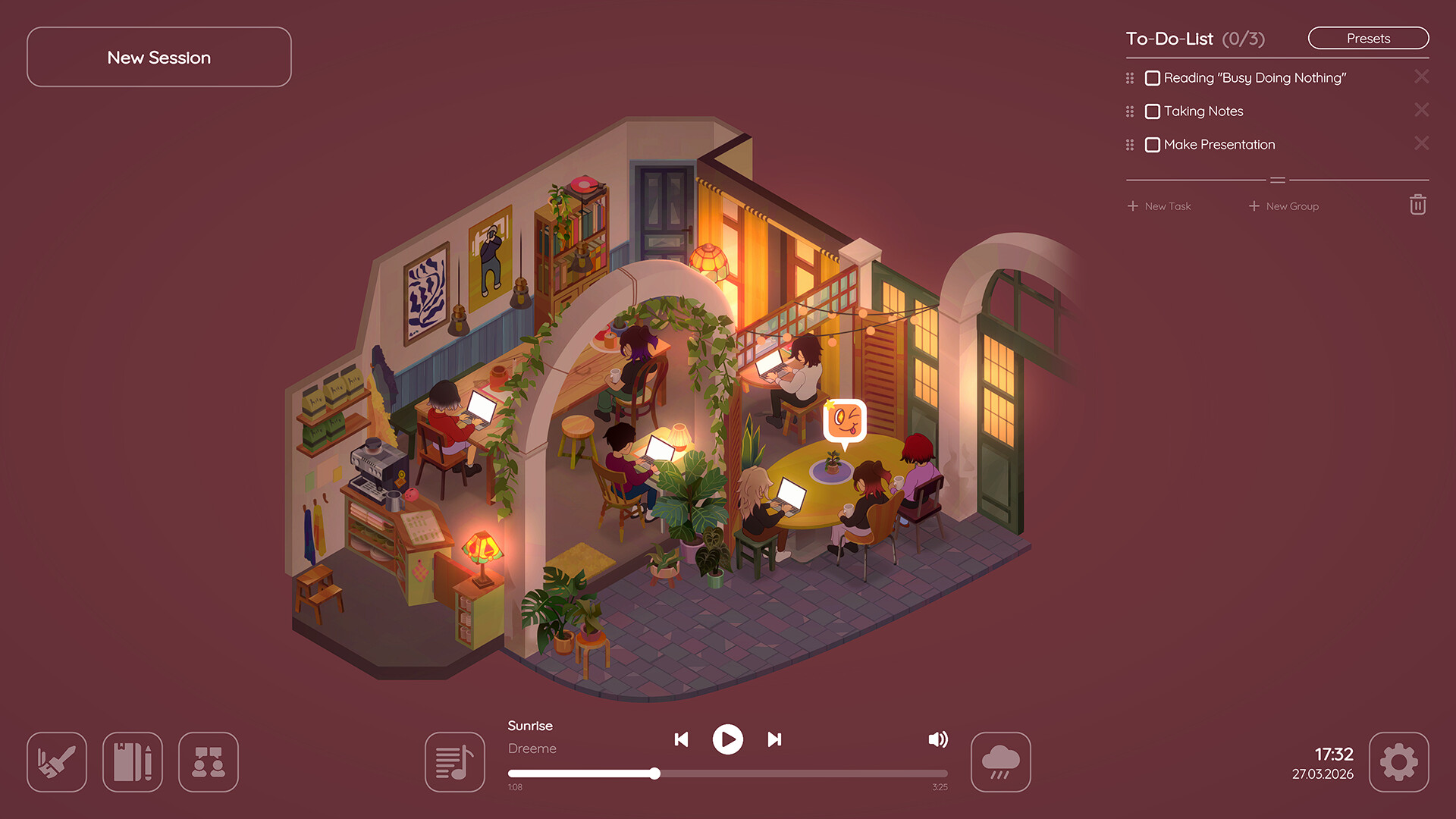
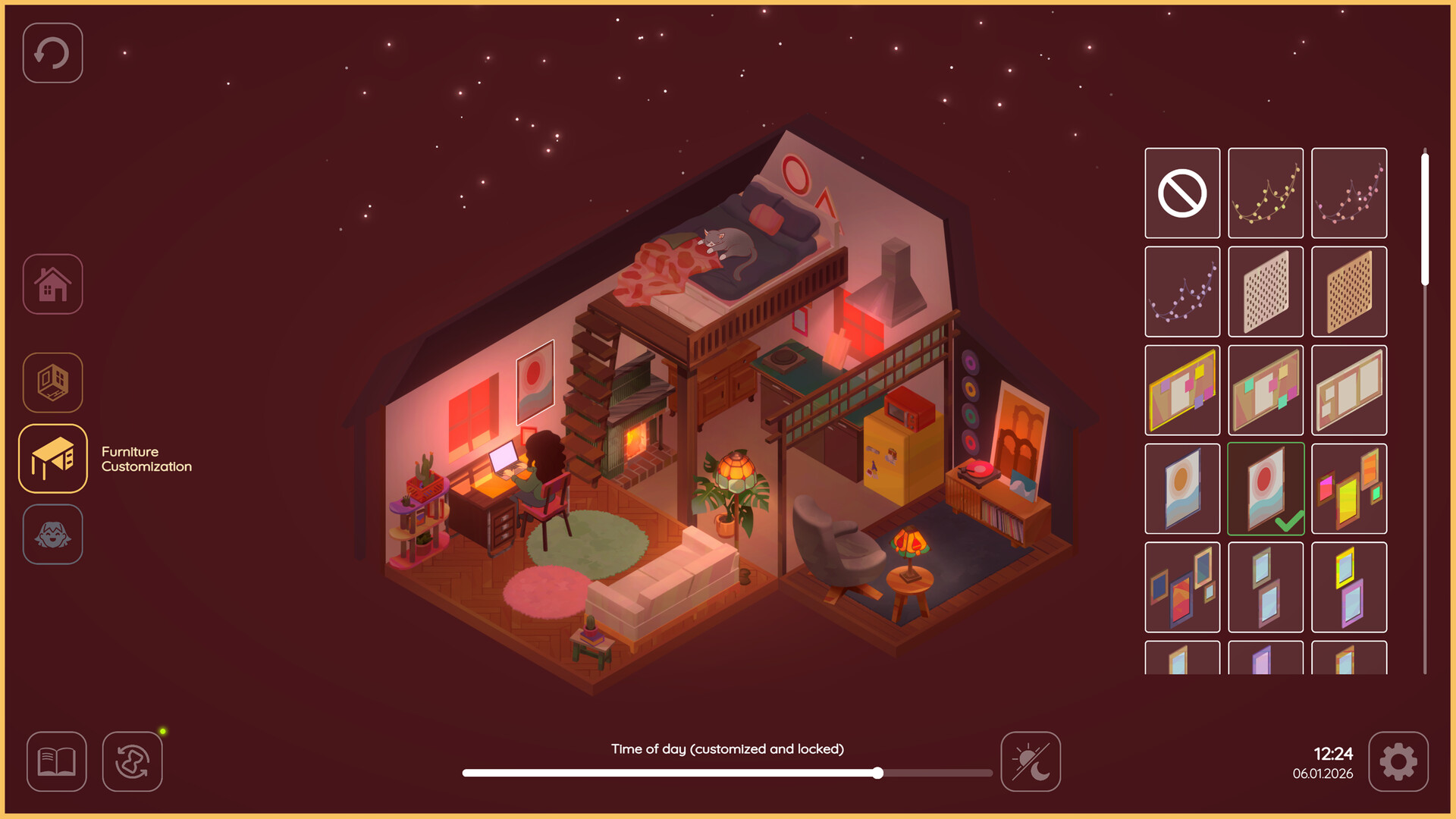
What makes VC2 stand out are the modest but well-thought-out features: Pomodoro intervals you can tweak, recurring routines, and a clean to-do system that supports categories and groups. Multiplayer isn’t tacked on — it’s designed for focused co-working: minimal chat, cute reactions, and shared spaces like a server-based cafe for larger groups. You can host friends in your cottage to study together or hop into public spots if you want background company. The option to import your own music while mixing in ambient rain or breeze is a quality-of-life win; I often layered my own playlist under the game’s soundscape and it felt like layering a warm blanket over a productive session. Pets, multiple home layouts (Cottage, Apartment), and hundreds of furniture items keep customization interesting without turning decorating into a second job.
Presentation: Calm, Clear and Playful
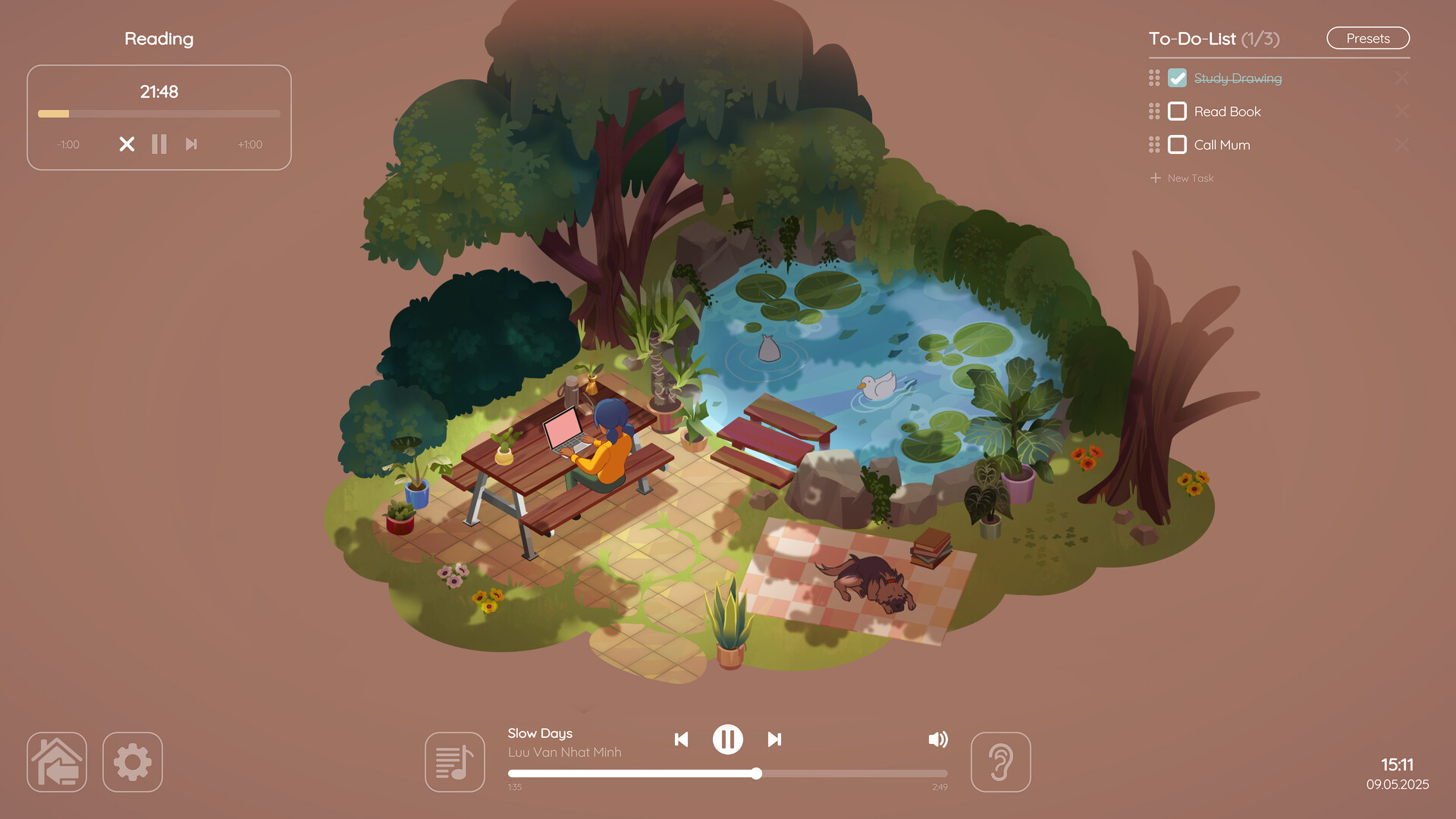
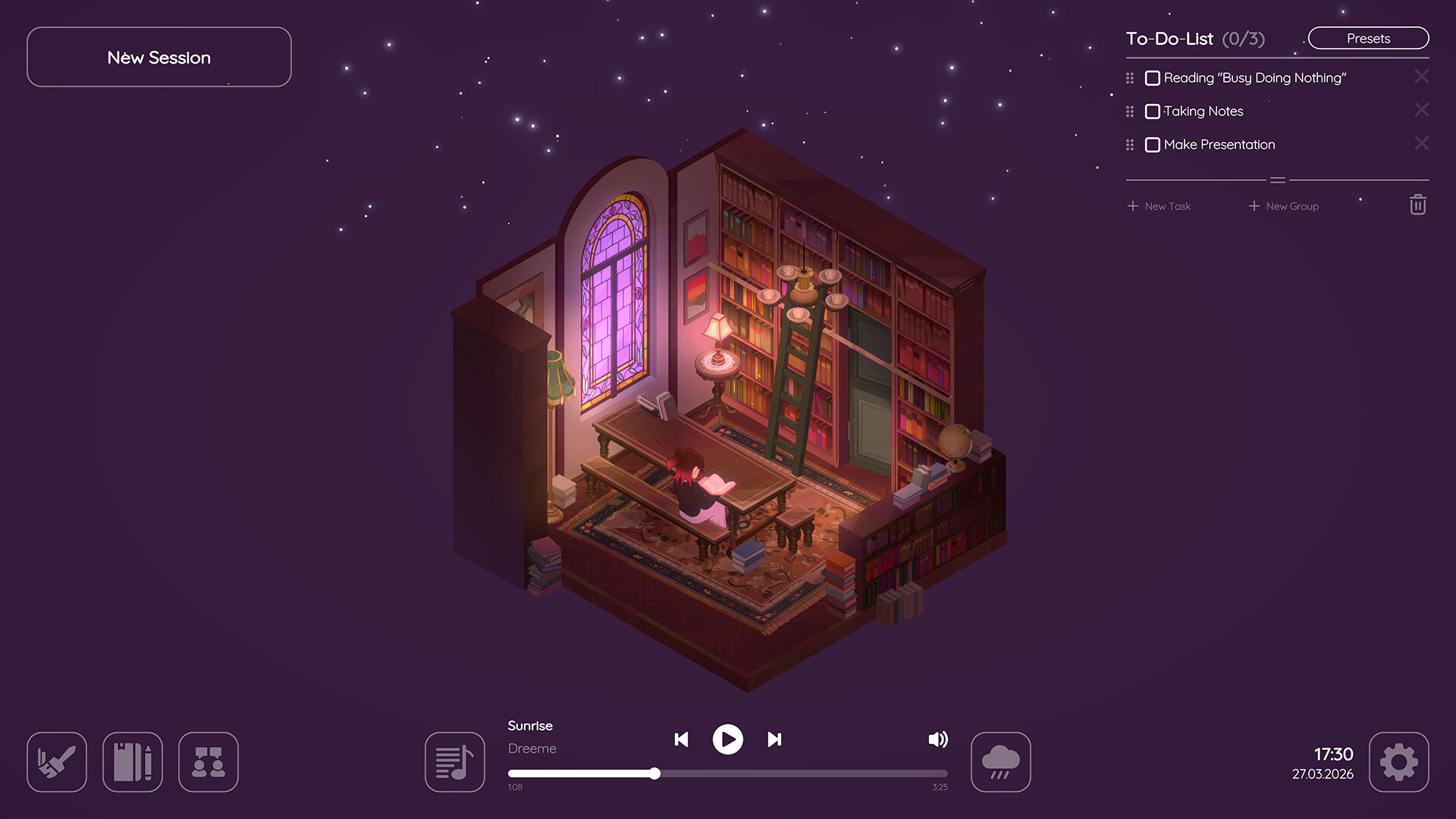
Visually VC2 leans into soft, comforting aesthetics — warm color palettes, cute little item animations and predictable, readable UI. Performance has been solid on Windows/Mac/Linux and even the Steam Deck crowd reports it runs smoothly. The audio design is quietly excellent: lo-fi beats, gentle thunder and wind loops that loop without feeling repetitive, and the ability to blend sounds makes long sessions more pleasant. Accessibility-wise, the interface is simple and large-font-friendly; however, more explicit keyboard shortcuts or deeper productivity integrations (calendar sync beyond the simple in-game calendar/journal) could be helpful down the line. In short, it looks and sounds like a home you want to spend time in, and that matters when the whole point is to come back every day.
Virtual Cottage 2 is a cozy, effective productivity sim that nails the simple things and sprinkles in thoughtful extras. It’s perfect if you want a no-fuss app that makes daily focus feel nicer — especially for students, creative workers, or anyone building study habits. Buy it if you want a gentle, community-friendly nudge toward getting things done.

Pros
- Truly relaxing atmosphere with customizable soundscapes
- Simple, distraction-free UI that actually helps you focus
- Meaningful multiplayer for co-working and daily motivation
- Lots of tasteful customization and daily unlocks
Cons
- Still light on advanced integrations (calendar sync, export)
- Could use more content variety early on for long-term players
- Multiplayer features intentionally minimal — not for socializers seeking deep chat
Player Opinion
Players love Virtual Cottage 2 for the exact things it promises: coziness, a clean UI, and genuine usefulness as a study tool. Many reviewers reported it helped them build focus and habits — from people in finals season to users with ADHD who finally found a tool that works for them. The daily unlocks and customization are frequently praised as low-pressure but satisfying progression, while the ambient audio and option to import your own music regularly get called out as highlights. Criticisms are minor and repeatable: some wish for deeper integrations (calendar syncing, export of tasks) and a few longtime players want more content variety sooner. Comparisons to titles like Spirit City and On Together crop up — VC2 isn’t as feature-dense as those social sims, but it’s the coziest and most focused of the bunch. If you liked the first Virtual Cottage, reviewers say the sequel keeps the heart and improves almost everything else.