





On-Together: Virtual Co-Working Review – Cozy Productivity with Friends
A warm, social take on focus tools: customizable avatars, Pomodoro timers, mini-games and a chill community make working together surprisingly fun.
I didn’t expect to find a virtual coworking space that felt like a tiny, productive holiday — but On-Together pulled it off. Released by indie studio GigaPuff on 19 Jan 2026, it mixes Pomodoro timers and to-do lists with cozy social rooms, goofy avatar customisation and tiny rewards you actually want to earn. If you miss the low-pressure chatter of a cafe or the pixelated nostalgia of Club Penguin but need to get work done, this one might be your kind of third space.
Sitting Down to Actually Work
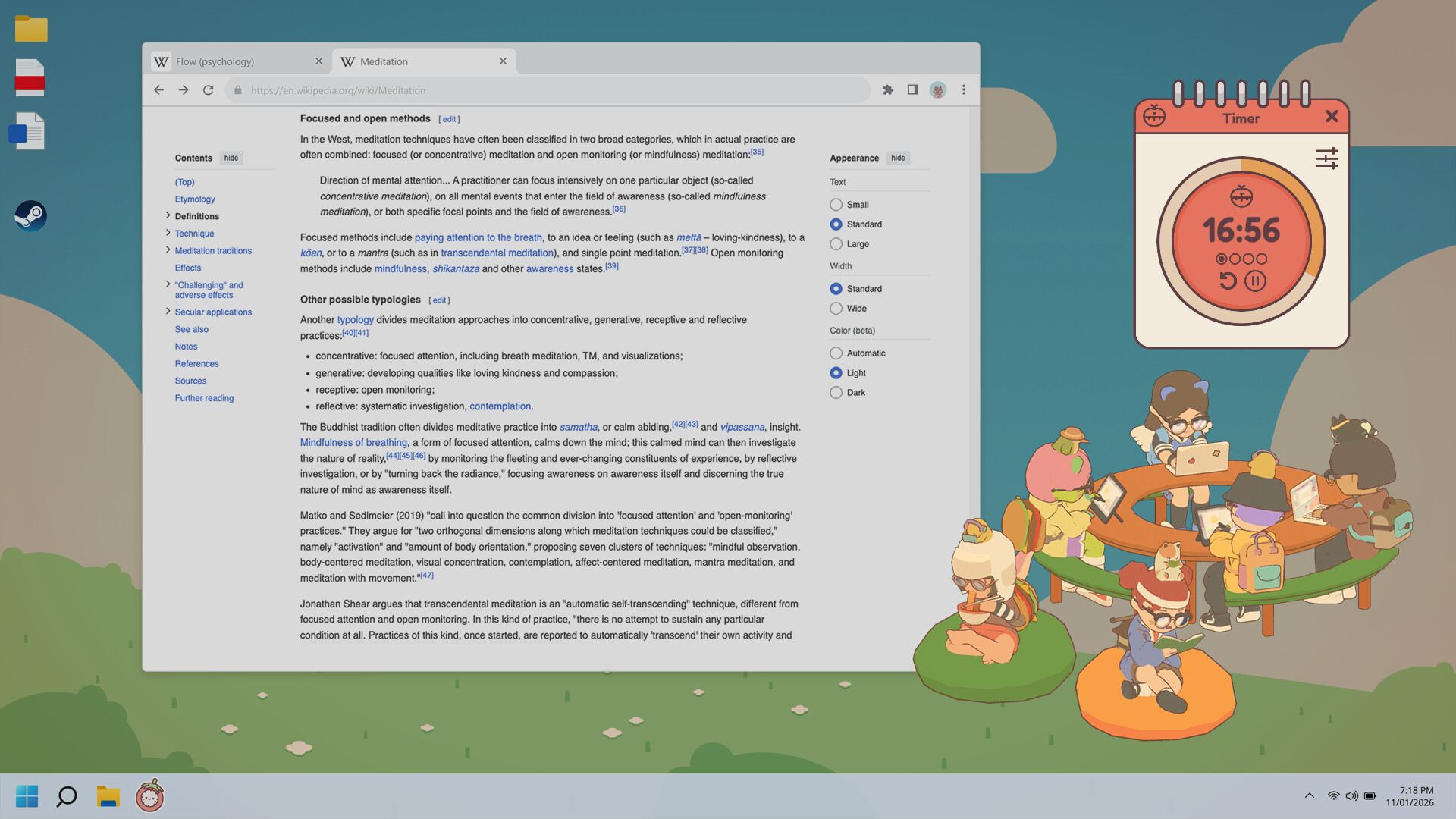
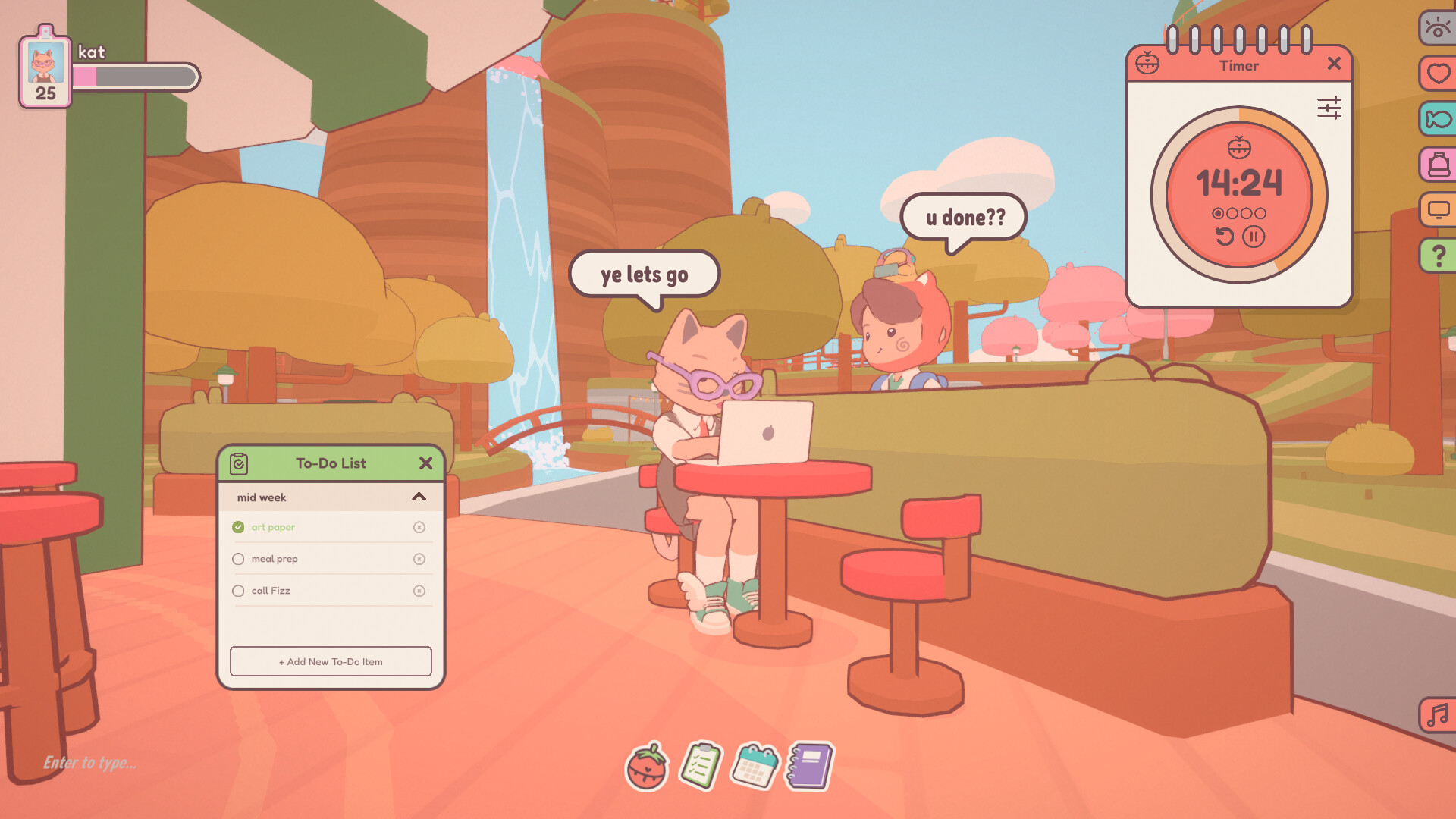
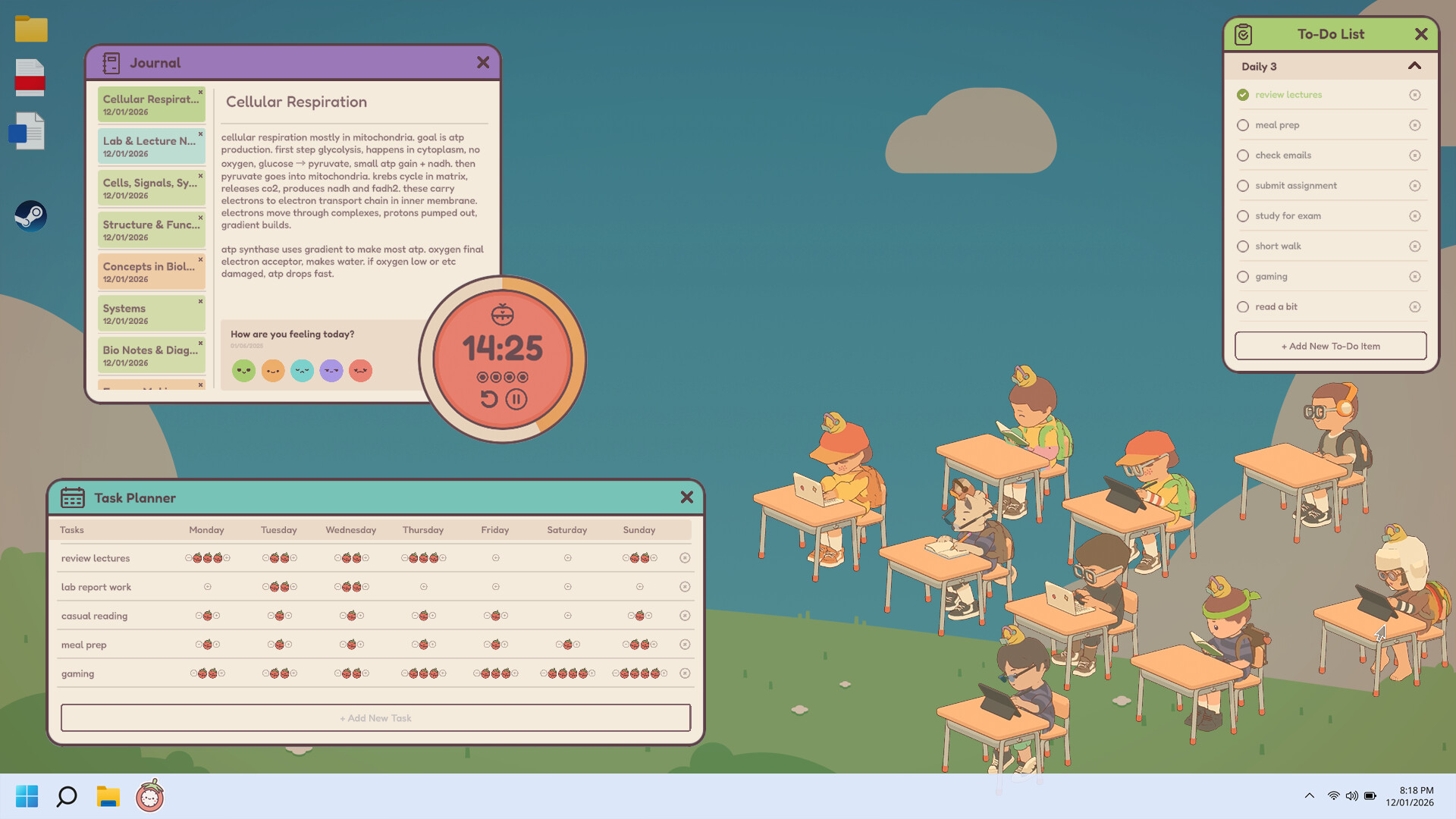
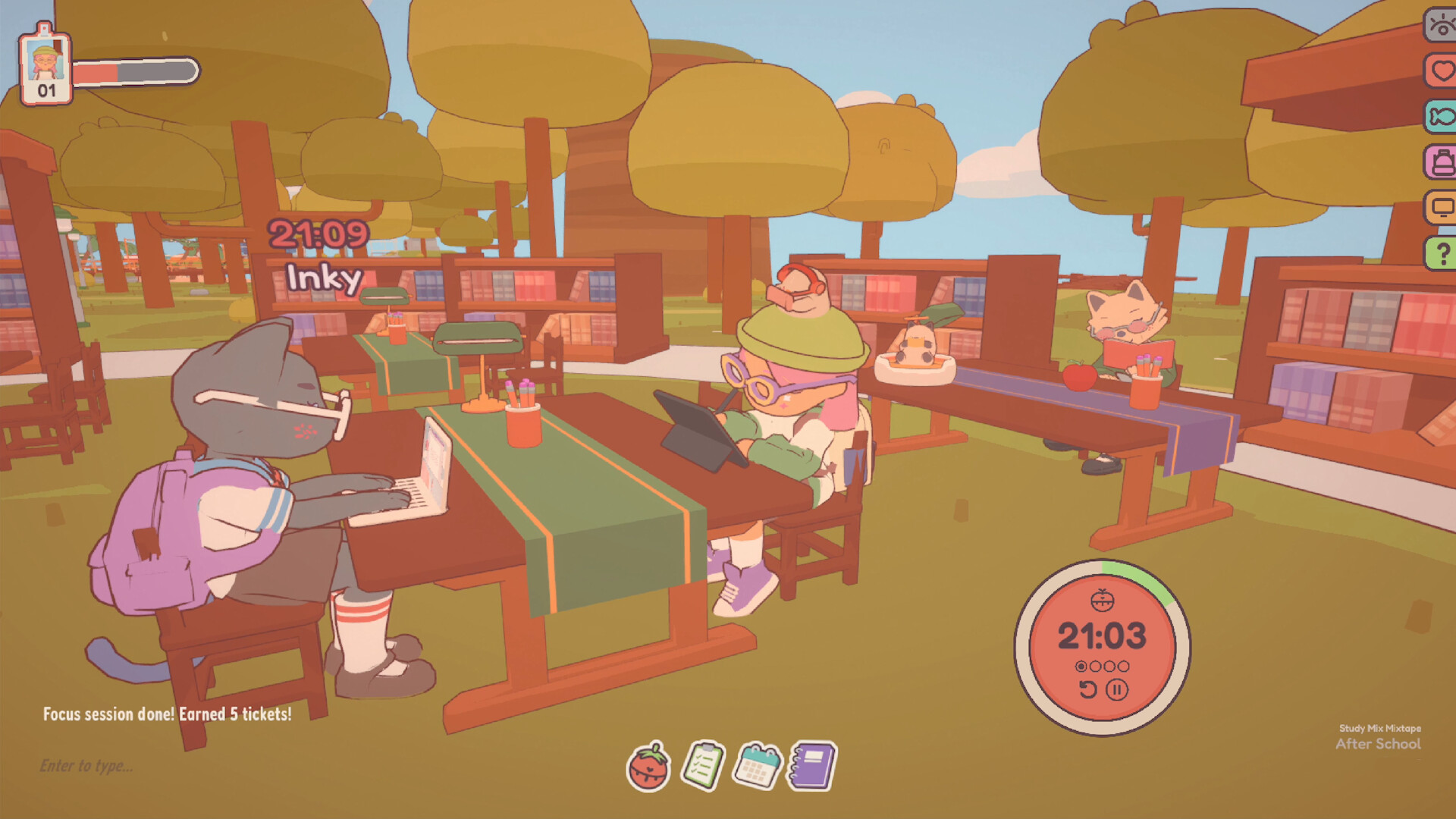
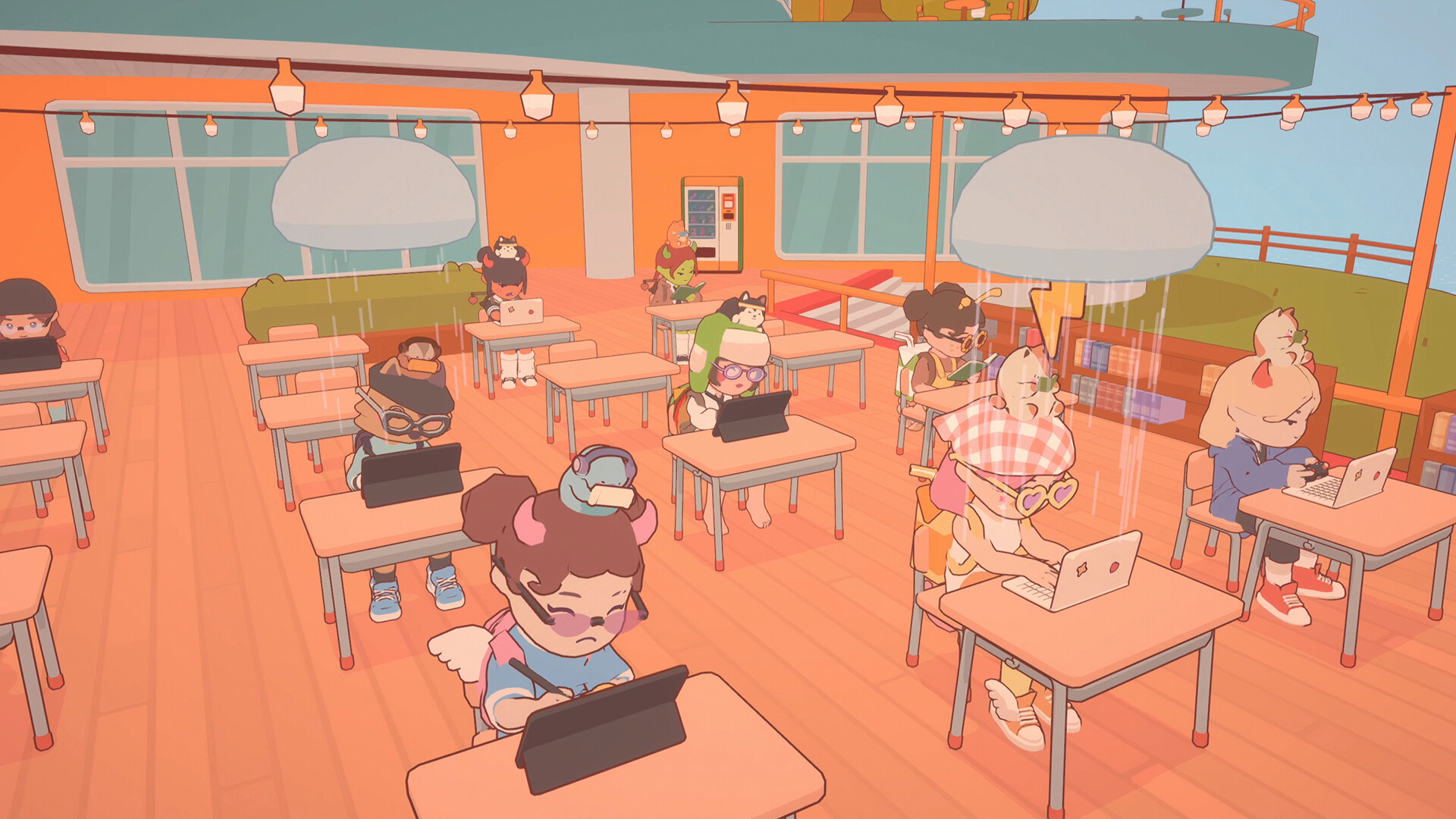
The heart of On-Together is deceptively simple: you launch the app, pick a cozy scene (library, treehouse, lily pads — yes, floating lily pads), and your little avatar plops into a corner of your screen with everyone else. The main loop is centred on focused bursts: start a Pomodoro, do your real‑life task while your avatar plays an appropriate focus animation (reading, knitting, painting), and collect tickets as you stay on task. There are persistent checklists and a journal to track what you did, which makes it feel less like a game and more like a friendly productivity buddy. You can run it fullscreen or as a tiny transparent sticker in the corner so the game never gets in the way of actual work — very handy on dual monitors.
Cute Rewards and Social Glue
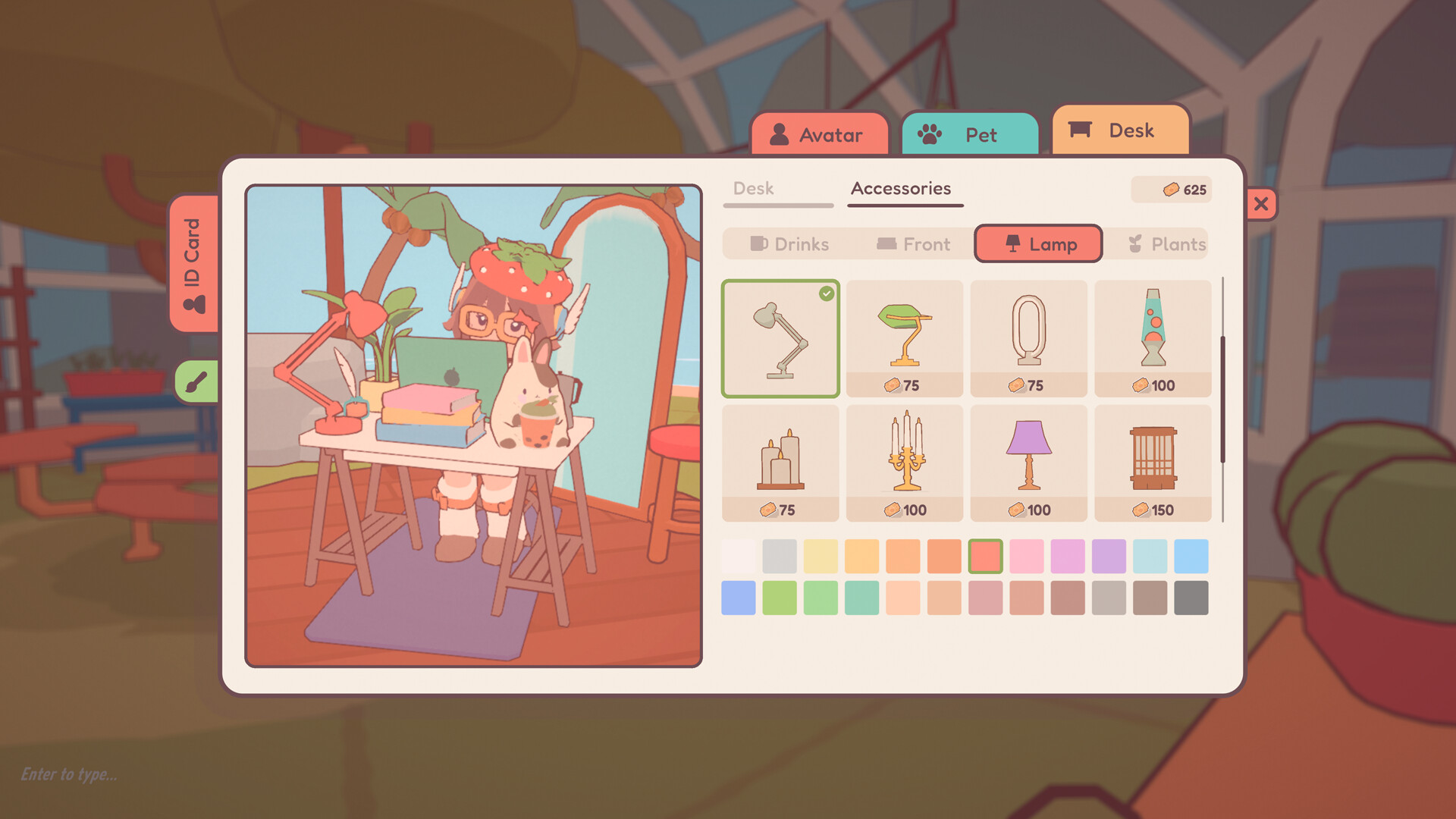
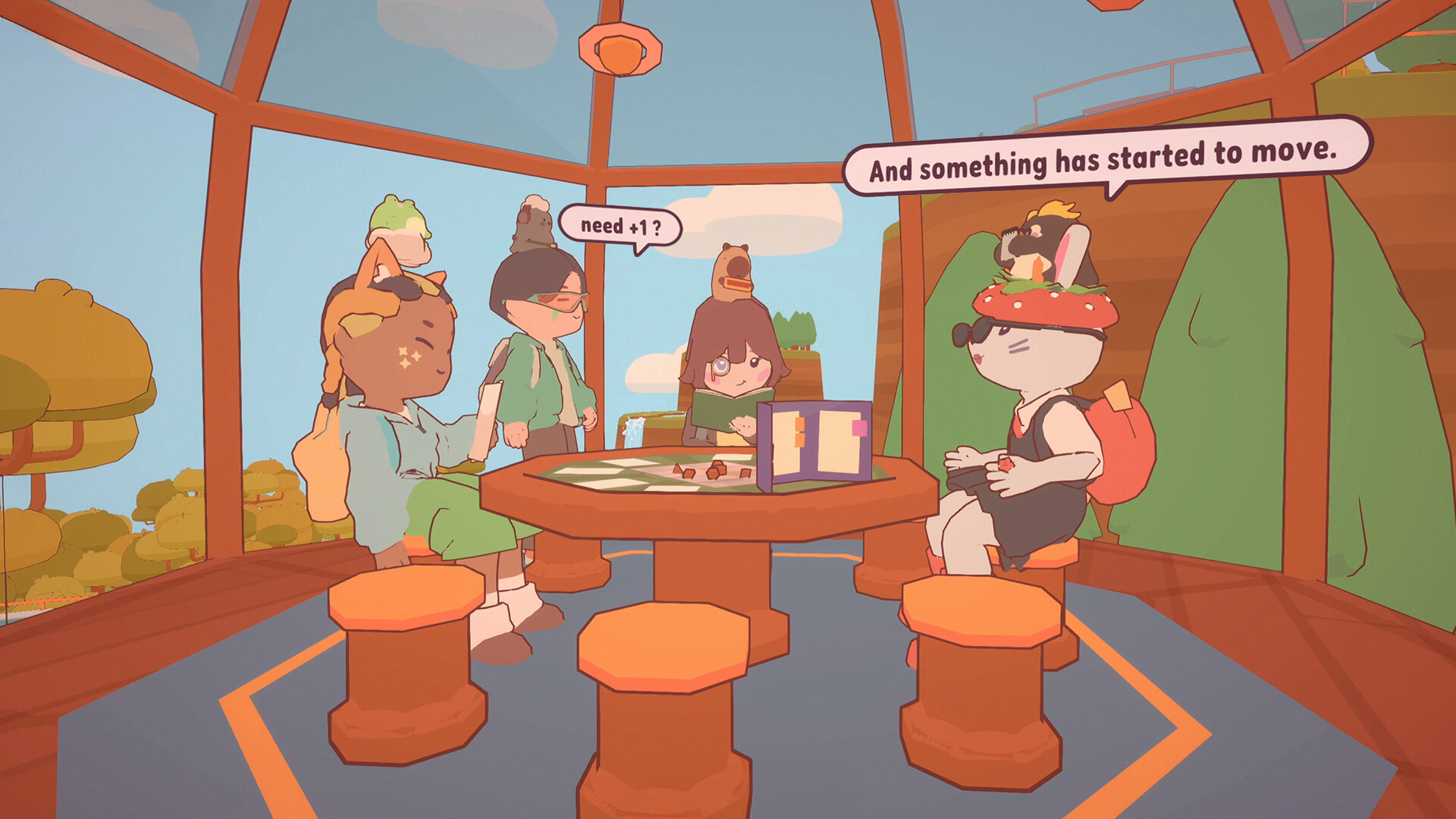
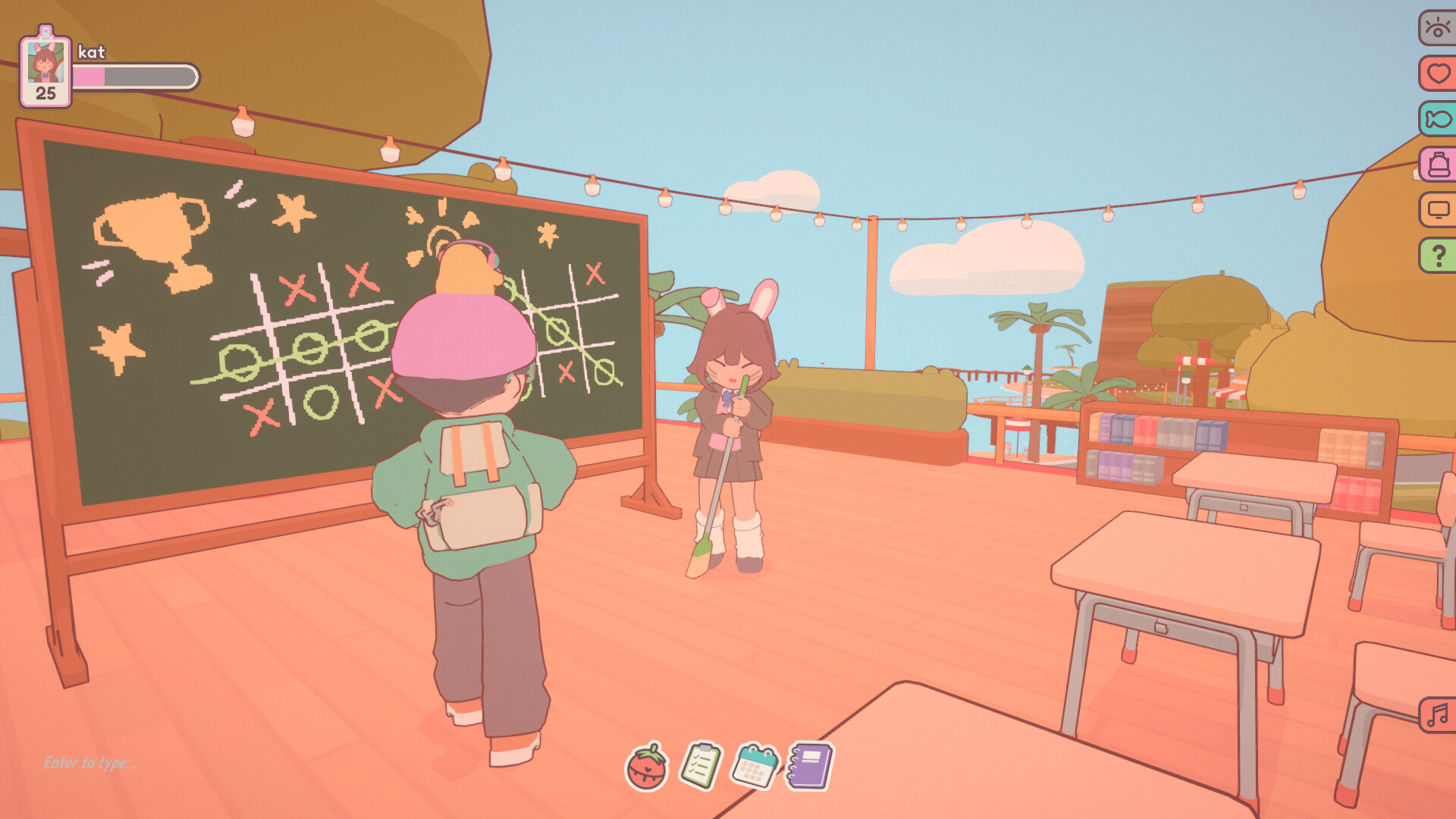
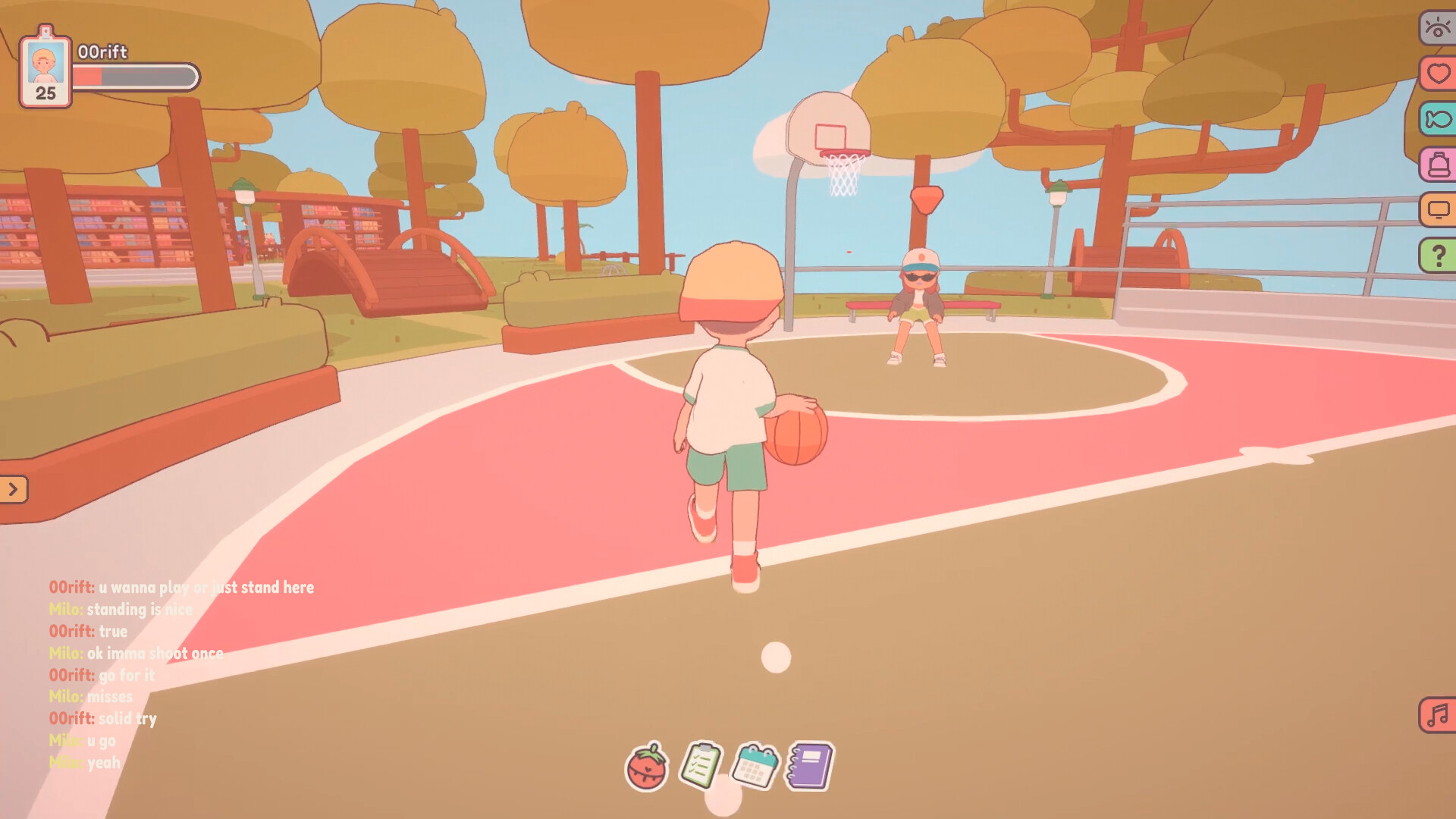
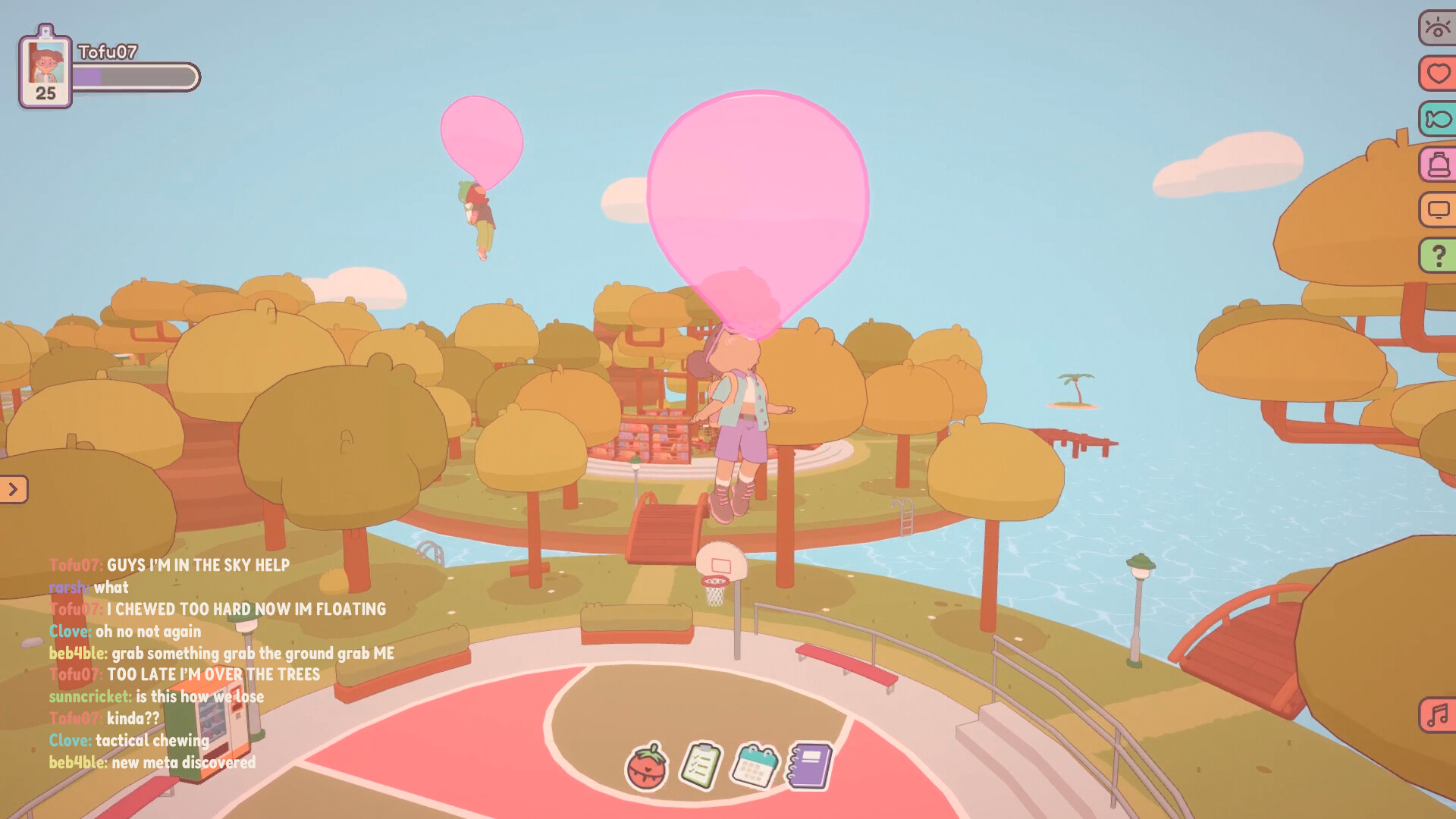
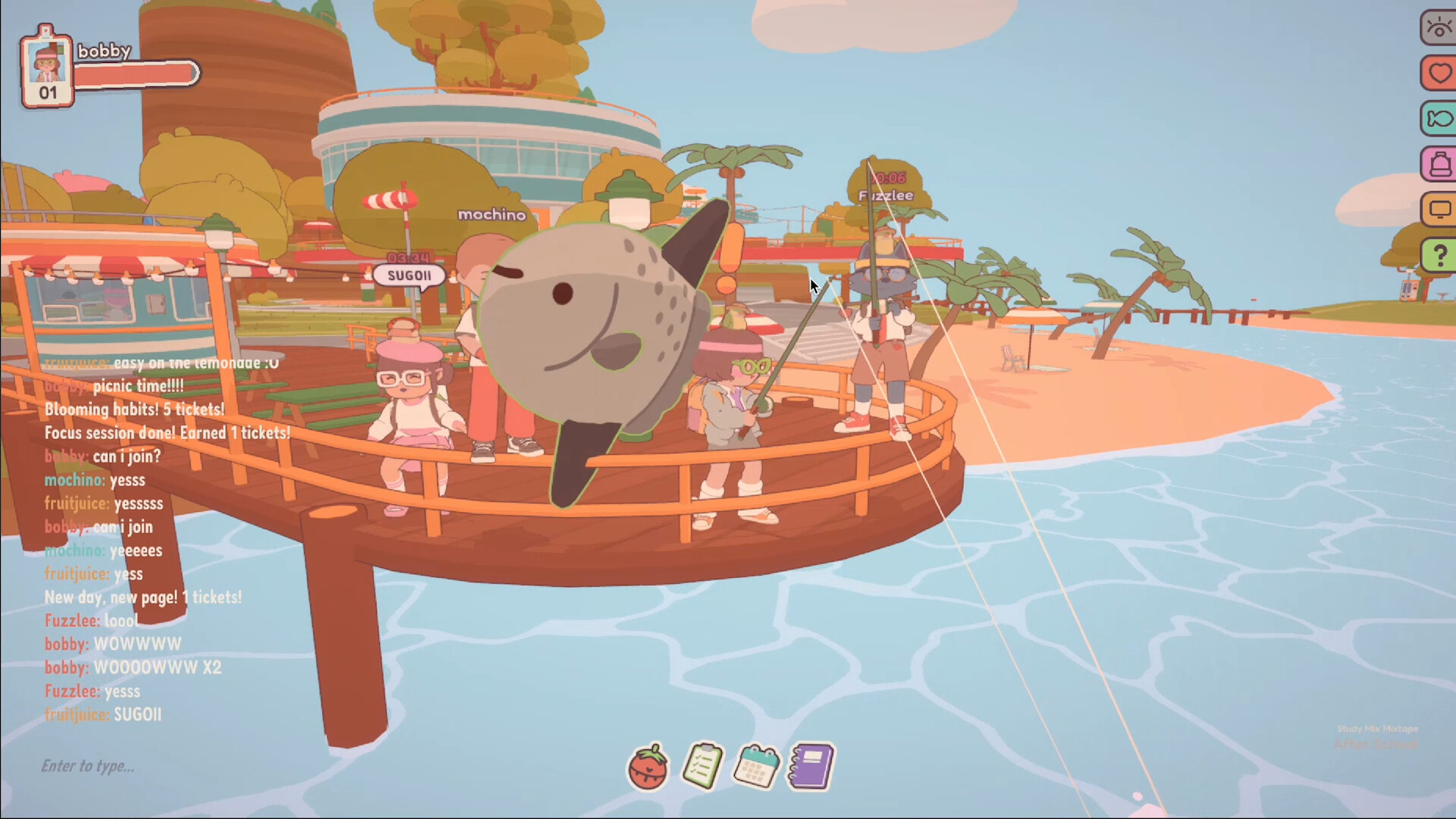
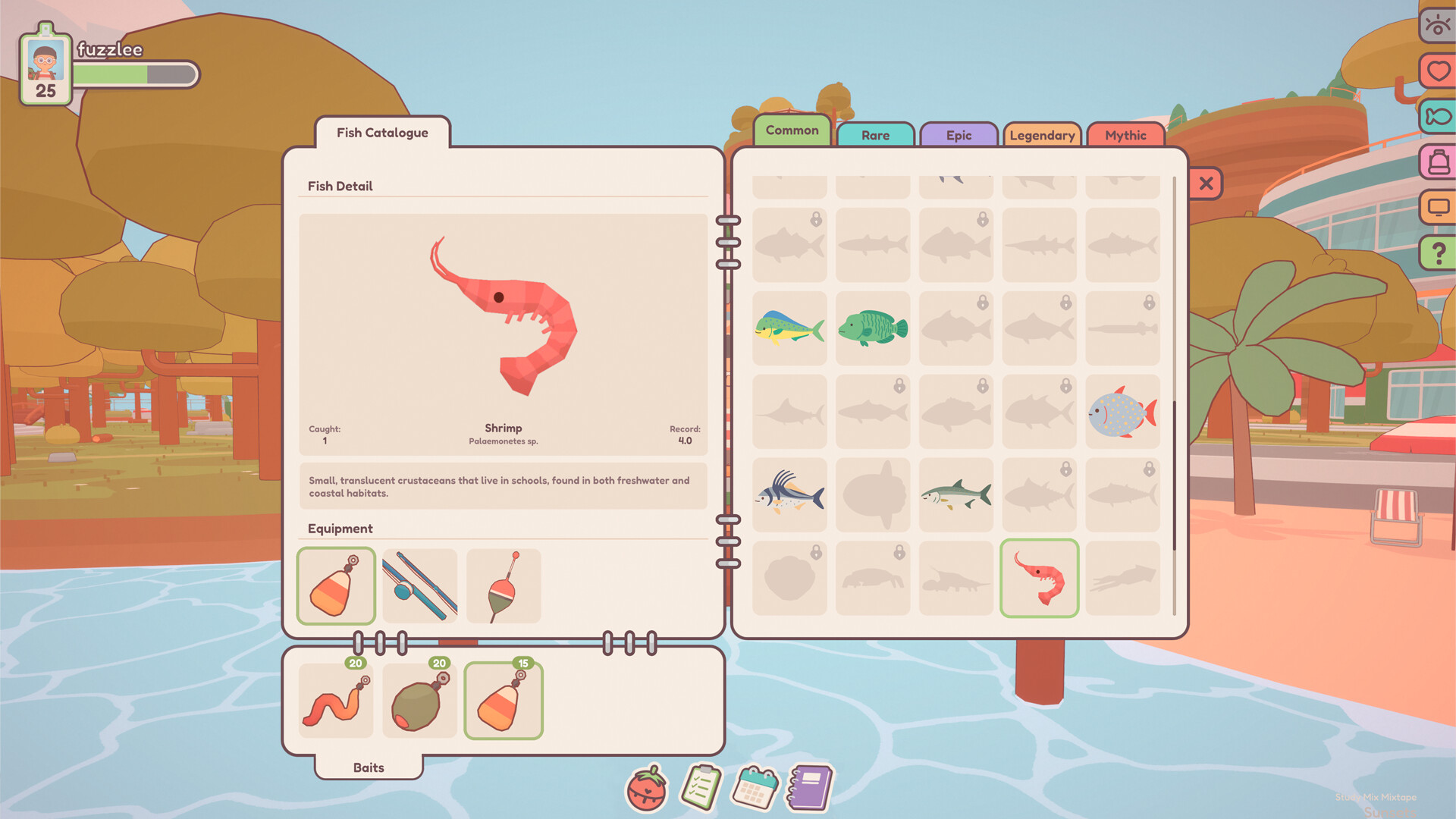
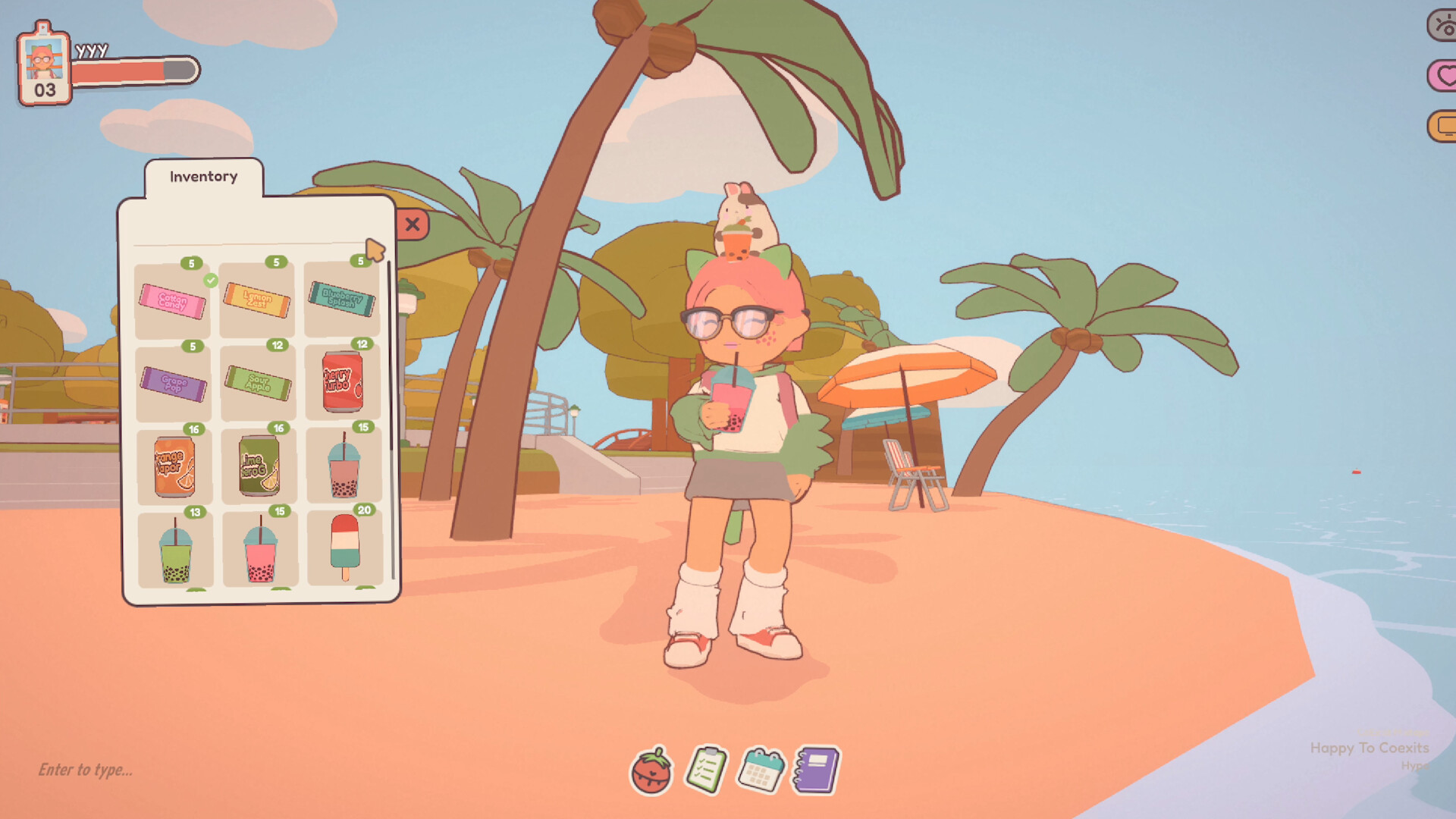
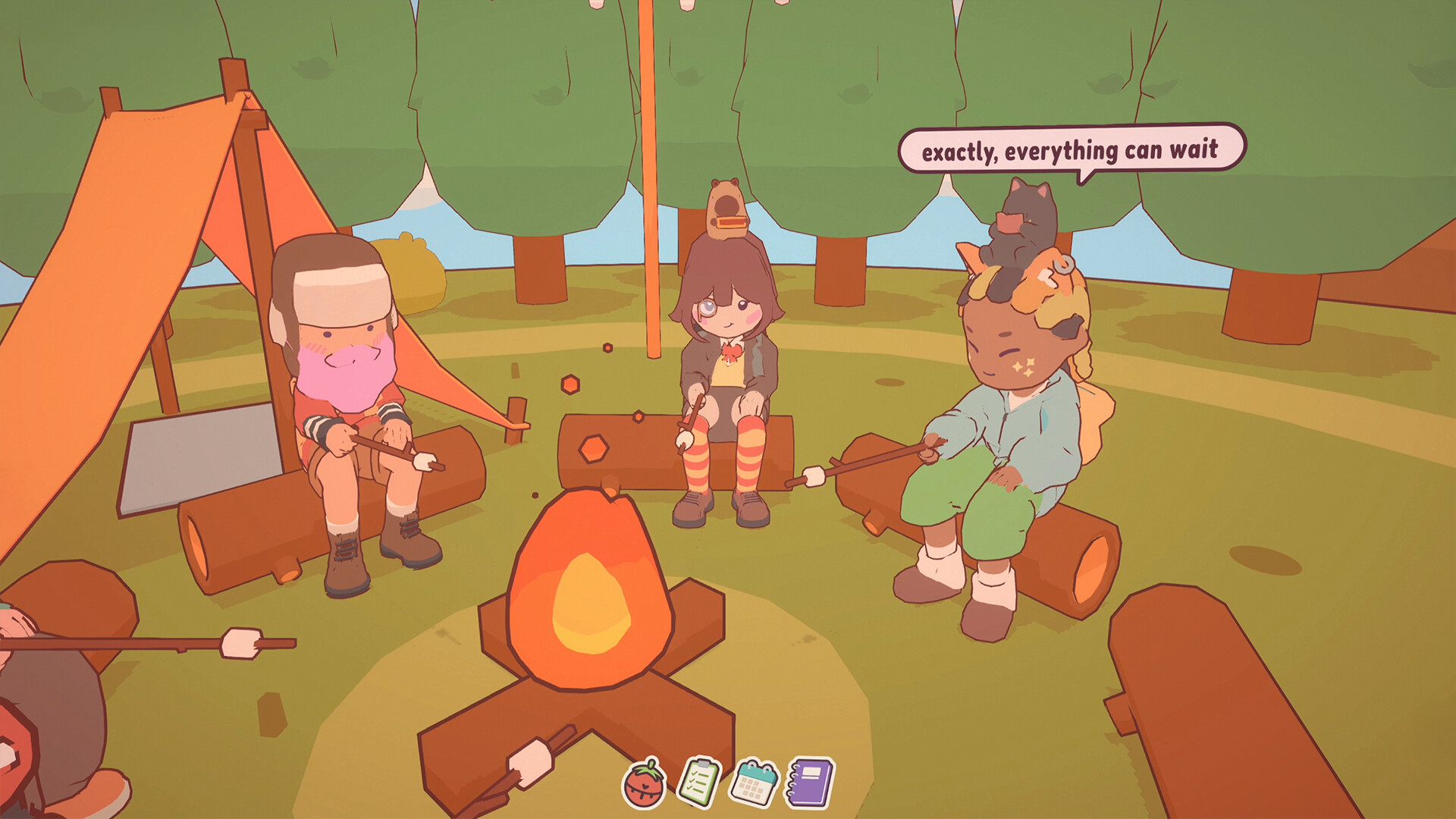
What makes it stick is the carrot-and-community mix. Tickets earned while focusing can be traded for clothing, pets, power-ups and fun items that let you float, dash, or leave particle trails. Customisation is delightfully deep: humans and animals, accessories, body options — people clearly play dress-up between study sprints. Breaks are handled well with low‑commitment minigames like fishing, basketball and music jams that aren’t so absorbing you lose your flow. Lobbies are social by design: public rooms let you meet strangers who’ll quietly co-work with you, while private lobbies are great for friends. The devs’ emphasis on a friendly, supportive crowd shows — community vibes are consistently praised in reviews and I felt it too.
Look, Sound and Technical Feel
Visually the game opts for soft, cheerful 2D art with charming animations that make tiny actions feel meaningful. The lo‑fi soundtrack and ambient noises are good at staying in the background instead of demanding attention. Performance on Windows and macOS is solid in my run, though some users mention occasional wonky walking animations and camera angles in greenhouse spaces — minor hiccups rather than dealbreakers. The overlay modes (sticker/transparency) are a highlight, though a few players report quirks with the desktop mode sizing and would like controller support. Overall, presentation leans cozy and accessible rather than flashy, which suits the purpose: keep you calm and working.
On-Together is a charming, well‑made third space that actually helps you focus without feeling like a productivity drill. It’s ideal for students, remote workers and anyone who benefits from accountability and a friendly online crowd. Buy it if you want gentle motivation, cute customisation and low‑commitment social breaks — but keep expectations realistic about a few technical rough edges.
Pros
- Genuinely social coworking with fun avatar customisation
- Effective productivity tools (Pomodoro, checklists, journal)
- Nice overlay modes (transparent sticker) that don’t interrupt work
- Friendly community and responsive devs
Cons
- Some animation/walking quirks and occasional camera fiddliness
- Desktop overlay has sizing quirks for some setups; no Linux support
- Aesthetic may feel younger or too cutesy for some players
Player Opinion
Player feedback skews very positive: many users praised how the game actually helps them get work done while remaining fun — comments repeatedly mention hours spent in the demo and full release, making friends, and feeling accountable without pressure. The customisation, collection systems and minigames get frequent shoutouts, and the devs’ responsiveness to requests and bugs is commonly applauded. Criticisms are consistent but minor: a handful of players note wonky walking animations, occasional overlay sizing issues, limited color/clothing variety at launch, and a desire for controller support. If you liked chill social spaces like Habbo/Club Penguin nostalgia or Webfishing’s vibe but need productivity tools, reviewers say this sits perfectly in that niche.