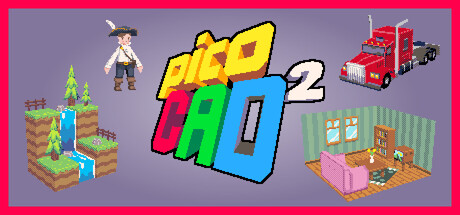






picoCAD 2 Review – Tiny Low-Poly Powerhouse for Fast 3D
A hands-on look at picoCAD 2: an approachable, low-res 3D modeller that trades complexity for joy—perfect for quick art, spritesheets and playful experimentation.
I jumped into picoCAD 2 expecting a toy editor and came out surprisingly inspired. Johan Peitz rewrote the tool from the ground up, and it shows: picoCAD 2 keeps things minimal yet surprisingly powerful, like giving you a tiny studio that only has the tools you’ll actually use. If you’ve ever been scared off by Blender’s complexity or just wanted a quick way to make charming low‑poly characters and sprite sheets, this feels like the perfect in‑between—nostalgic but with sensible modern features.
Modeling with a Few Clicks
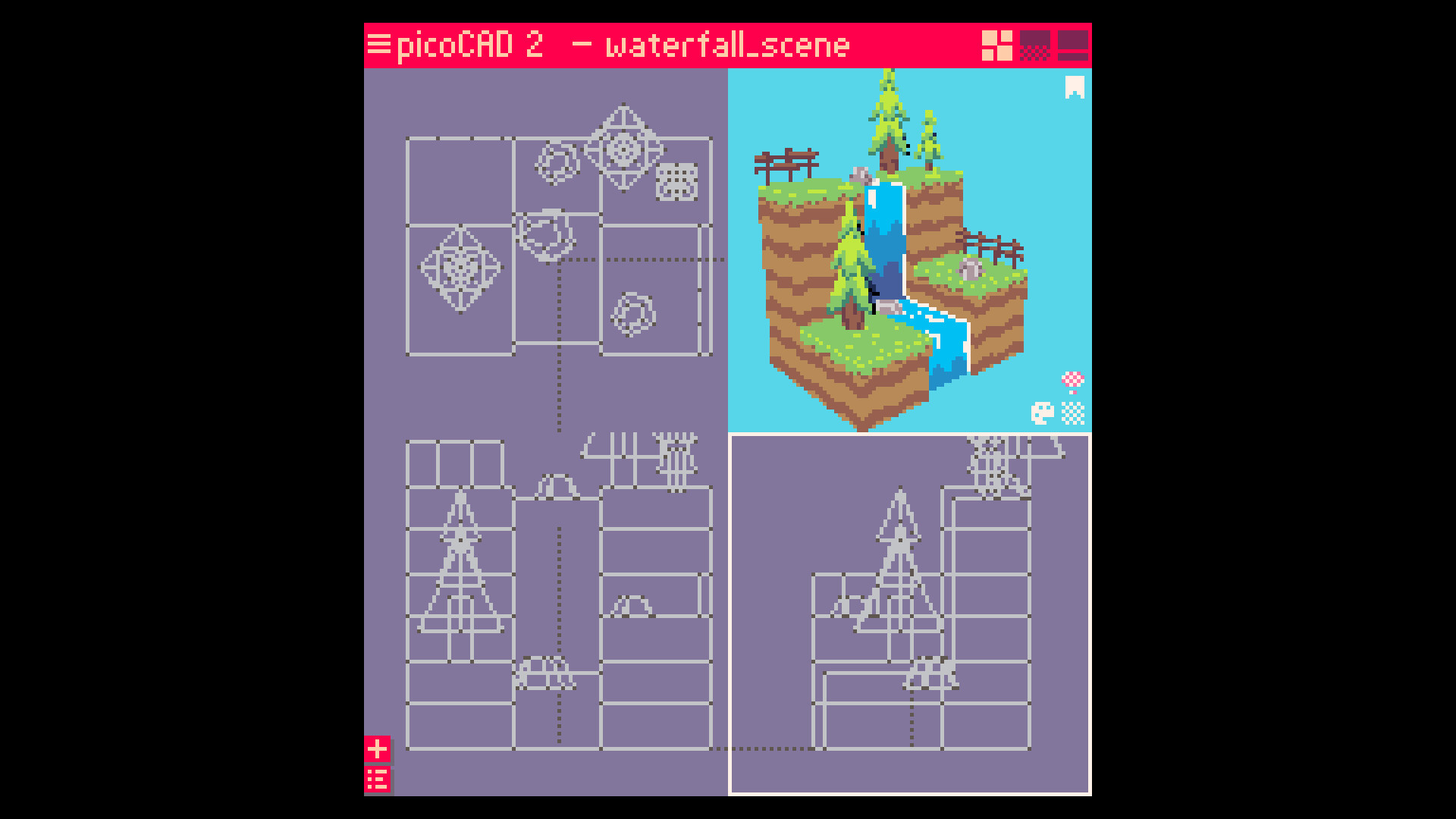
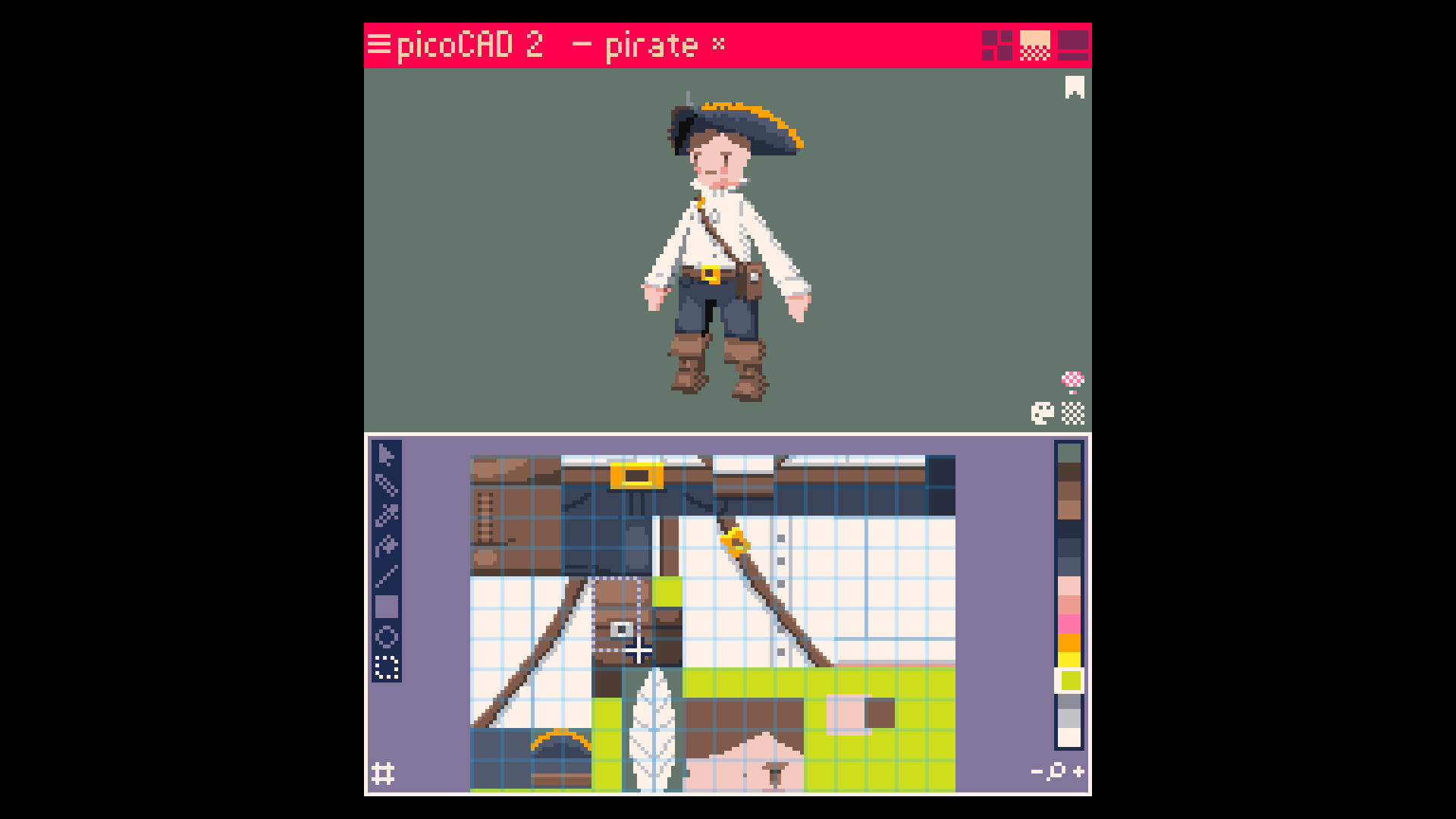
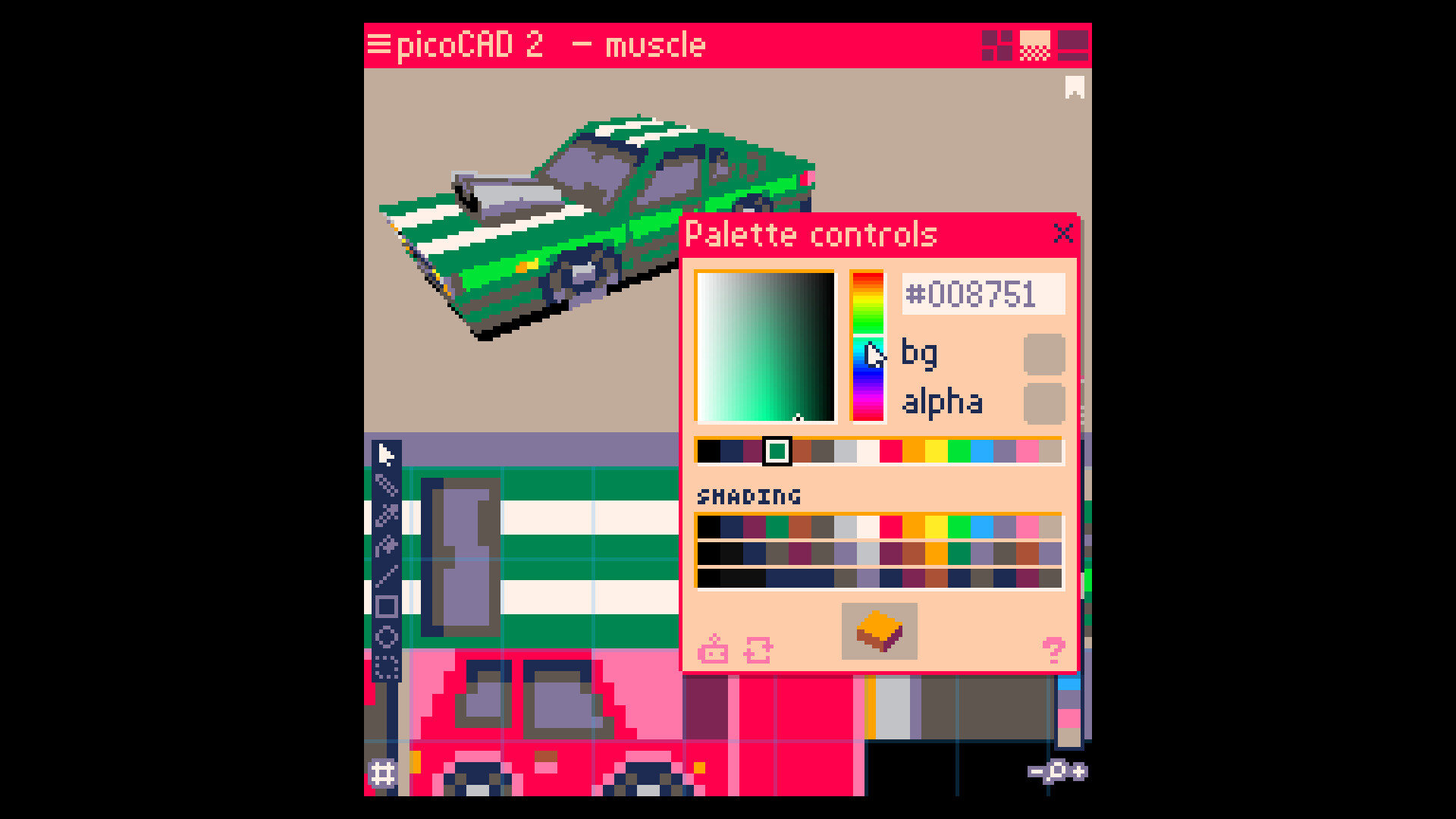
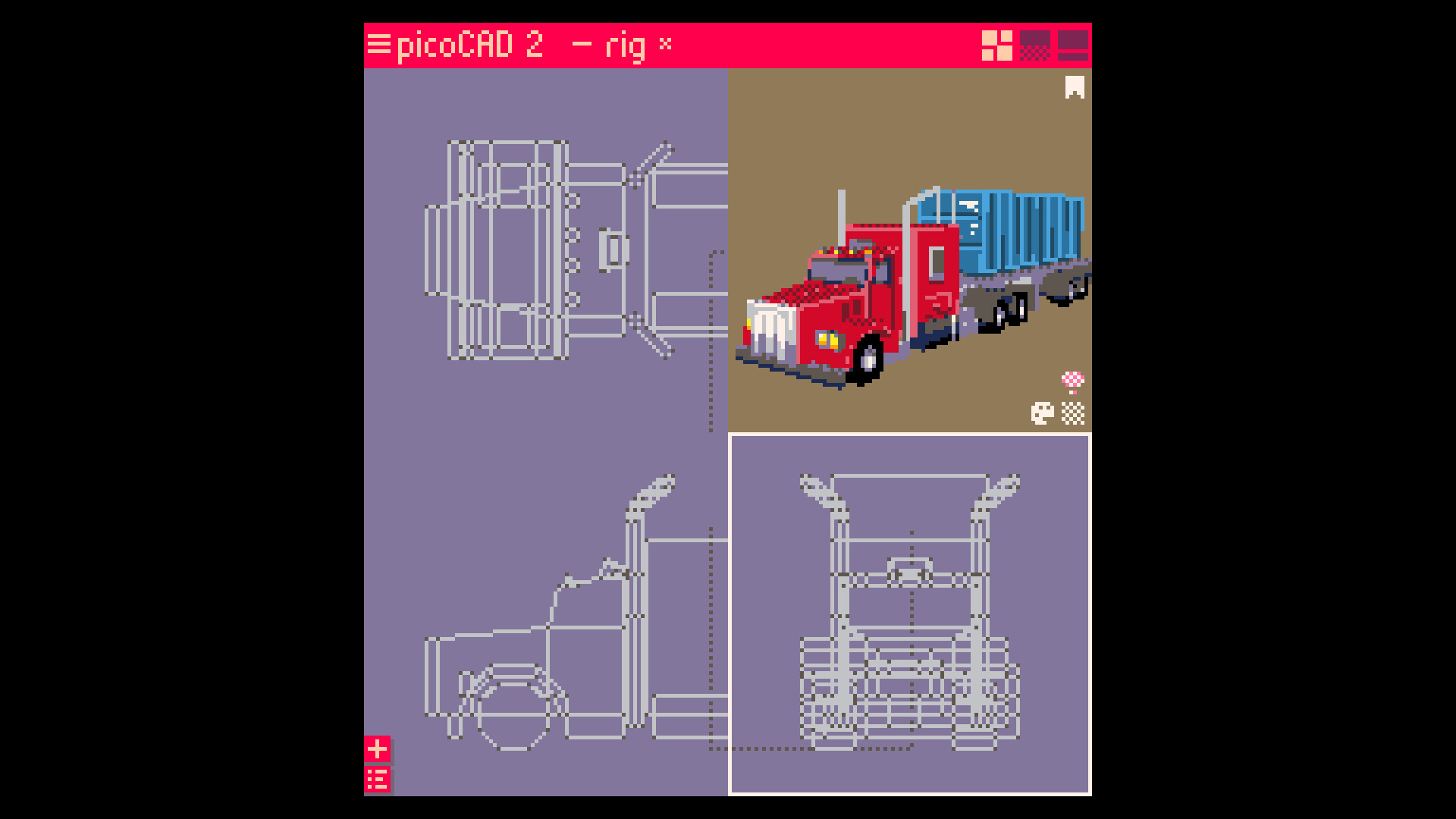
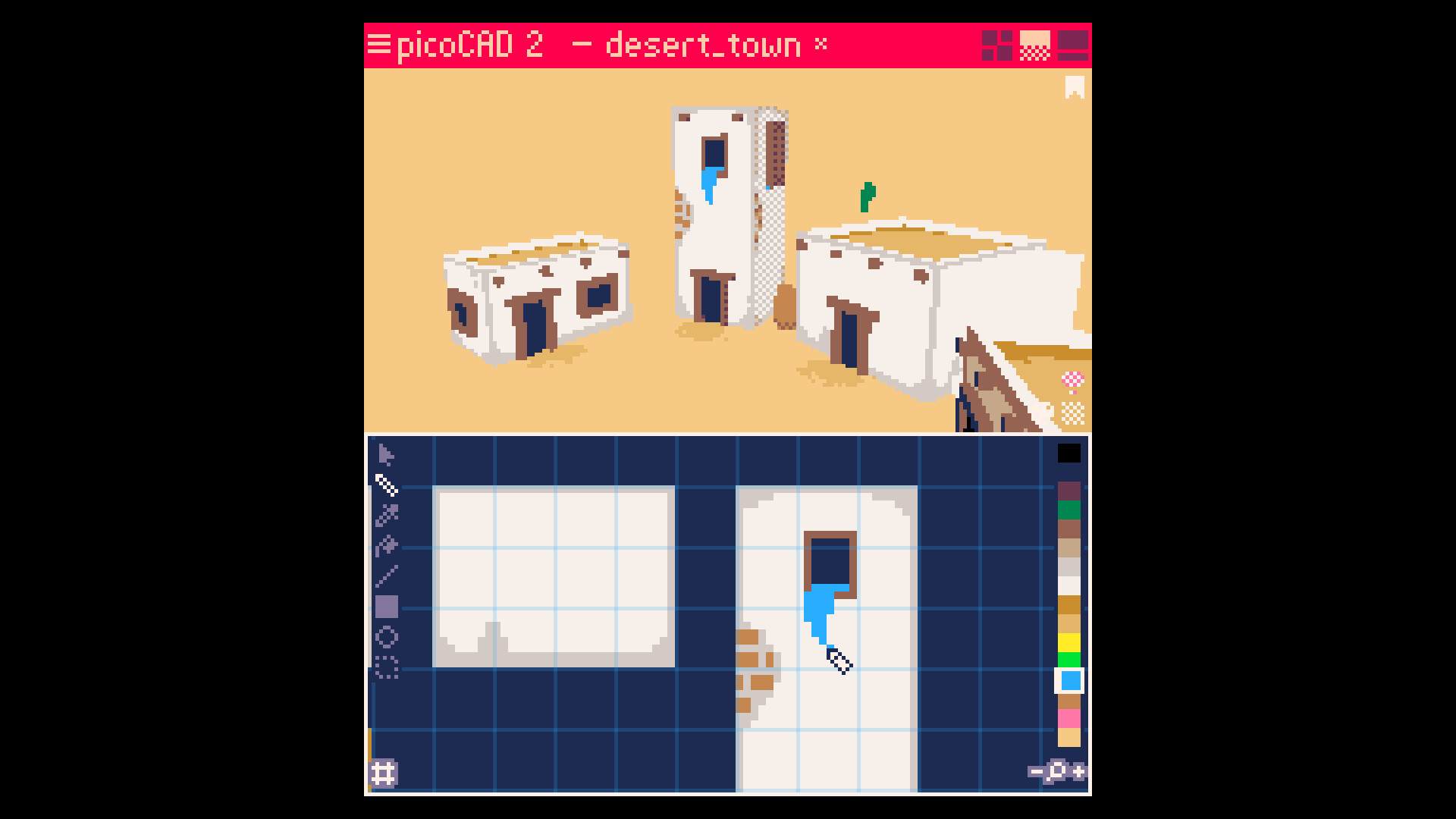
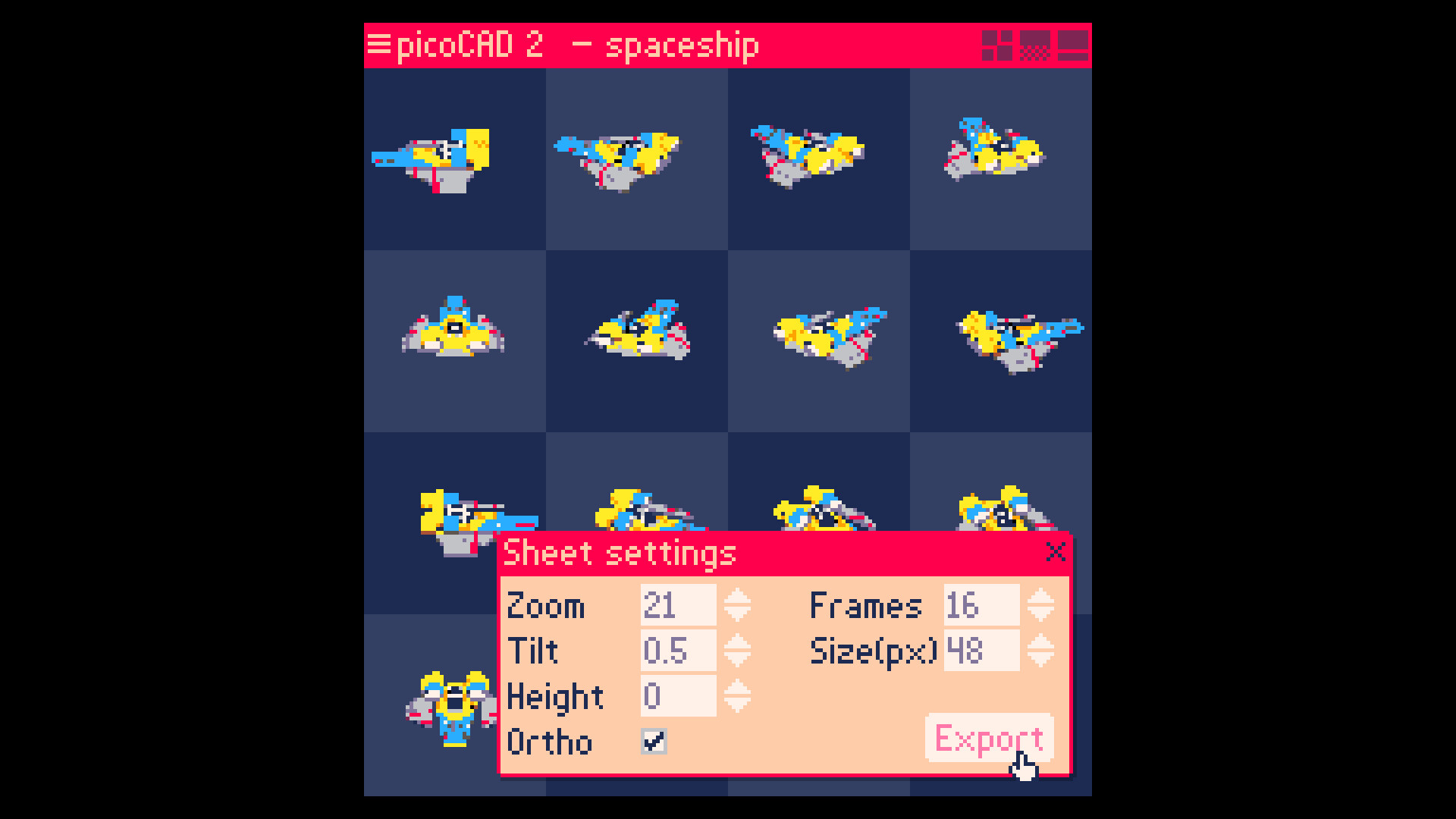
The core loop in picoCAD 2 is intentionally compact: you place voxellike vertices, extrude, paint and rig without diving into menus stacked as high as a Blender tutorial. Most days with it felt like sketching in 3D — fast, forgiving and refreshingly tactile. The built‑in texture editor is a real highlight: you paint pixel art and immediately see those pixels wrap around geometry, which makes texturing feel direct instead of academic. Animation tools are approachable: simple bone/transform keying and frame exports let you produce GIFs or sprite sheets in one workflow, which is delightfully practical for game dev. Exports to GLTF and OBJ/MTL mean what you make here can leave the sandbox and go into engines like Unity or Godot with minimal fuss.
Constraints That Spark Creativity
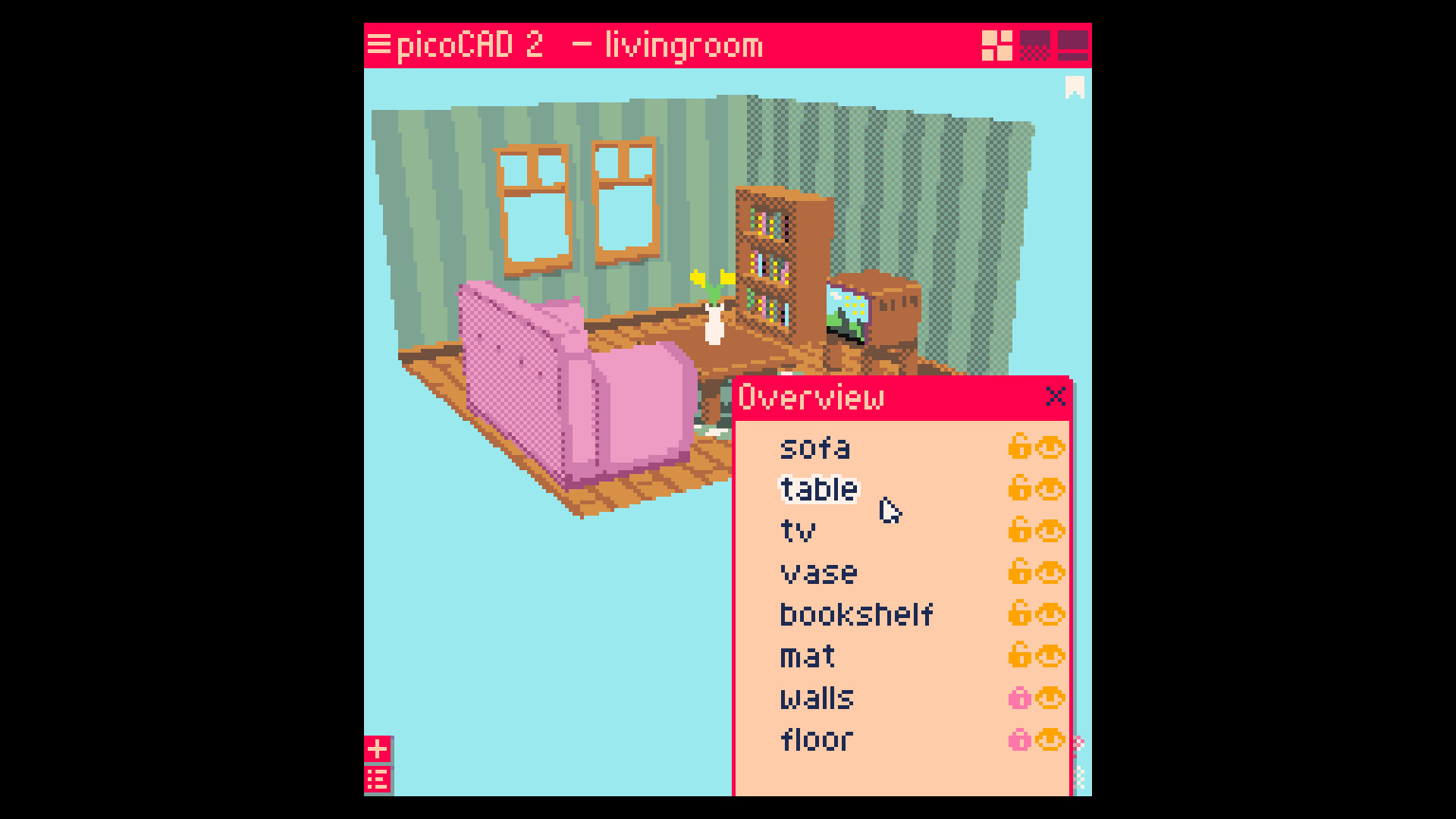
Where picoCAD 2 shines is how limitations become features. There are no intimidating arrays of modifiers or node trees — instead small constraints push you to clever solutions, and seeing other creators solve the same puzzles is part of the fun. The per‑pixel depth sorting removes the classic z‑fighting headaches you’d expect from low‑res rendering, so your silhouettes stay readable without manual hacks. Palette and shading editors let you craft a consistent retro look, and mesh hiding/locking means larger scenes stay manageable. I found myself intentionally designing around the tool’s quirks, and that constraint‑driven workflow turned into a creative advantage more times than not.
Retro Looks, Modern Polishing
Visually, picoCAD 2 leans hard into a low‑res, low‑poly aesthetic that feels like a love letter to late‑90s 3D, but with modern usability. The interface has been refined—cleaner fonts, better layout—so even extended sessions don’t feel like decoding hieroglyphs. Performance on Windows and macOS was solid during my tests (Linux support is not available at release), and the GIF and sprite‑sheet export options make sharing trivial. There are a few rough edges in UX — some tools require a tiny bit of muscle‑memory — but overall the presentation balances playful retro charm with sensible modern features. If you want your models to look intentionally 'blocky' and pixel‑tidy, picoCAD 2 delivers that with surprising polish.
picoCAD 2 is a joyful, focused modeling tool that carves out a sweet spot between accessibility and creative power. It’s ideal for artists, hobbyists and indie devs who want to make low‑poly models, sprite sheets or quick animations without a huge learning curve. Buy it if you want a fast, charming pipeline for retro‑style assets; don’t expect it to replace full 3D suites for heavy, production‑grade scenes.
Pros
- Very approachable for beginners yet deep enough for quick production
- Integrated texture editor and easy GIF/sprite exports
- Clear low‑poly aesthetic with per‑pixel depth sorting (no z‑fighting)
- Direct export to GLTF and OBJ/MTL for engine workflows
Cons
- Not as fully featured as Blender or Blockbench for complex pipelines
- Some UX niggles and a bit of muscle memory required for advanced tools
- No Linux support at launch
Player Opinion
Players are overwhelmingly positive: many praise picoCAD 2 for being an approachable bridge between toy editors and full 3D packages, repeatedly noting the joy of making something in a single sitting. Playtesters highlight the texture editor and animation framework as game changers compared to picoCAD 1, and several users compare the experience favorably to Blockbench for small models. Criticisms are minor but recurring: a few users mention fighting with certain UI behaviours or wanting broader controller/custom bindings, and power‑users point out that it’s not meant to replace Blender for complex scenes. If you like quick prototyping, pixel‑art textures and retro aesthetics, the community consensus is: give it a spin.