



Scriptorium: Master of Manuscripts Review – A Cozy Medieval Art Sandbox
I dove into Scriptorium's illuminated pages and came out inspired. A relaxed creative tool with a charming story mode and a sandbox that feels like medieval Canva.
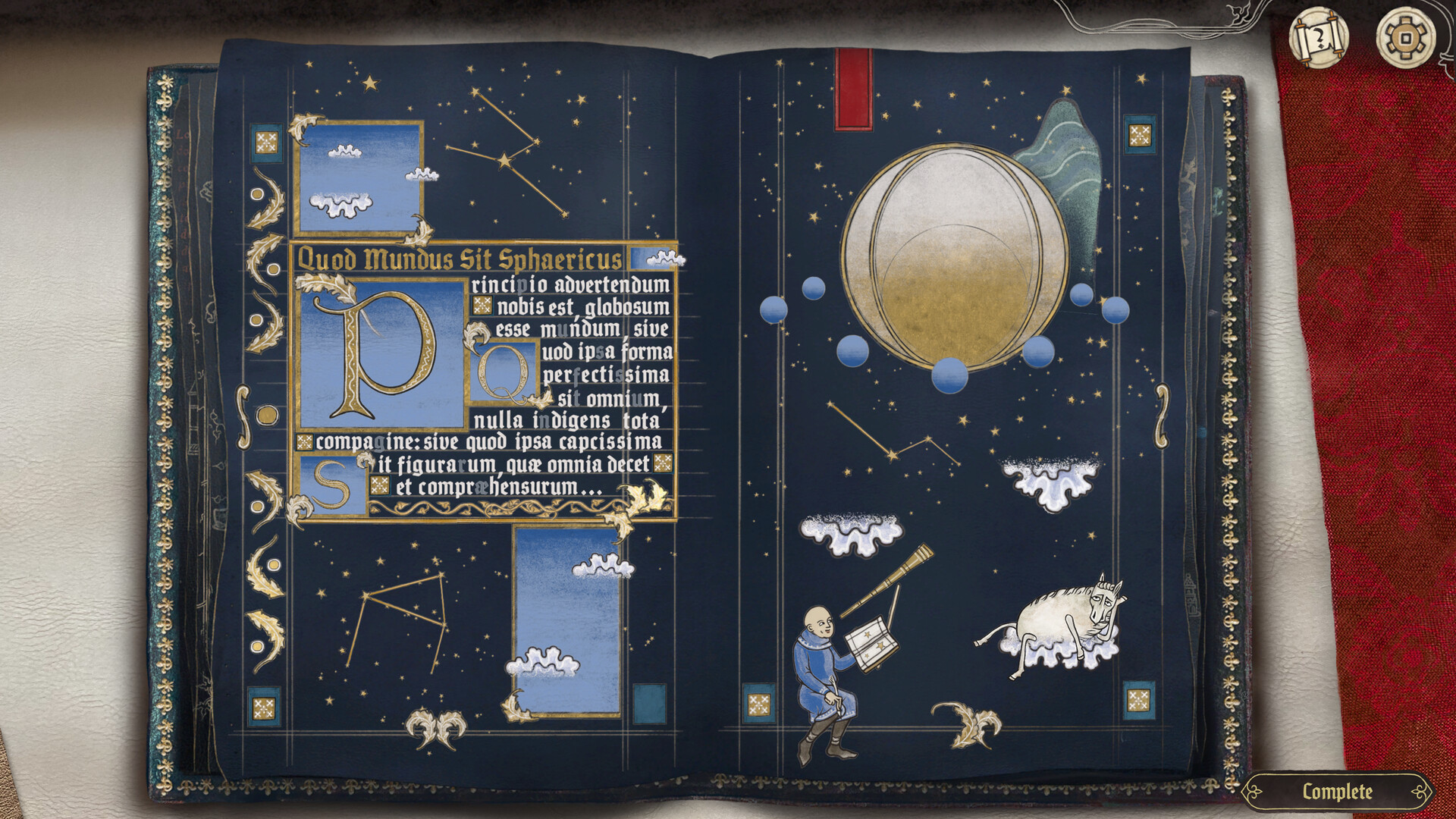
Scriptorium: Master of Manuscripts is one of those rare indie games that feels like both a cozy toybox and a proper creative tool. On release, Yaza Games hands you a library of over a thousand medieval assets, fonts and parchment types, then politely steps back while you make glorious nonsense: knights with snail mounts, trumpet‑farting bunnies, or tasteful heraldry for your DnD table. It’s a gentle mix of sandbox freedom and light progression via a story mode that gives you briefs and patrons to please. If you like fiddly sticker‑based creation tools—think medieval Canva—this one will devour evenings without asking permission.
Bringing the Scriptorium to Life
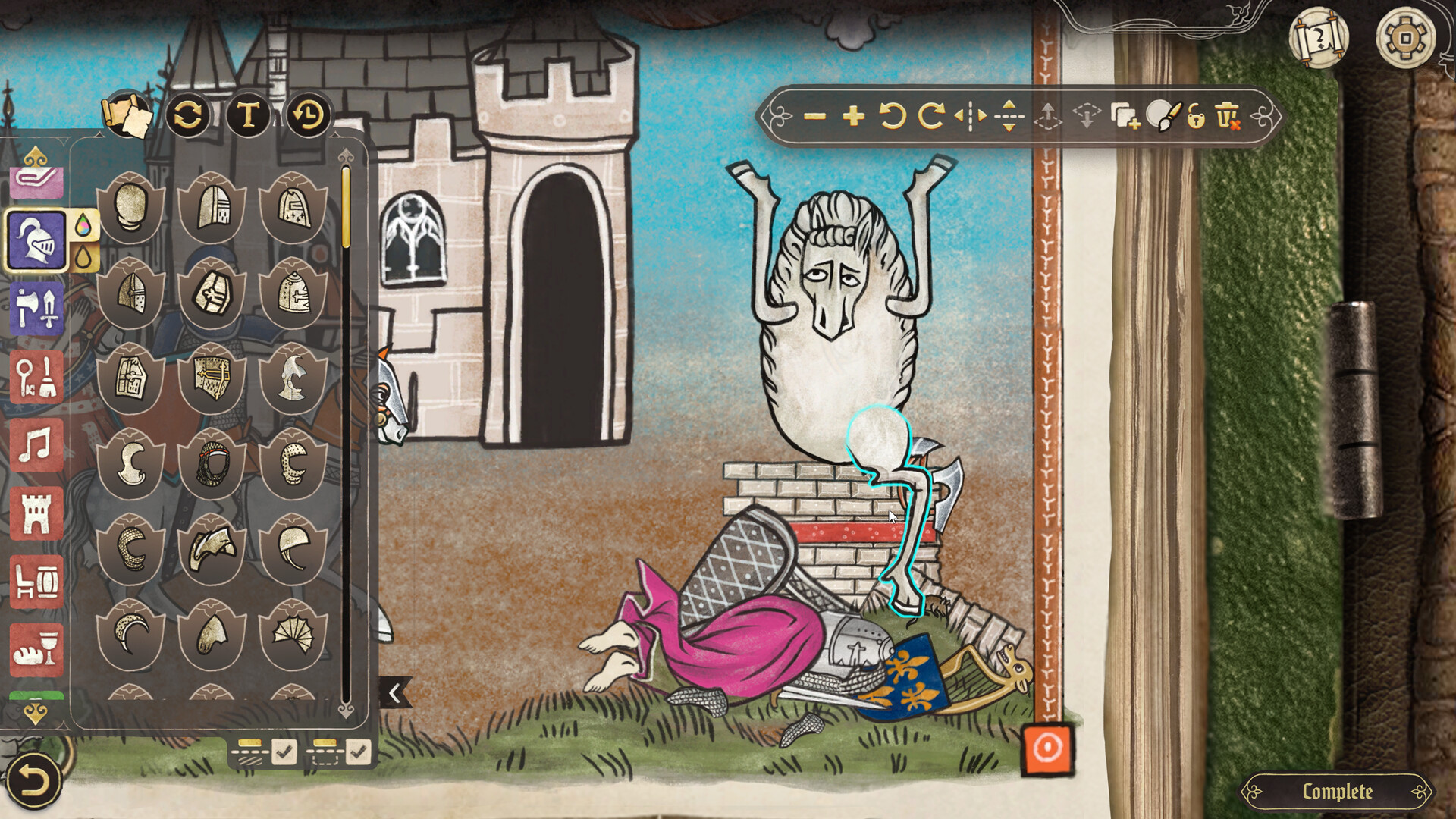
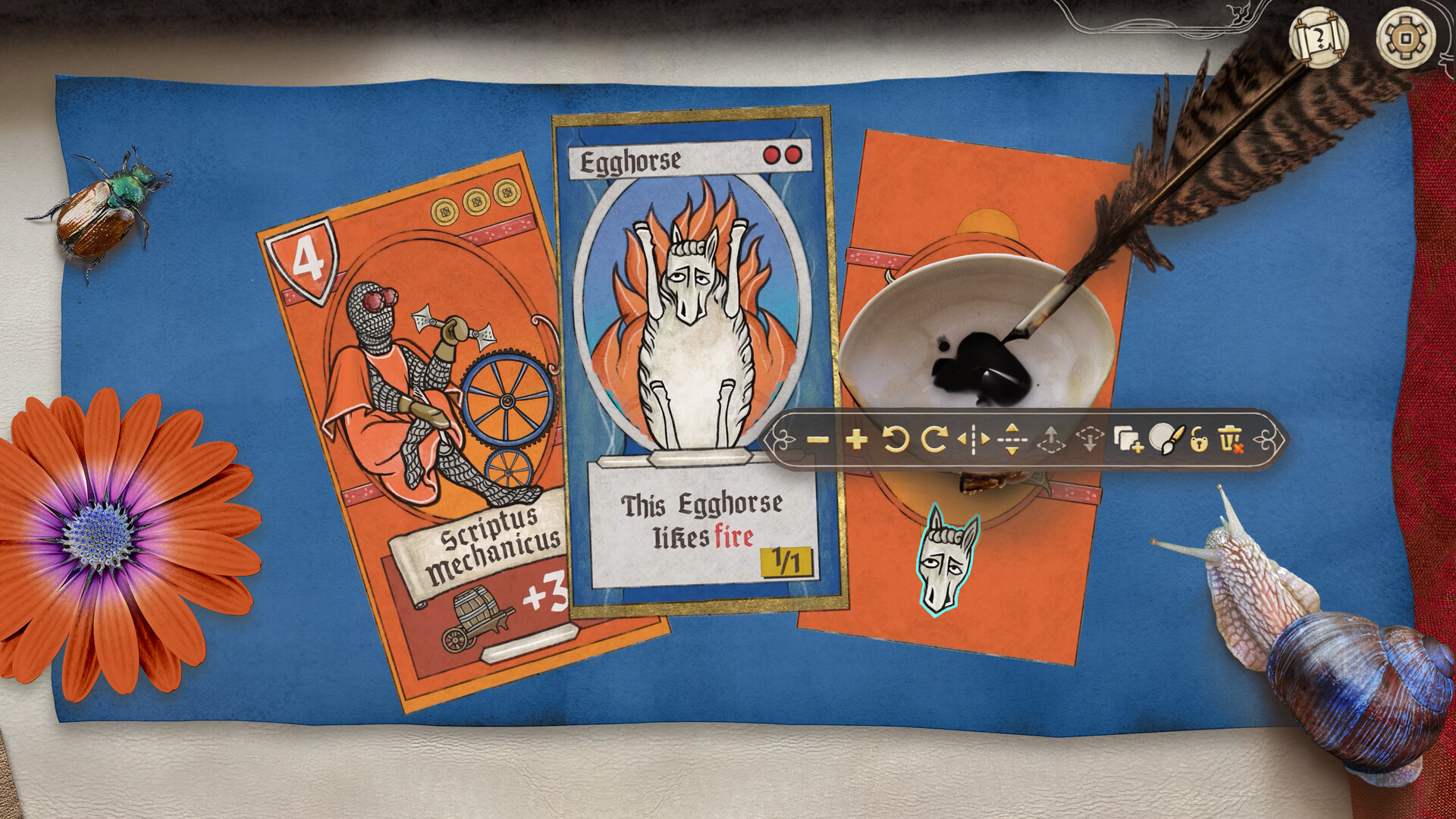
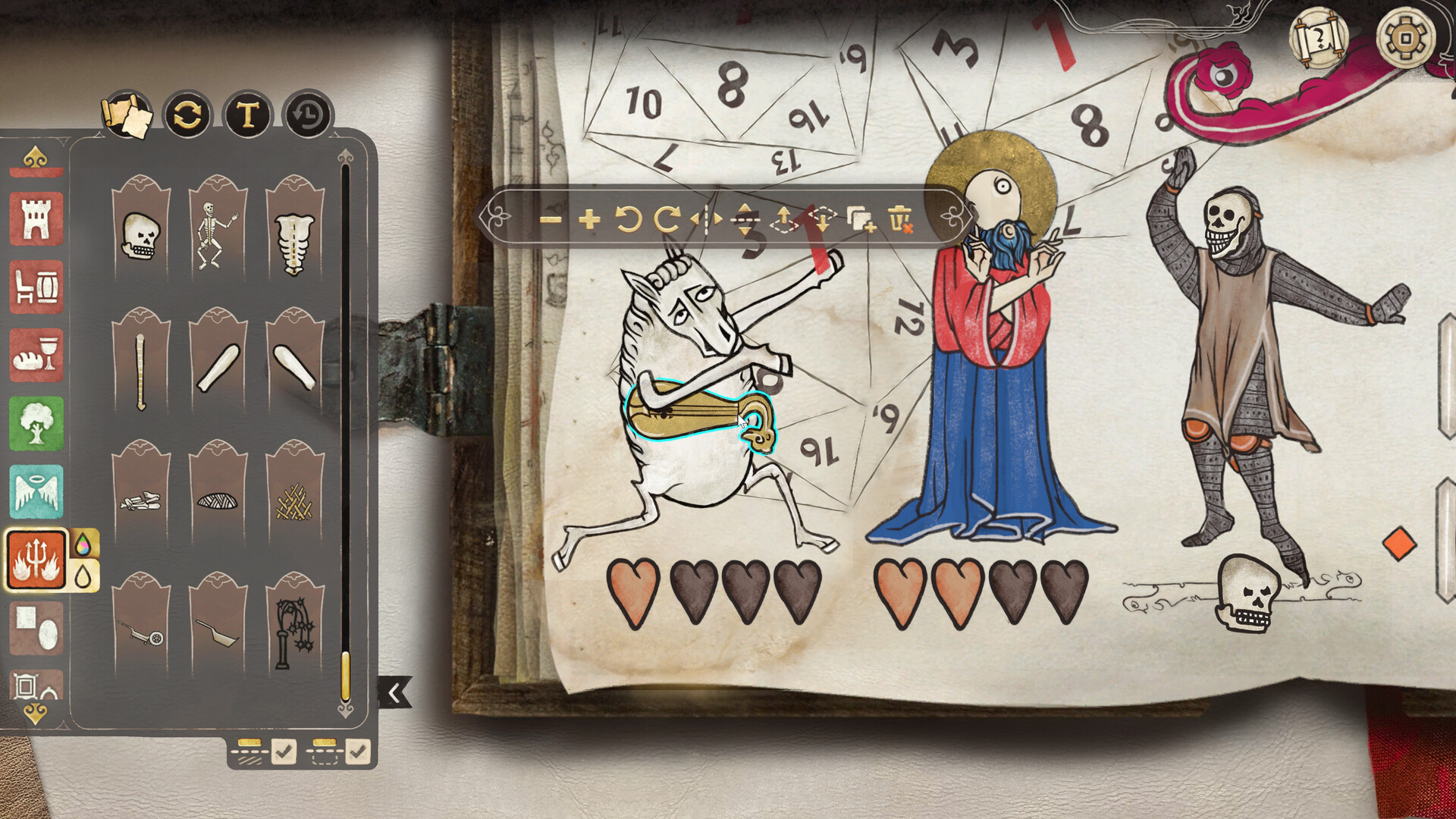
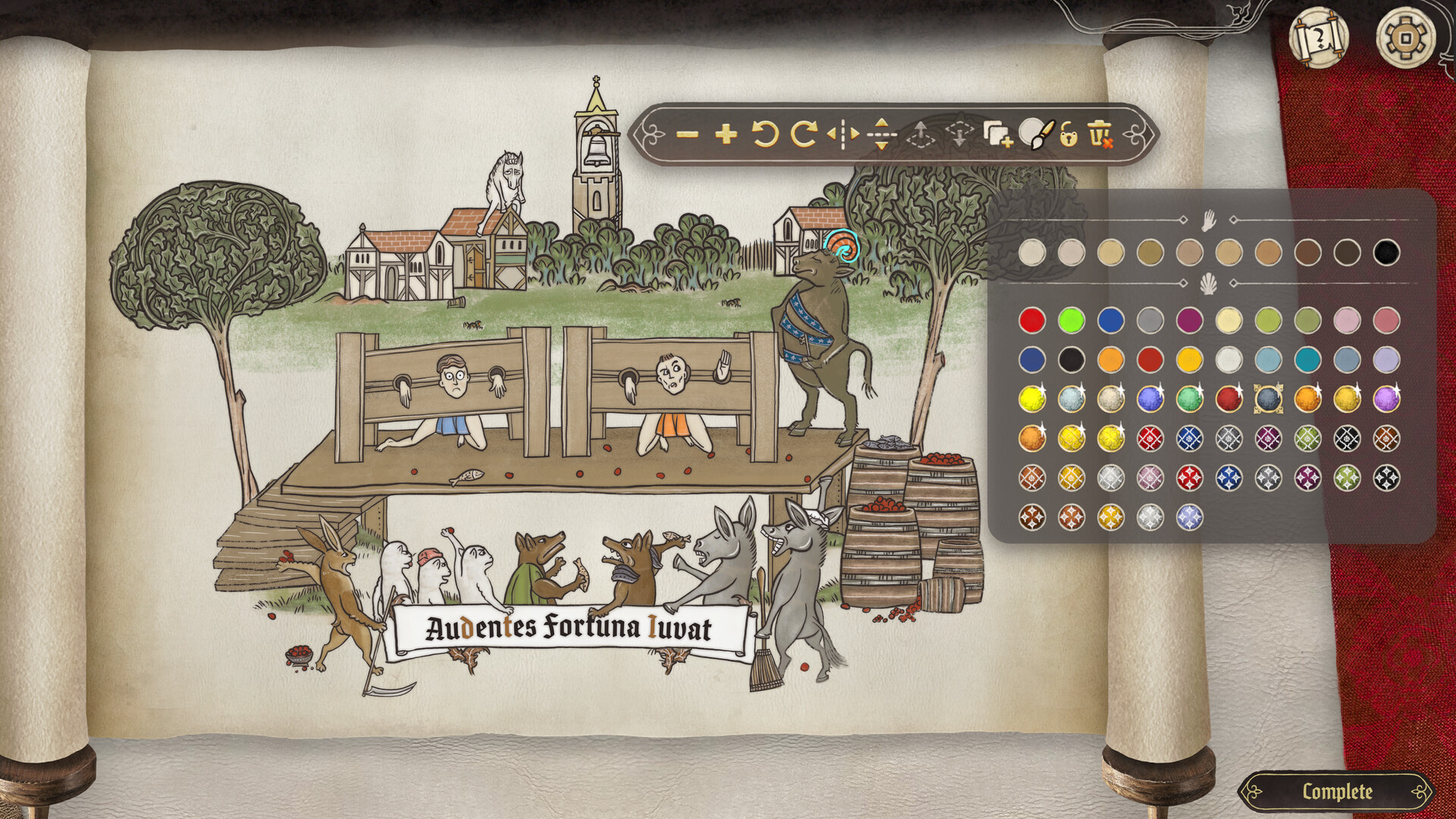
The core loop of Scriptorium is simple and immensely satisfying: pick a parchment, drag and drop assets, arrange, tint pigments, and add ornate initials and text. I found myself treating each commission like a tiny puzzle — which beast faces go best with which border, does that snail look more heroic with a lance or a lute — and the game consistently rewards experimentation. Story Mode gives focused briefs from eccentric patrons, which guide you with prompts and unlock new assets as you progress. Sandbox Mode, by contrast, is pure liberation: blank page, full library, no clients. The UI leans into accessibility: snapping, layering, flip/mirror controls, and opacity sliders mean you can compose surprisingly complex pages without fighting the interface. I appreciated the pacing — no timers, no stress — it’s the exact opposite of a rush job and perfect for unwinding.
Medieval Assets That Steal the Show
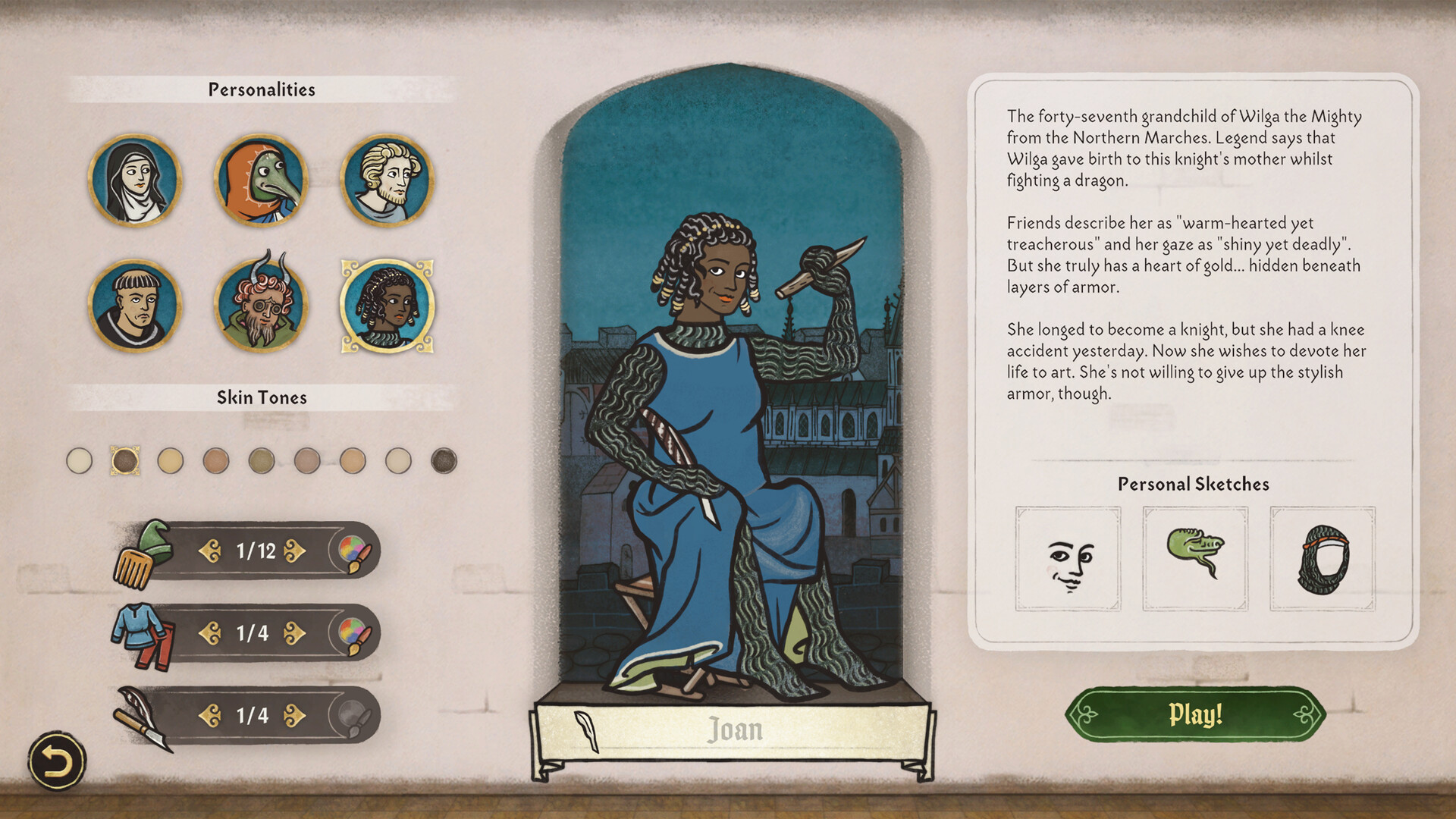
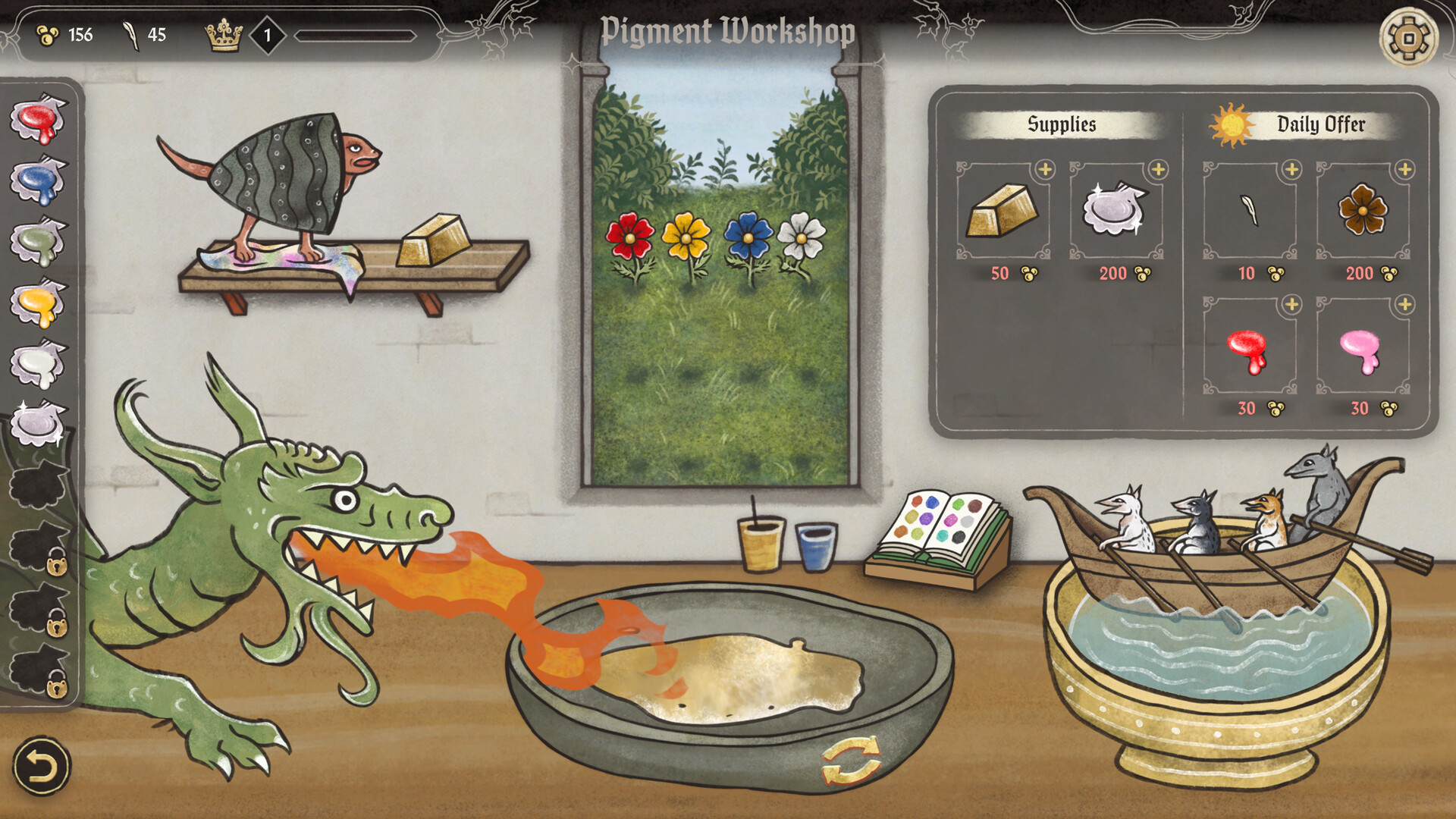
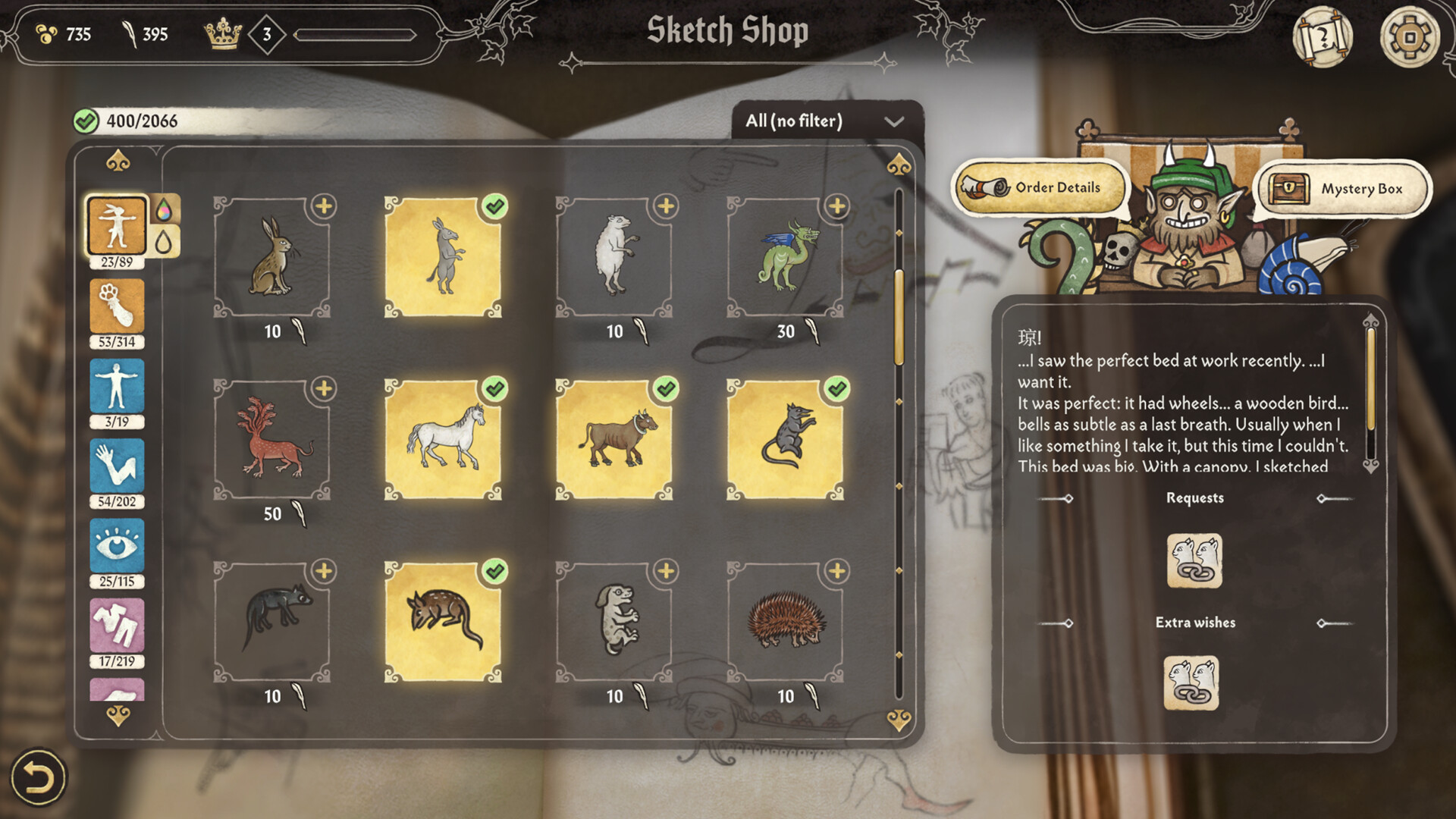
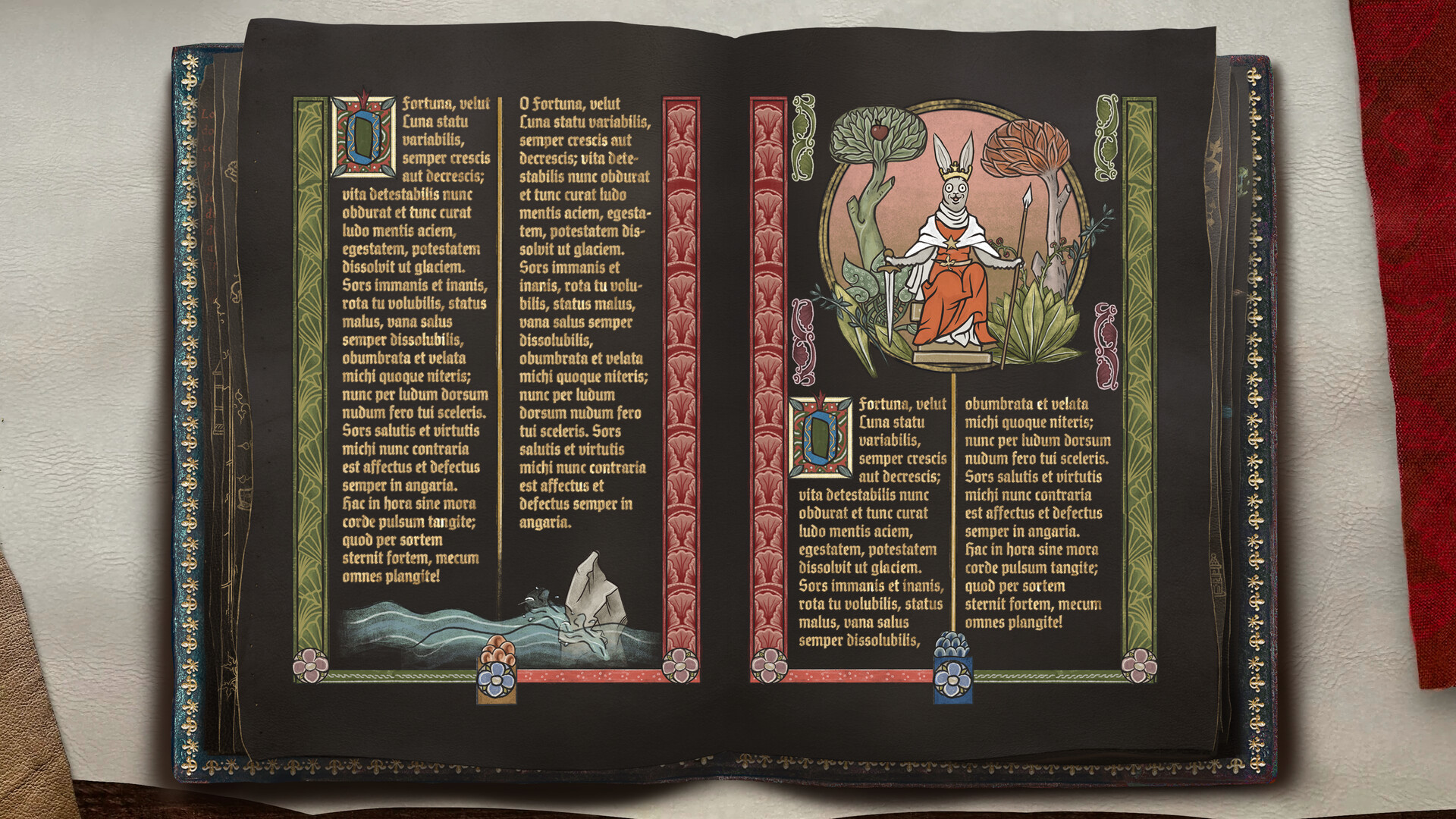
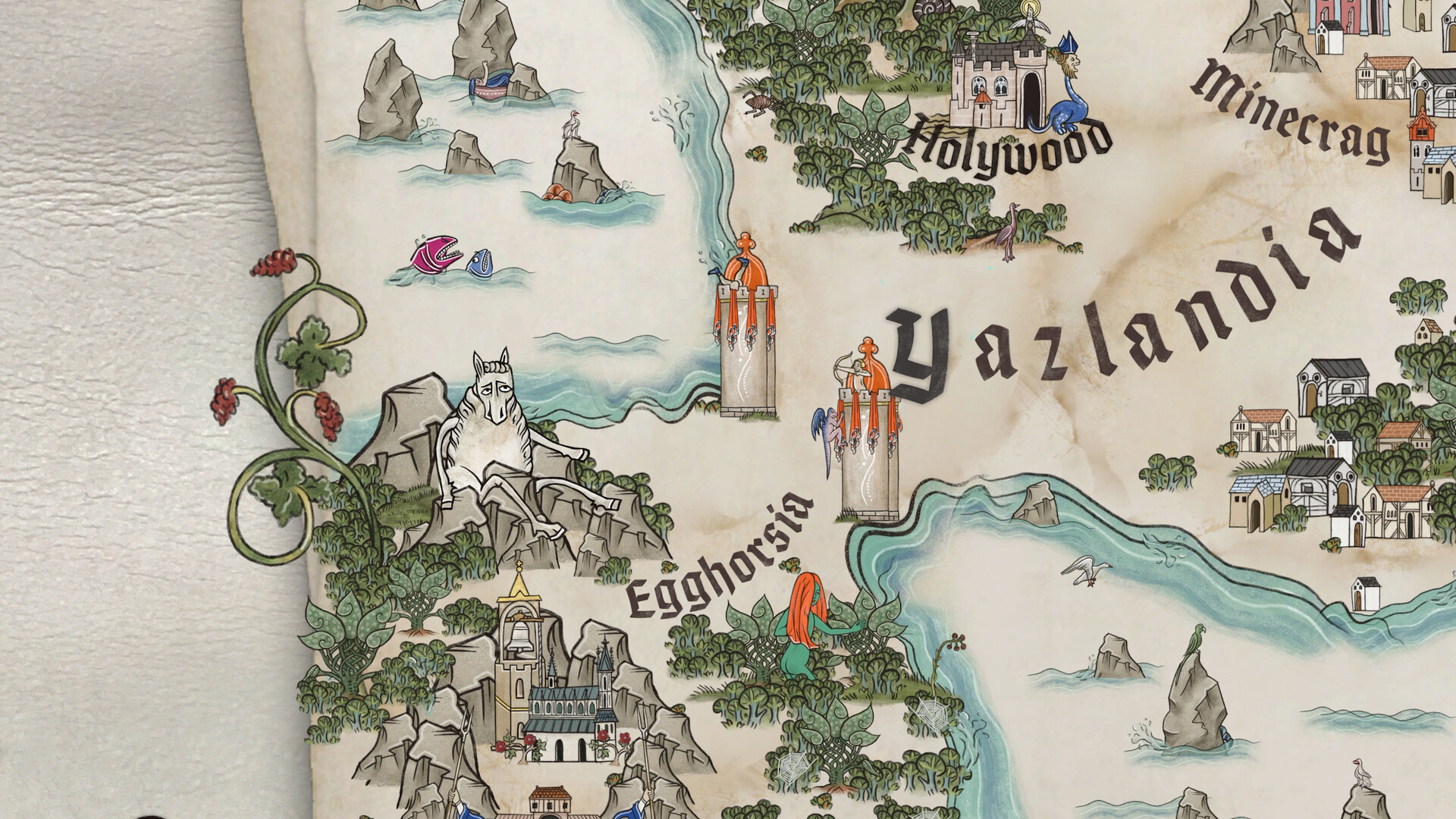
What makes Scriptorium sing is its asset palette. There are beasts and buttocks, bishops and bugs, decorative vines and totally unjustified human‑headed horses — all lovingly redrawn from medieval sources. The variety lets you be historically tasteful or shamelessly silly, and the game encourages both. Asset rarity and story unlocks give a mild metagame: you want that special pigment or marginalia to fit a client brief, so you play a bit more. Text tools are a surprisingly powerful touch: medieval fonts and illuminated capitals let even text‑heavy pieces look like a proper manuscript. Export options — PNGs optimised for print — mean your creations can leave the game and become real-world cards, maps, or TTRPG props, which is something I actually did and was delighted by.
A Workshop That Smells of Ink
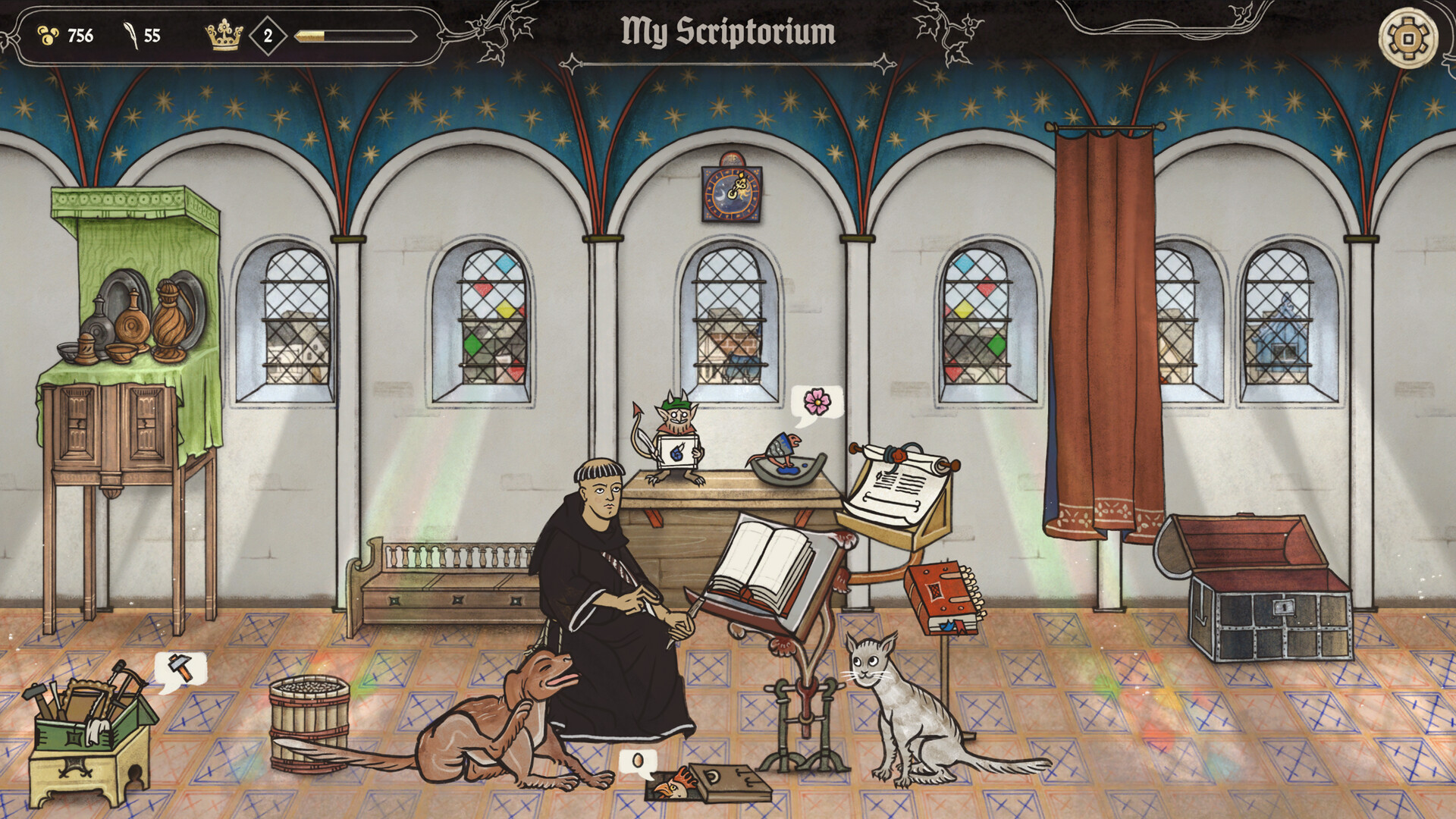
Presentation and tech are tidy. The art style lovingly mimics manuscript illumination without being a dry museum‑replica: colours are rich, lines are slightly playful, and animations (like idle candlelight) add atmosphere. Sound design is unobtrusive — a few idle tracks that loop pleasantly; some players asked for more music variety and I agree it can feel thin after long sessions. Performance has been impressive on launch: it ran smoothly on my laptop and, based on community feedback, even on Steam Deck. Accessibility options are sensible; font sizes, UI scaling and simple controls make the game approachable for people who might be intimidated by blank canvases. The gallery system and export features are thoughtful touches for an asset‑heavy tool like this.
Scriptorium is a rare blend of tool and toy: it’s approachable enough for non‑artists, deep enough for creators who like to tinker, and charming enough to keep you smiling while you work. I recommend it especially to fans of medieval art, tabletop RPG creators, and anyone who needs an excuse to waste productive hours making ridiculous illuminated manuscripts. Buy it if you love cozy creativity; wait if you need advanced asset management right away.
Pros
- Huge, lovingly crafted asset library that sparks creativity
- Relaxed, no‑pressure pacing — perfect for cozy sessions
- Accessible UI and robust export options for sharing/printing
- Story Mode adds charming briefs and a light progression
Cons
- Music and ambient audio can feel repetitive in long sessions
- Asset labelling and organization could use improvement
- Would benefit from more advanced grouping/save options for custom assets
Player Opinion
Players love the sandbox freedom and how easy Scriptorium makes creative work feel — many reviewers say they have no artistic training yet produce delightful illustrations within minutes. The Story Mode’s quirky patrons and prompts are praised for giving direction without constraining creativity, and the unlockable assets create a pleasant loop of discovery. Performance and accessibility are recurring positives: people report smooth play even on modest hardware and Steam Deck. Criticisms are minor but consistent: some users want more music variety, better asset naming/organization, and the ability to save grouped custom assets for reuse. If you enjoy cozy creative sims or need printable props for tabletop RPGs, community feedback suggests Scriptorium will become a go‑to tool.