





IT Specialist Simulator Review – Realistic IT Sim with Growing Potential
I spent several messy, rewarding shifts as a virtual helpdesk tech — IT Specialist Simulator nails the feel of troubleshooting, commands and ticket chaos, but early-access bugs and a clunky UI hold it back from perfection.
If you've ever wanted to live the life of a helpdesk grunt or a network admin without the HR emails, this sim scratches that itch. It sits somewhere between PC Building Simulator and a time-management job sim, focused on realistic commands and career progression.
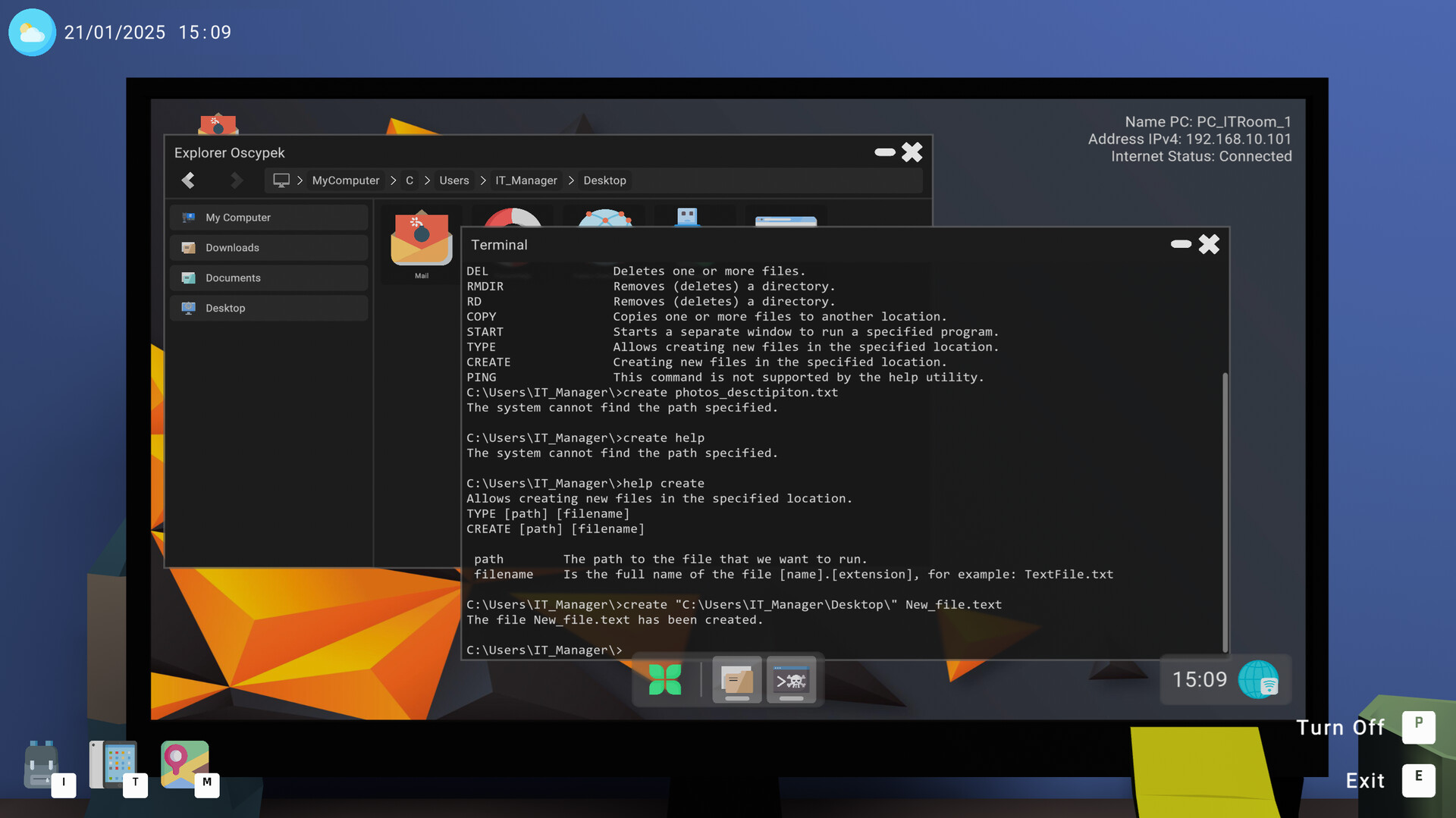
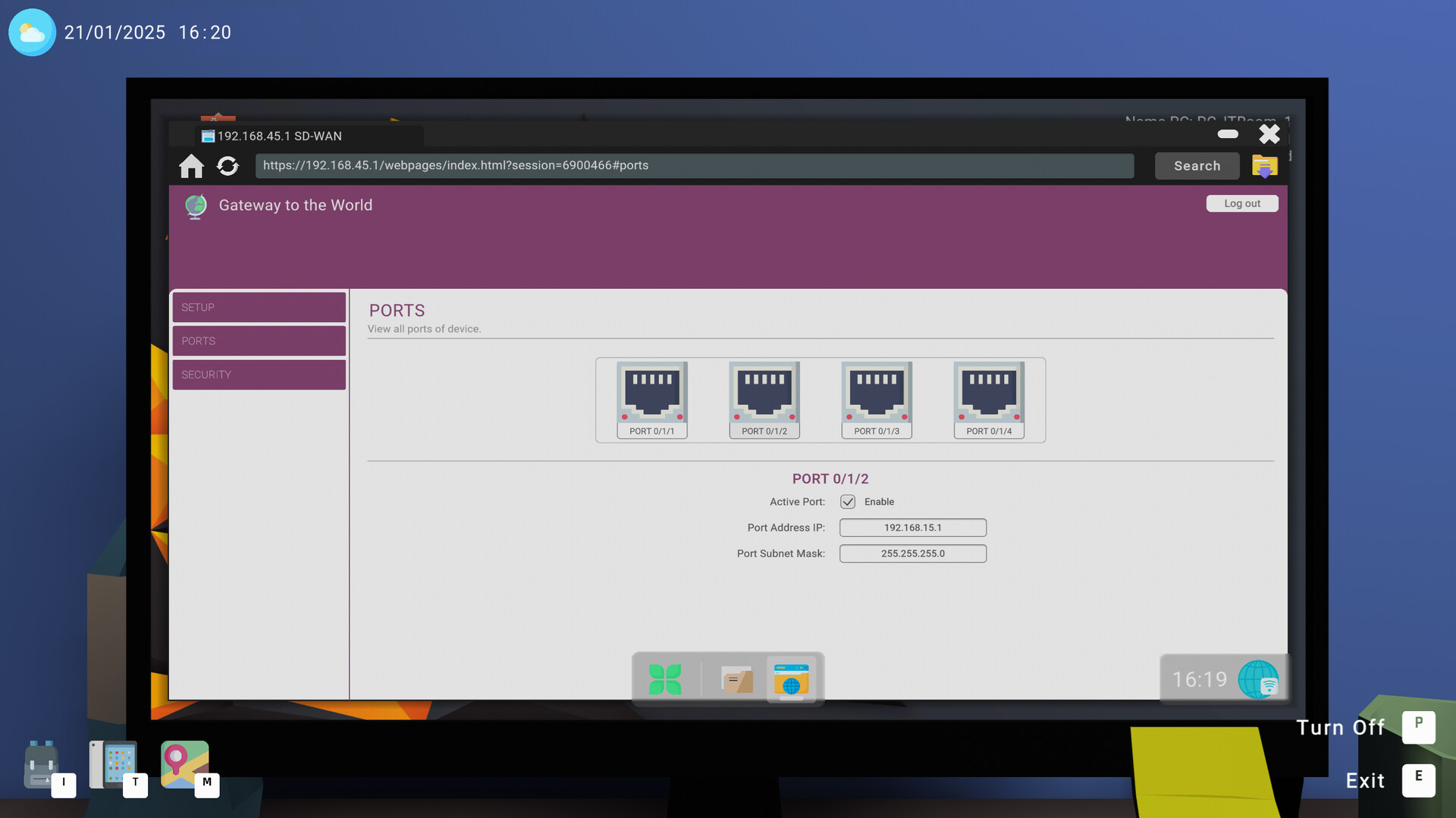
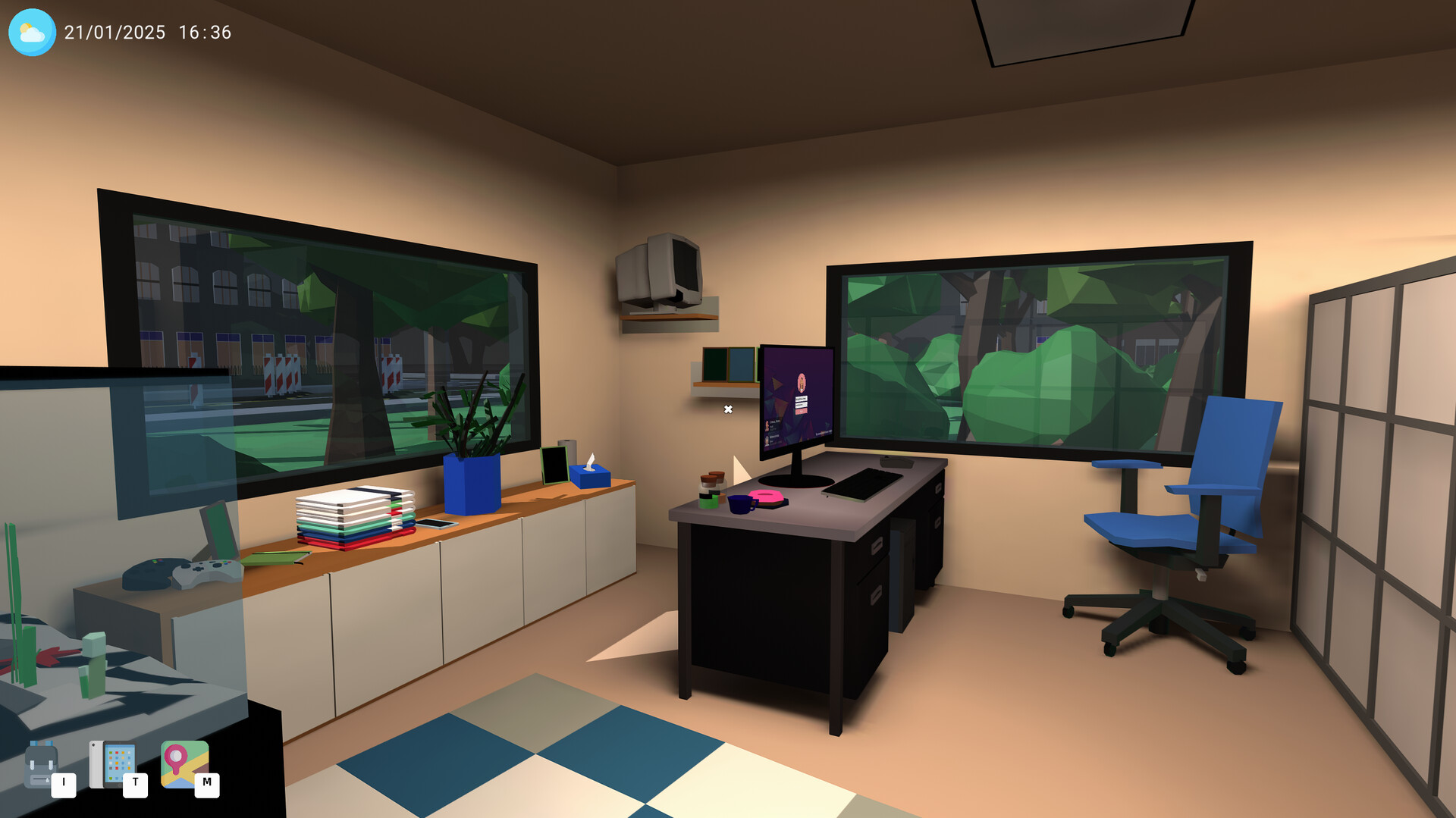
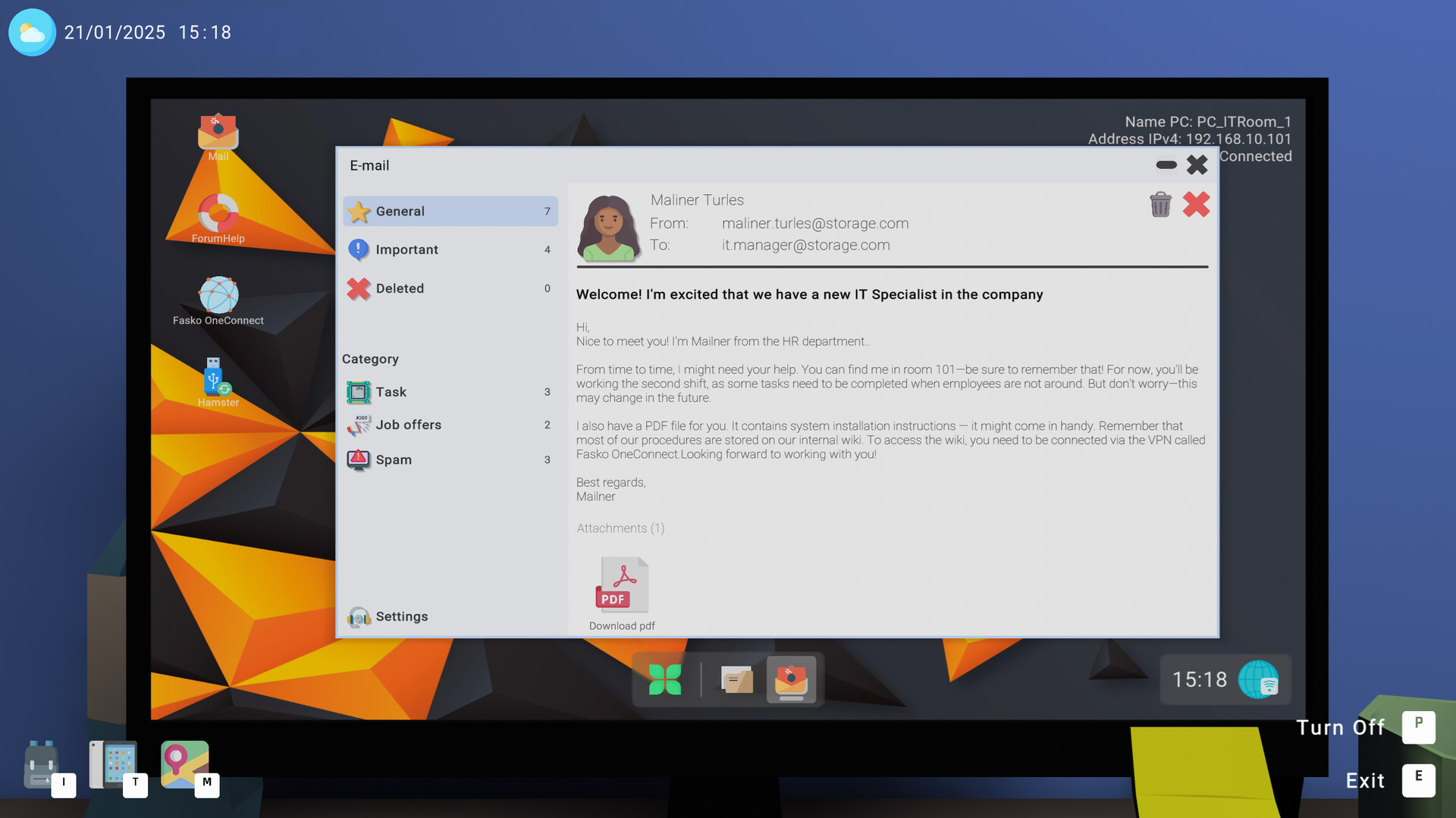
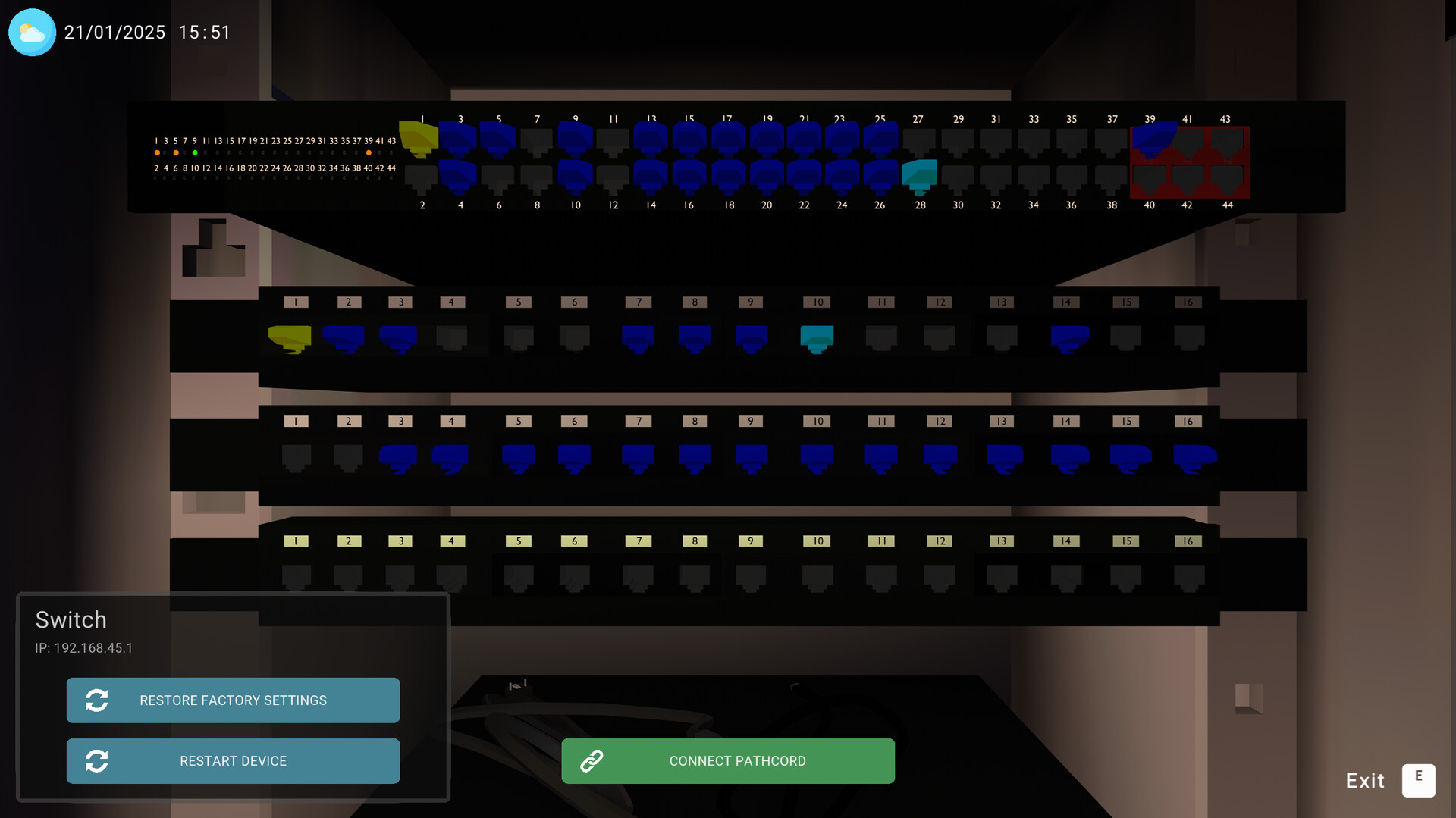
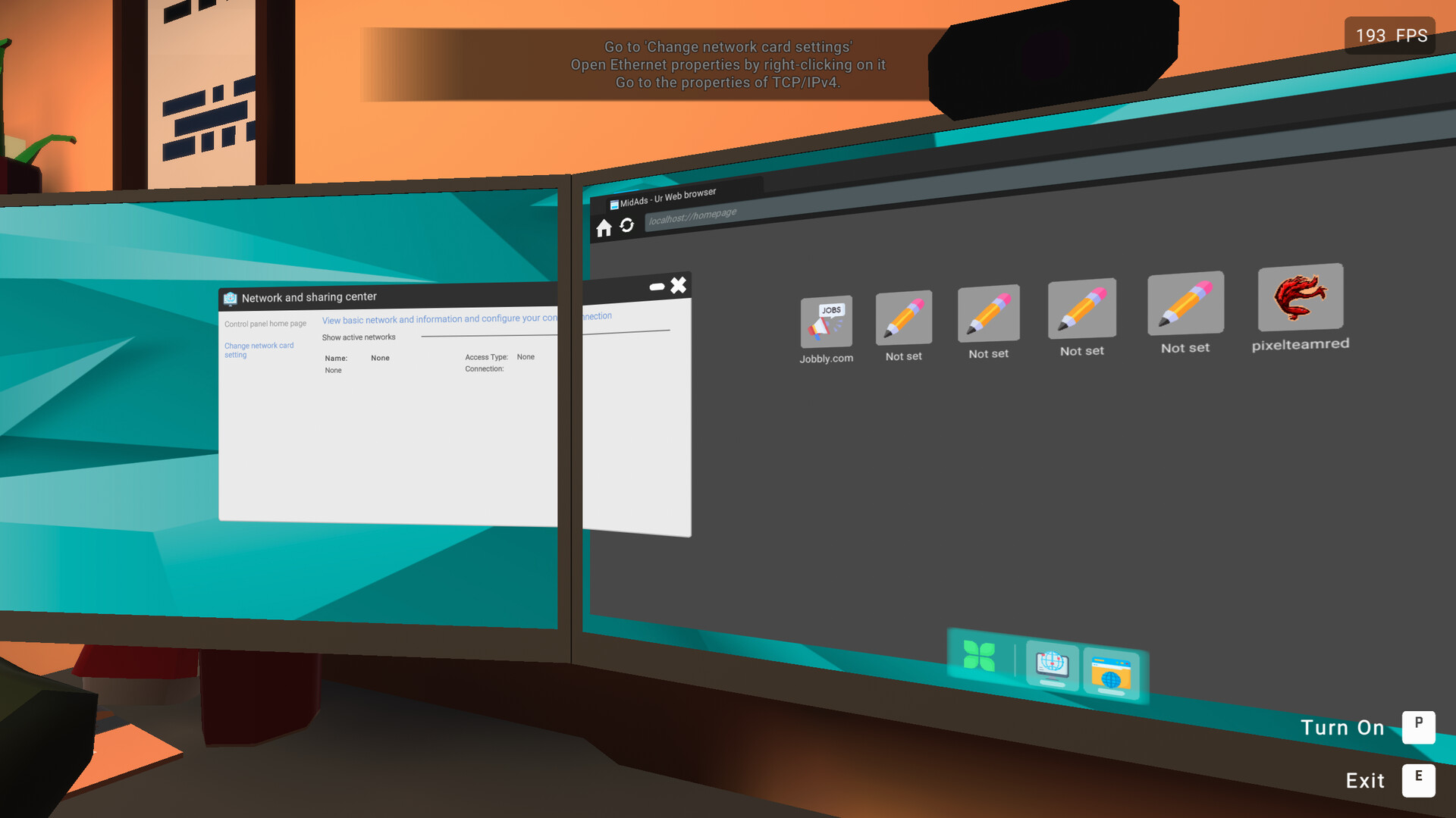
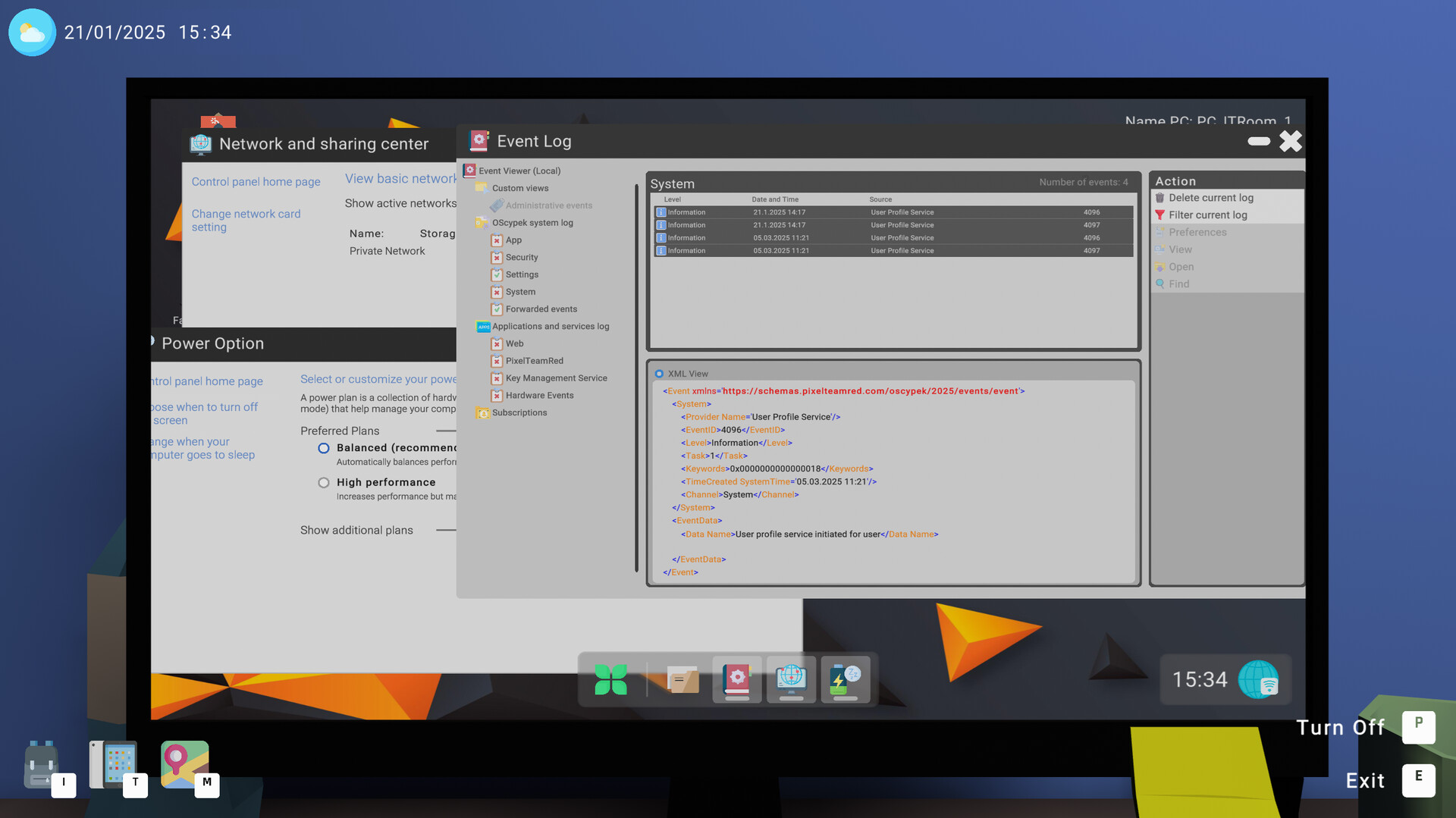
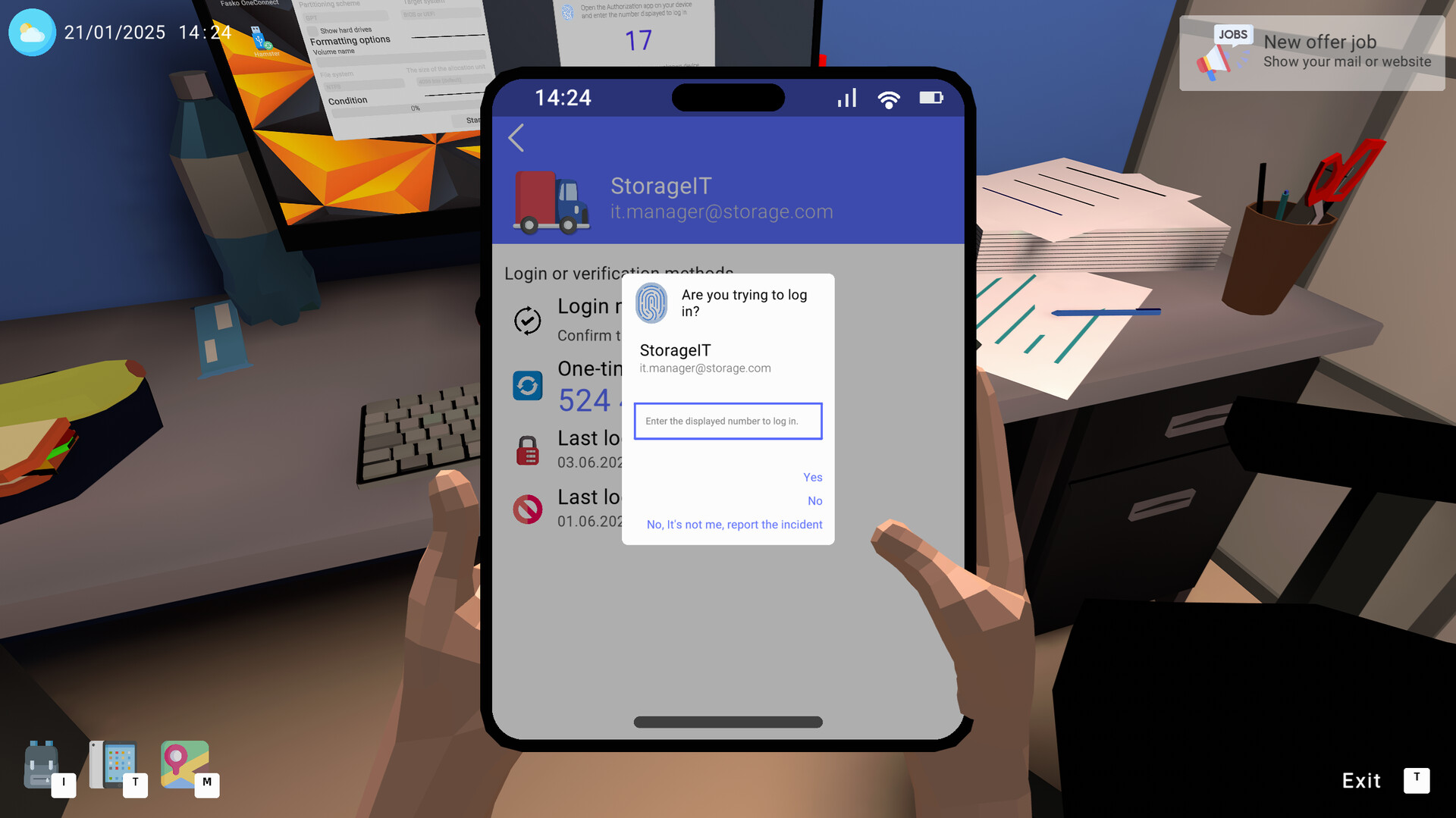
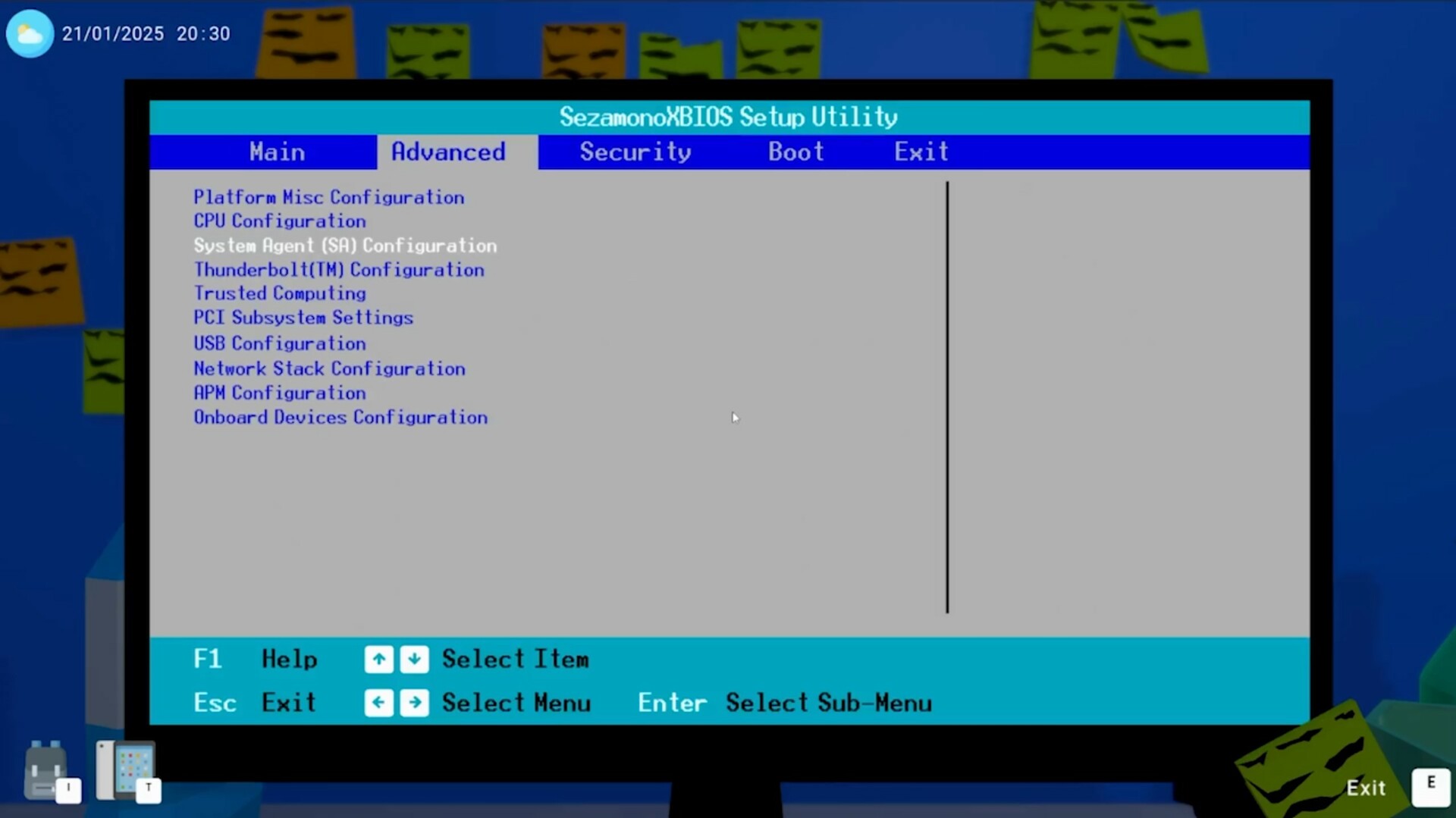
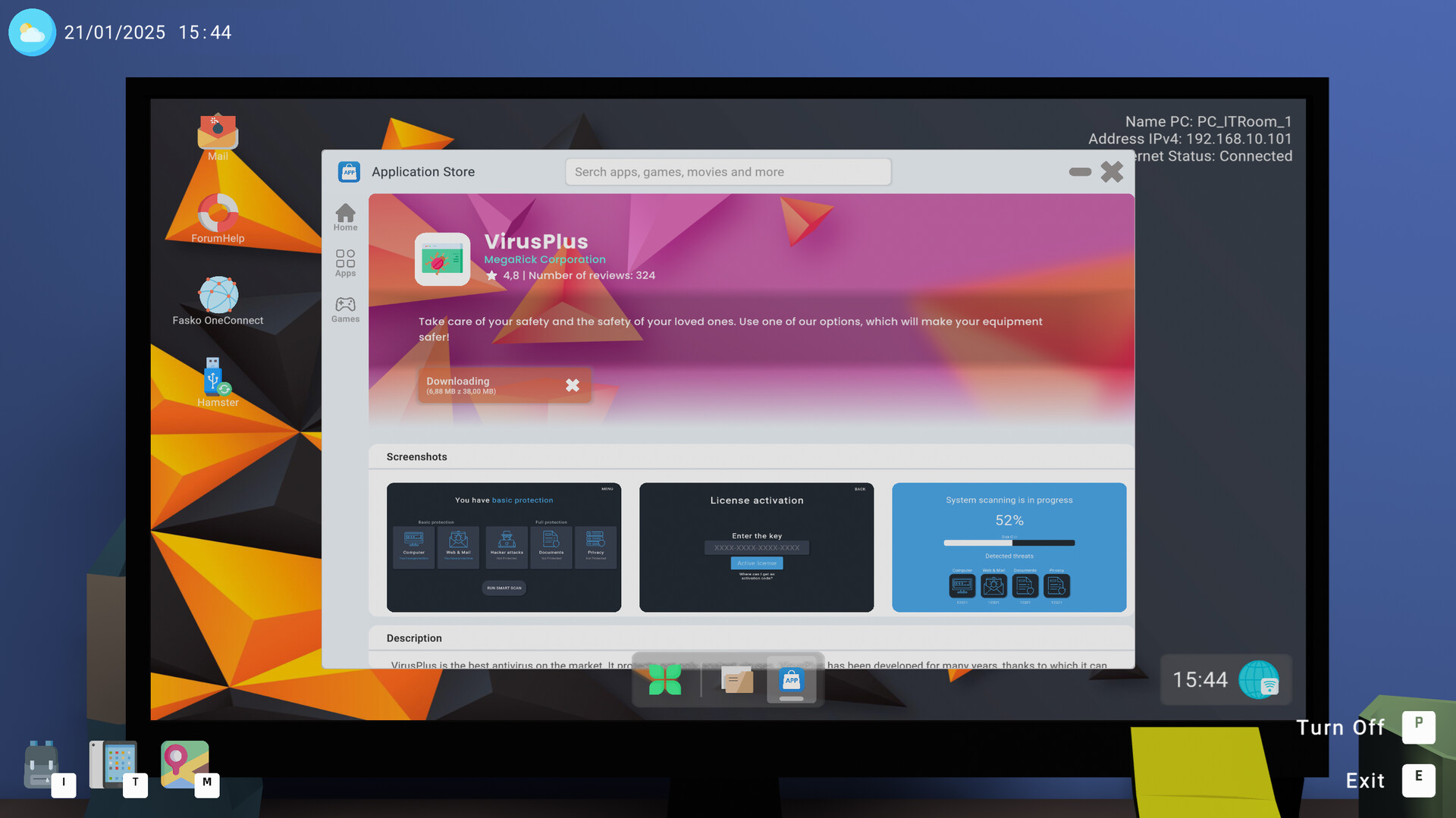
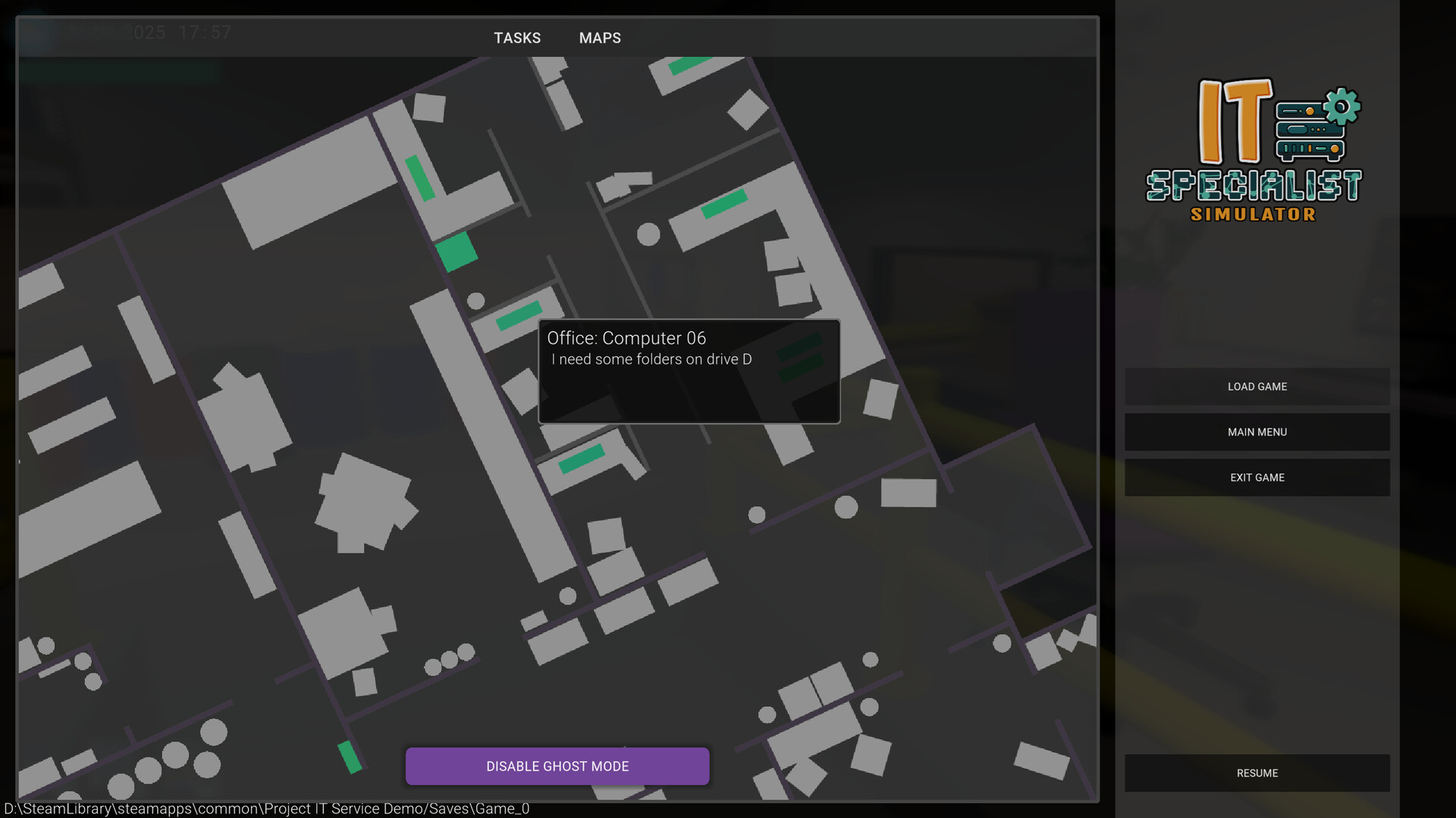
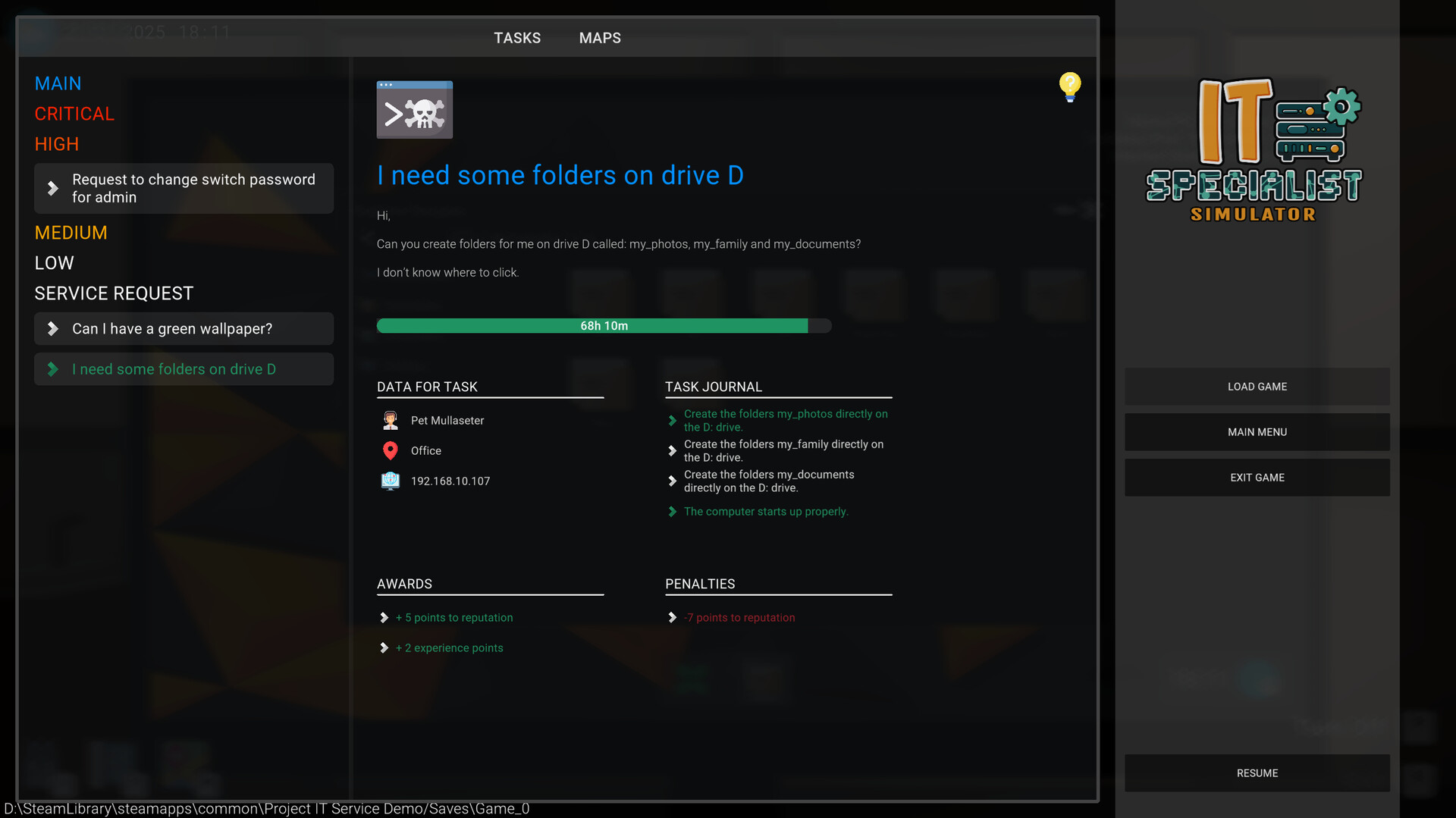
You spend your day juggling tickets: remote into PCs, set static IPs, run ping and eventvwr.msc, change passwords and physically tinker with hardware. The game uses real-like commands and an OS that feels familiar to anyone who's dealt with Windows internals — that makes solving problems genuinely satisfying. Career paths let you specialize from frontline HelpDesk to Network Admin or IT Manager, and there’s a learning/practice mode that lets you disassemble devices and replay failure scenarios. Time management and SLA-style prioritization add pressure — often in a good "I have to fix this now" way. The interface is tablet vs. PC heavy, which models real tools but can be awkward in practice: many players report confusing keybinds and clunky switching. Bugs are the elephant in the server room: sticky interactions, tasks not registering, and save/pause quirks can turn a fun shift into a frustrating restart. Still, the devs are responsive and updates have eased some pains; the foundation and authenticity are where this game shines.
IT Specialist Simulator is a promising, hands-on sim that teaches and entertains, but buy it with Early Access expectations — patience for bugs and evolving features is required.
Pros
- Authentic IT mechanics — real commands and satisfying troubleshooting.
- Good educational value and learning mode for newcomers.
- Varied career paths and roles (HelpDesk, Network Admin, Field Tech).
Cons
- Early-access bugs and save/pause quirks that waste playtime.
- Clunky UI and awkward keybindings when switching interfaces.
Player Opinion
Players praise the realism, the networking tasks and the way the game rewards proper troubleshooting — many note it's the best "IT-like" sim so far. Common complaints are the bugs (tasks not registering, stuck interactions), the lack of friendly guidance for non-IT players, and repetitive tickets after a few days. Several reviewers also highlight the devs' responsiveness and hope that more content and polish will arrive as Early Access continues. If you work in IT you'll probably grin at many moments; if you're new, expect a learning curve and occasional frustration.