





EmoteLab Review — Cute, Practical Emote Maker for Streamers and OCs
EmoteLab turns premade characters into animated GIF emotes for Discord, Twitch and social media. Friendly for beginners, with lots of presets — but still early access, so expect rough edges.
I dove into EmoteLab expecting a cute little utility, and it mostly delivered: a no-fuss way to make animated GIF emotes from a built-in character model. If you’re a beginner creator, VTuber, or just someone who wants adorable reactions for chat, this tool promises fast results without requiring animation know-how. It’s clearly aimed at the social-media/streaming crowd and it nails accessibility — though its toolbox is intentionally limited. The result is charming, useful, and occasionally maddening in the best indie-software way.
Putting Together Your Tiny Performer
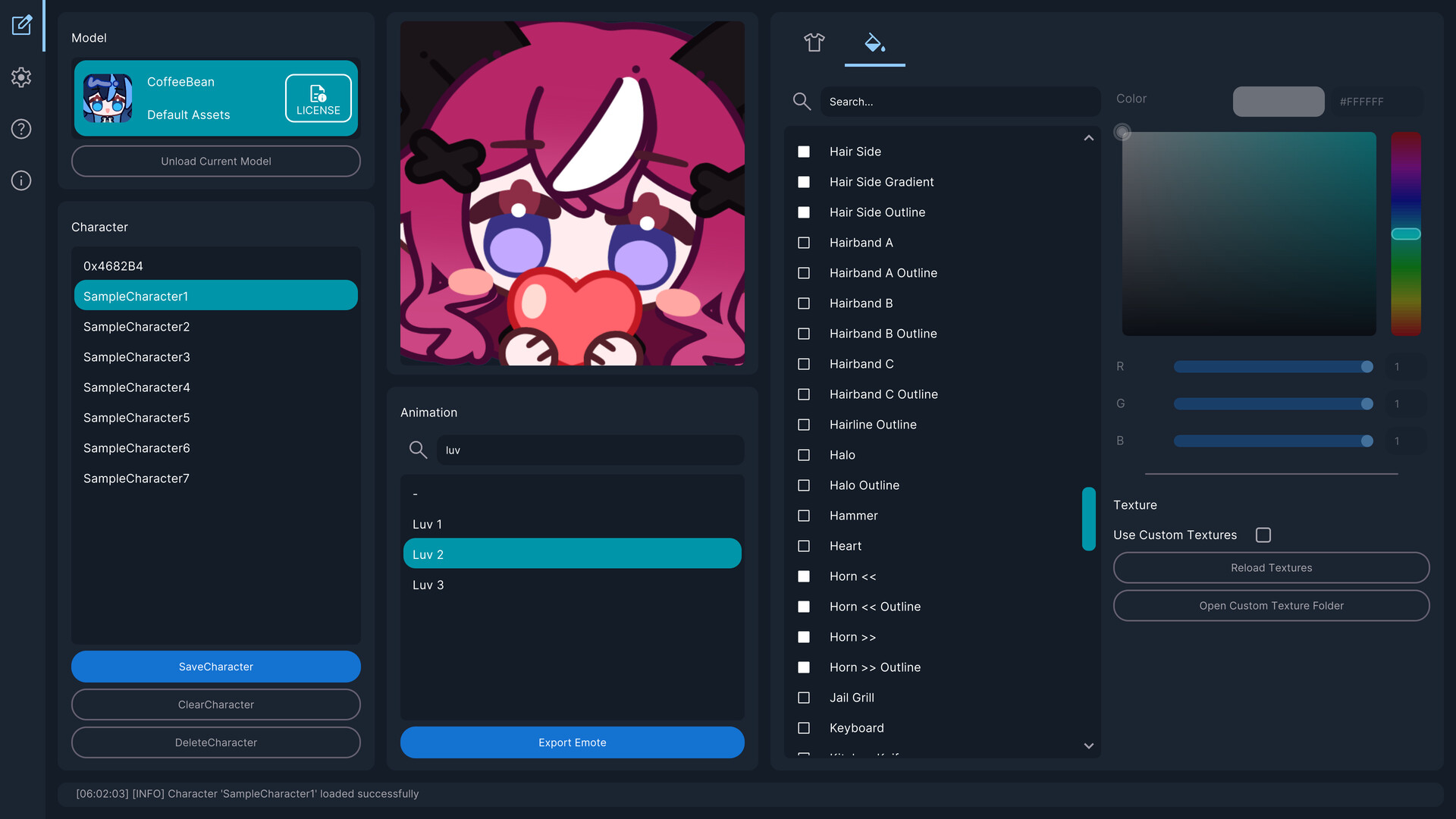
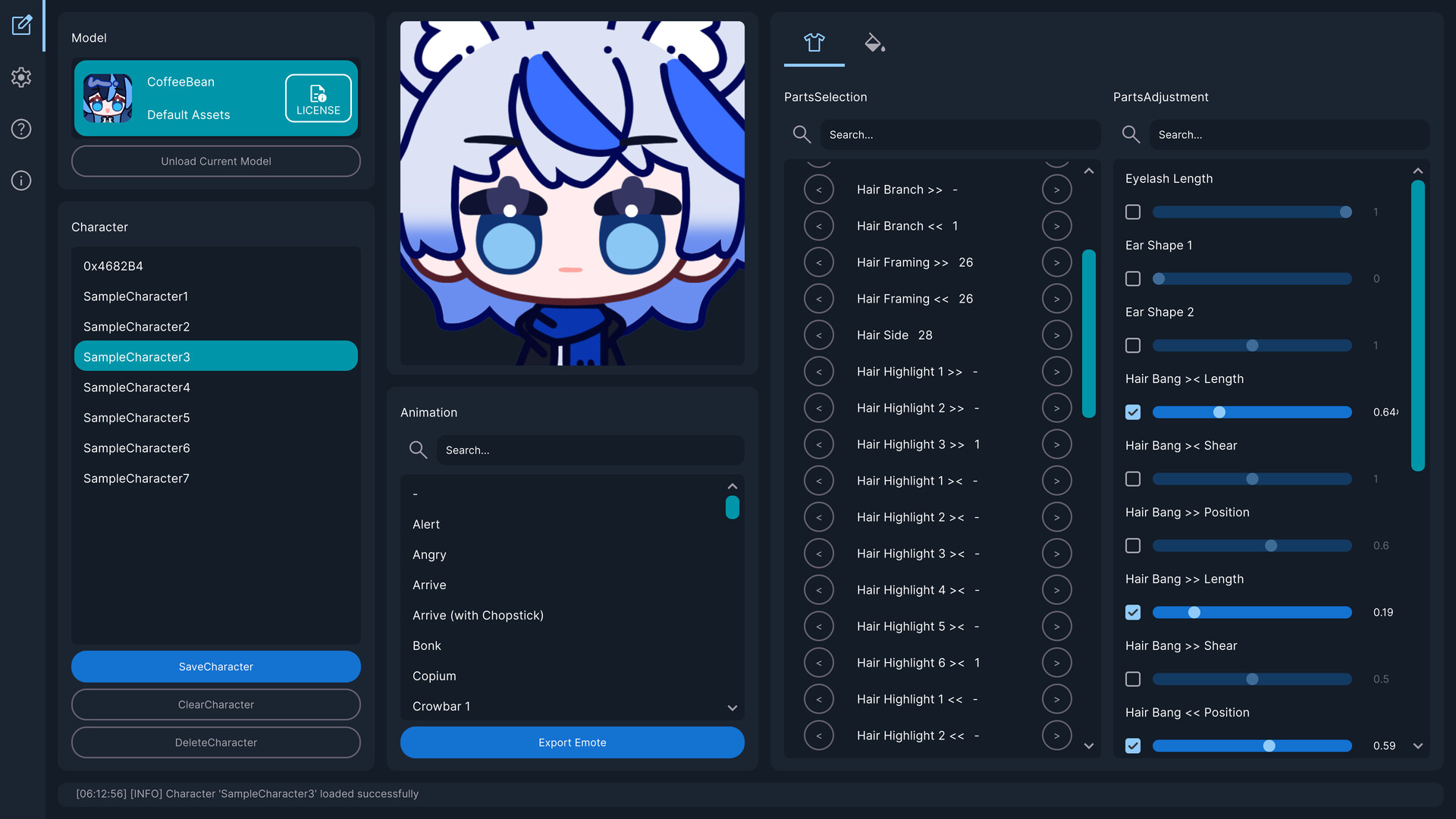
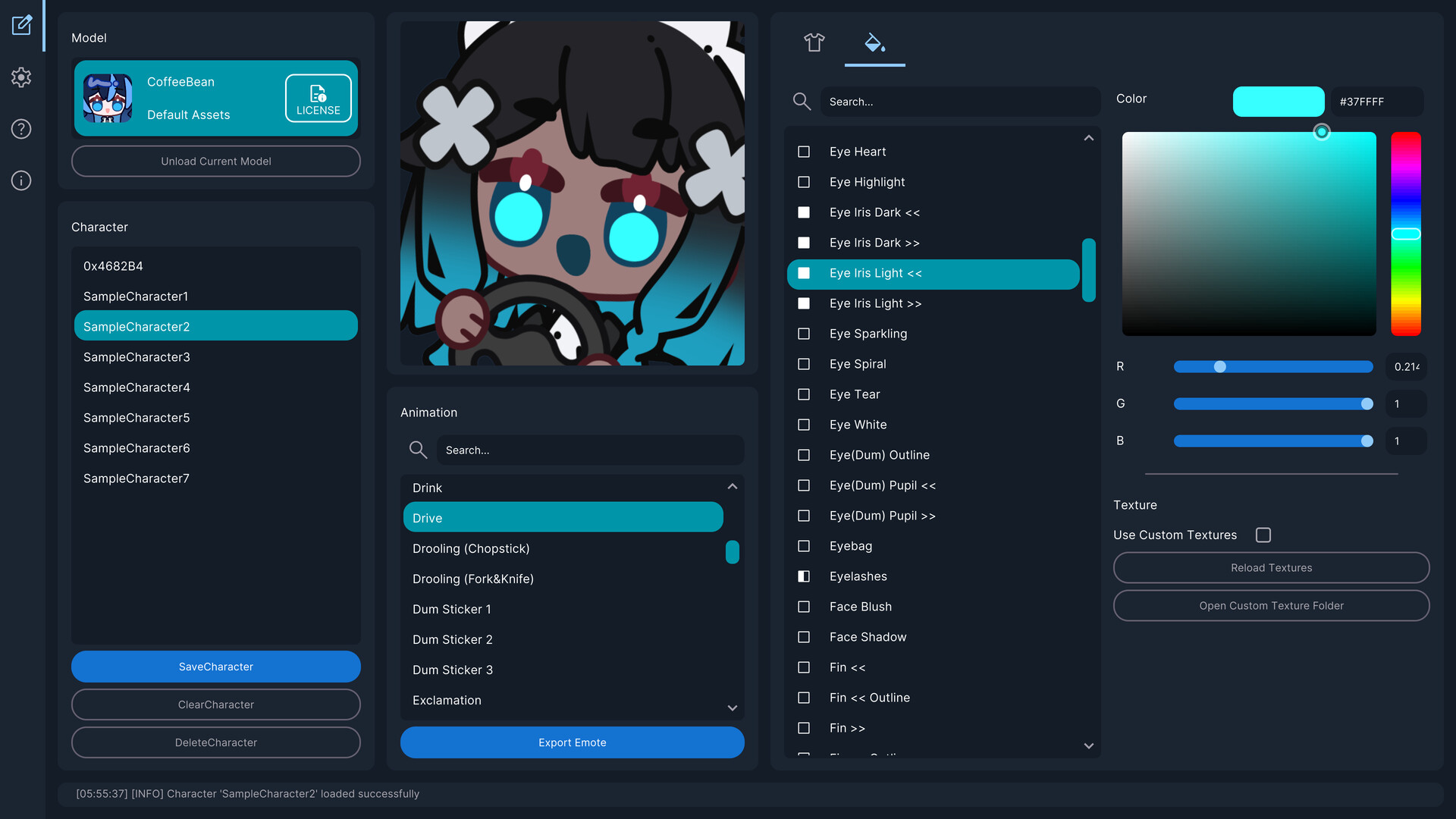
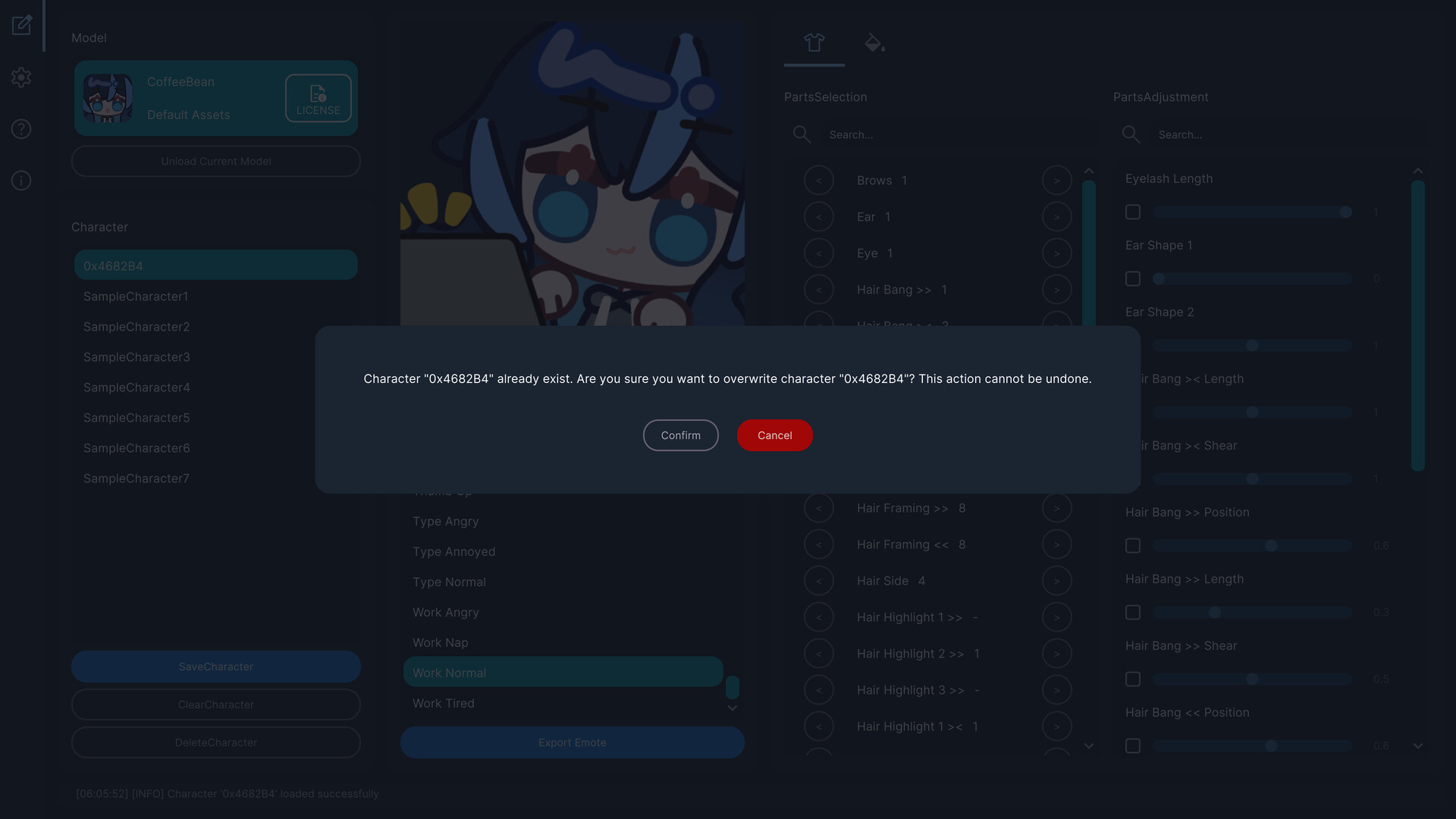
EmoteLab’s core experience is assembling a character from preset parts and watching it perform tiny animations. You pick hair, facial features, clothes and accessories, tweak colors with sliders, and preview a handful of animation clips in real time. The workflow is straightforward: select parts, adjust size and framing, then choose an animation and export as an animated GIF. It’s not Photoshop or Spine replacement — there’s no keyframing or freehand bone editing — but for making quick emotes it’s honestly refreshing. The real-time preview means you can iterate quickly, swapping a smile for a startled blink and seeing the result instantly. I spent more time giggling at the emotes than I care to admit.
Where It Tries to Make Life Easier (and Mostly Succeeds)
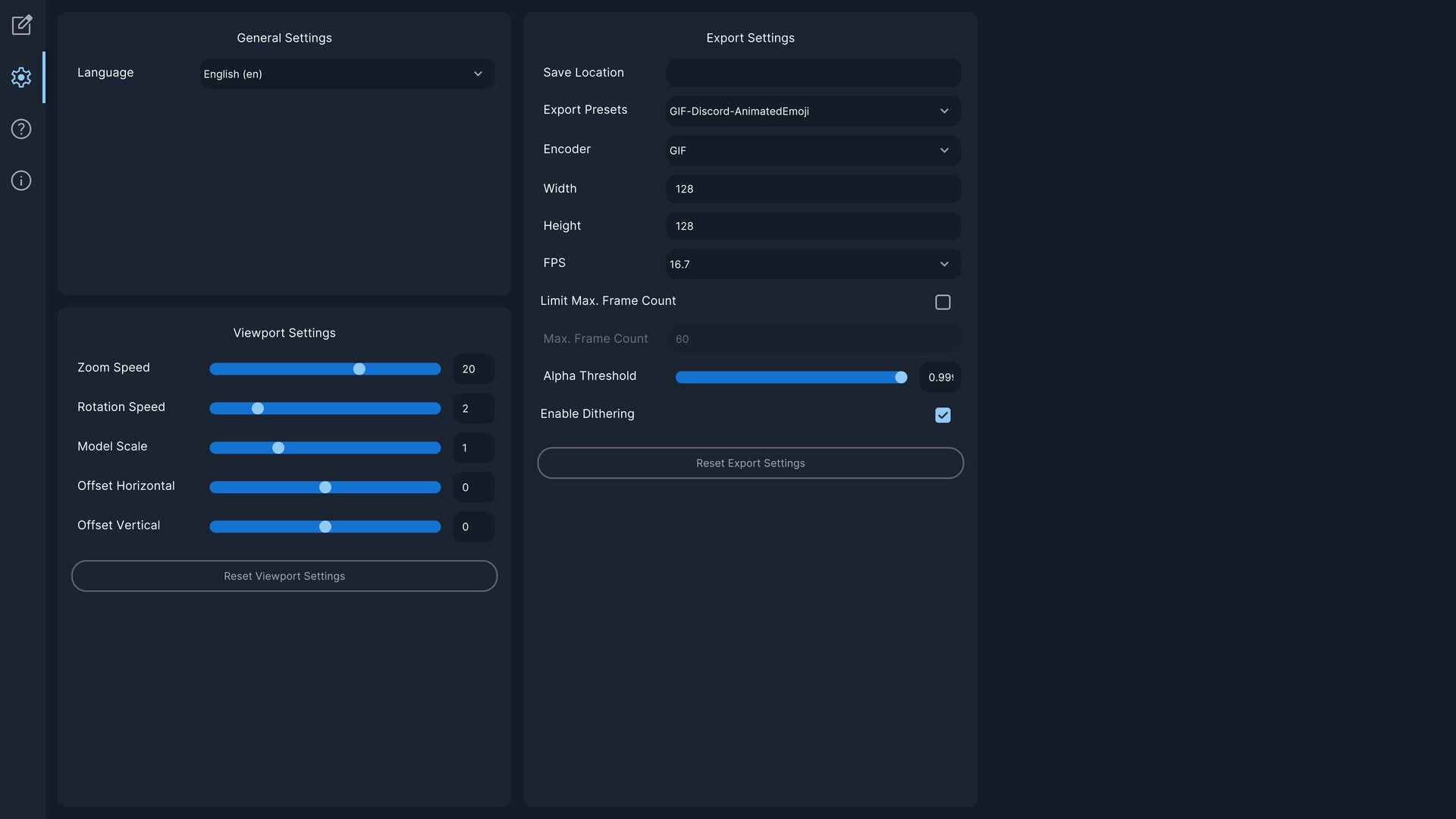
What sets EmoteLab apart is its focus on beginners: presets, platform-optimized export profiles (Discord, Twitch), transparent-background GIFs and simple save/load of character presets. The built-in character model covers a surprising range of looks through mix-and-match parts, and support for Spine2D models (v4.3 required) is a nice technical nod for creators with custom assets. Export options let you control output size, FPS and quality — helpful because small dimensions can exaggerate aliasing, a quirk I ran into when testing stickers versus tiny emotes. There’s also an easy preset system for saving your favorite builds, which I found invaluable once I started juggling multiple OCs. The app avoids overwhelming users with professional animation jargon, yet gives enough control to make distinct, recognizable emotes.
Screen, Sound and Feel: Practical Presentation
Graphically, EmoteLab keeps things simple and cute — the art style leans chibi, which is perfect for emotes that need to read at 32–128 pixels. The viewport supports zoom, rotate and reposition so you can frame each emote, though camera controls feel a little rigid compared to full animation suites. Soundwise there’s no complex audio work here (and you don’t need it); the interface is responsive and doesn’t lag on my Windows machine. Performance is solid on modern hardware, and the UI, while initially cluttered, becomes familiar after some tinkering. Accessibility notes: the app is built for general users, not pros, and the documentation/website tutorial is worth a watch — it’ll save you time and a few curses.
EmoteLab is a solid, charming tool for anyone who wants quick, expressive animated emotes without becoming an animator. It’s perfect for beginner streamers, VTubers and OC fans who value speed and convenience. Be aware of current limitations — GIF-only export, some UI roughness and occasional aliasing — but if you can live with that, it’s a great little utility that already punches above its weight in Early Access.
Pros
- Fast, beginner-friendly workflow for animated emotes
- Handy export presets (Discord/Twitch) and transparent GIFs
- Good mix-and-match customization and preset management
- Affordable and clearly aimed at content creators/VTubers
Cons
- Only GIF export currently; no PNG/static export yet
- UI can feel cluttered; selecting individual parts by clicking would help
- Small-size GIFs can show aliasing/artifacts
Player Opinion
Players generally praise EmoteLab for delivering on its promise: easy, cute emote creation without a steep learning curve. Many reviews highlight the surprising depth of customization for a low price, and several users said they got very close to matching their own OC or VTuber look. Common praise goes to the export presets and expressive animations. On the flip side, recurring criticisms mention the cluttered UI and a desire to click parts of the avatar directly to edit them instead of digging through lists. A few users reported aliasing or artifacting in exported GIFs at smaller sizes and noted that PNG/static export isn’t available yet, which limits non-streaming use cases. Overall, community sentiment is positive and excited for further updates — if you like tools such as simple avatar builders or quick emote-making apps, EmoteLab will likely click with you.