






Desktop Defender Review — A Chill Idle Auto-Battler for Your Corner
A cozy, low-impact idle auto-battler that sits in a corner while you work—great for short glances, ADHD-friendly fidgeting, and long, slow progression with ascensions.
I didn’t expect to fall for a tiny tower shooting triangles in the corner of my screen, but Desktop Defender surprised me. It’s refreshingly simple: drop it in a corner, let waves roll, click upgrades when you feel like it, and come back to find progress made. If you’ve ever wanted a guardian on your desktop that’s more screensaver than time-sink, this hits that sweet spot. It’s a smart little toy for people who want game-y feedback without demanding full attention.
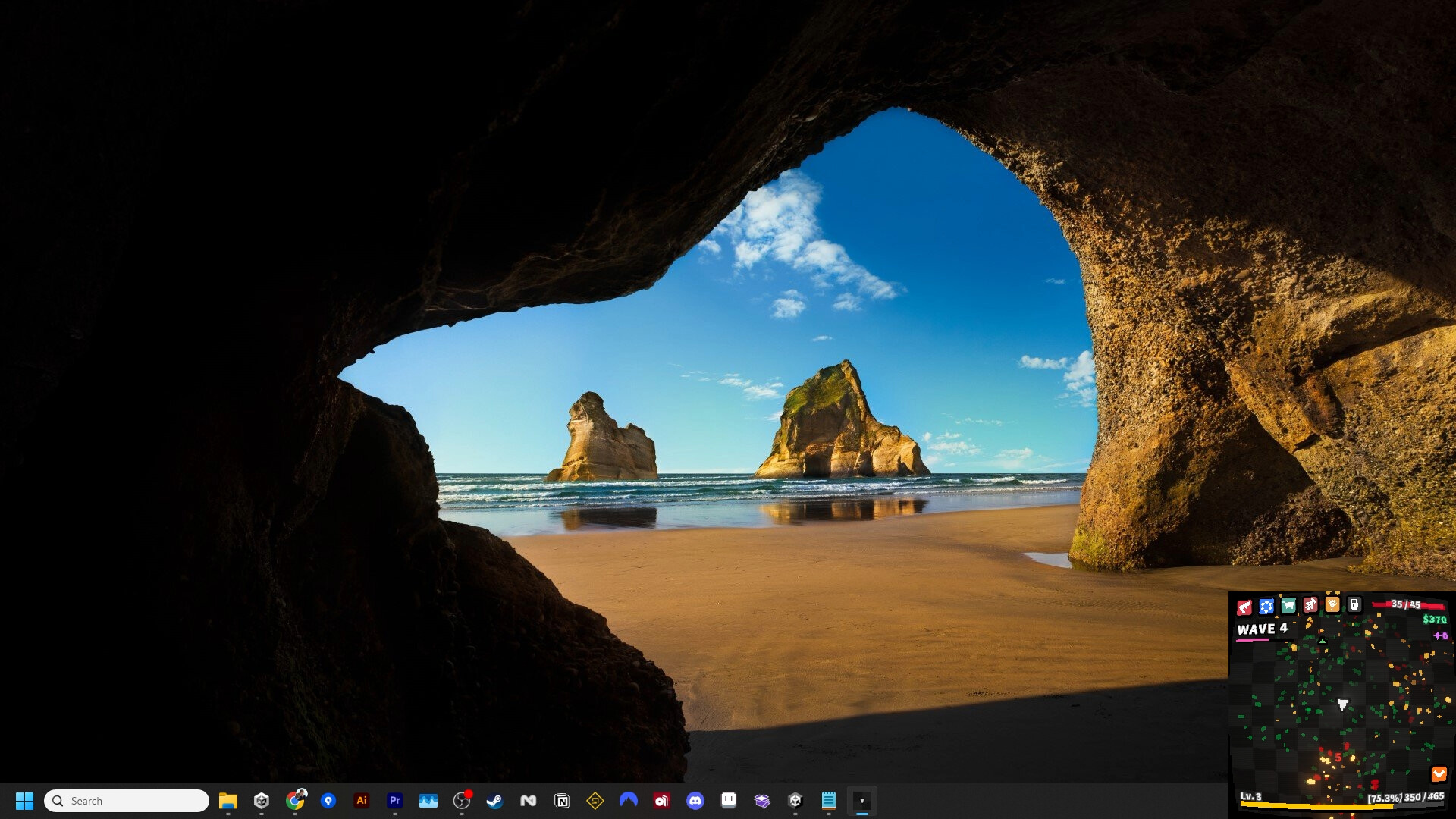
Cornerwatch: The Little Tower That Could
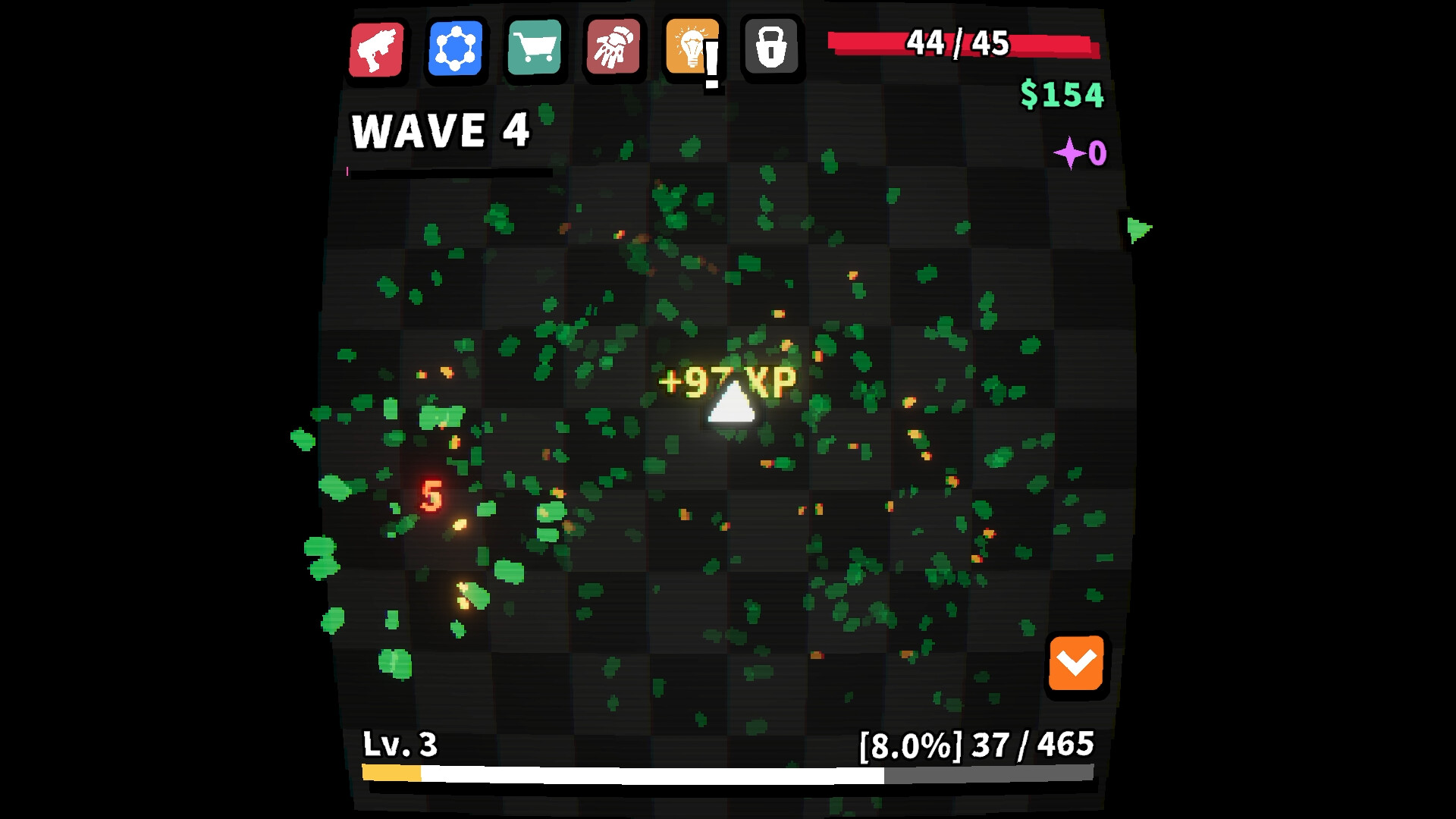
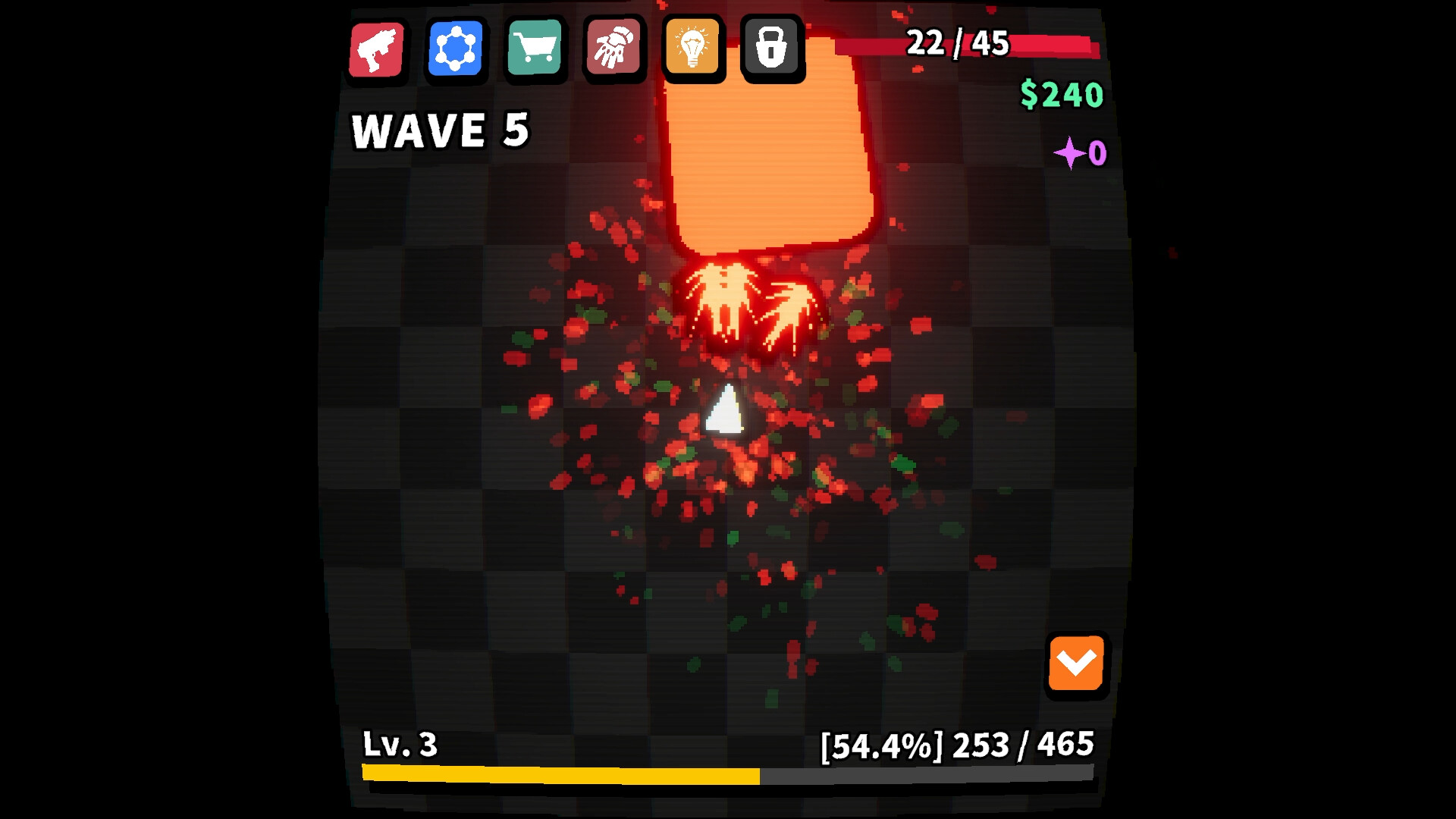
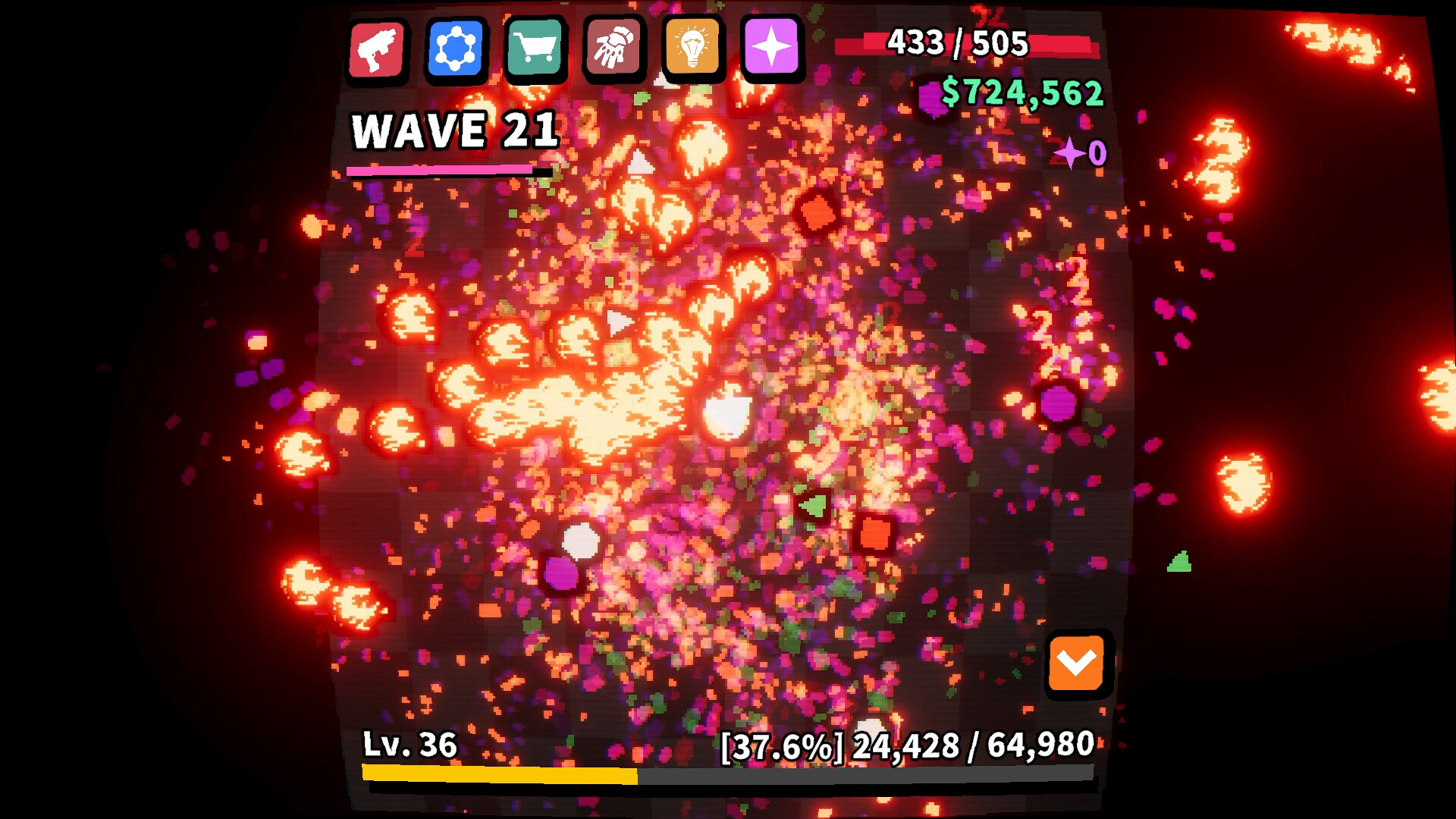
The core loop of Desktop Defender is gloriously tiny and focused: a lone tower auto-fires at waves of geometric enemies while you go about your day. You mainly watch, occasionally collect loot, and decide whether to spend earned resources on permanent upgrades, temporary weapons, or that shiny piece of gear that promises broken synergy. The pacing is intentionally relaxed — this is an idle/auto-battler hybrid that doesn’t beg for babysitting. You’ll still perform small interventions: tweak the tower’s weapon, resize the window, or nudge difficulty via ascensions. Combat itself is satisfyingly predictable; enemies follow simple behaviors that let you pattern-spot and plan eventual builds even through AFK sessions. It’s not about twitch skill so much as meta-decisions about which permanents to pursue.
Pocket Ascensions and Accidental Min-Maxing
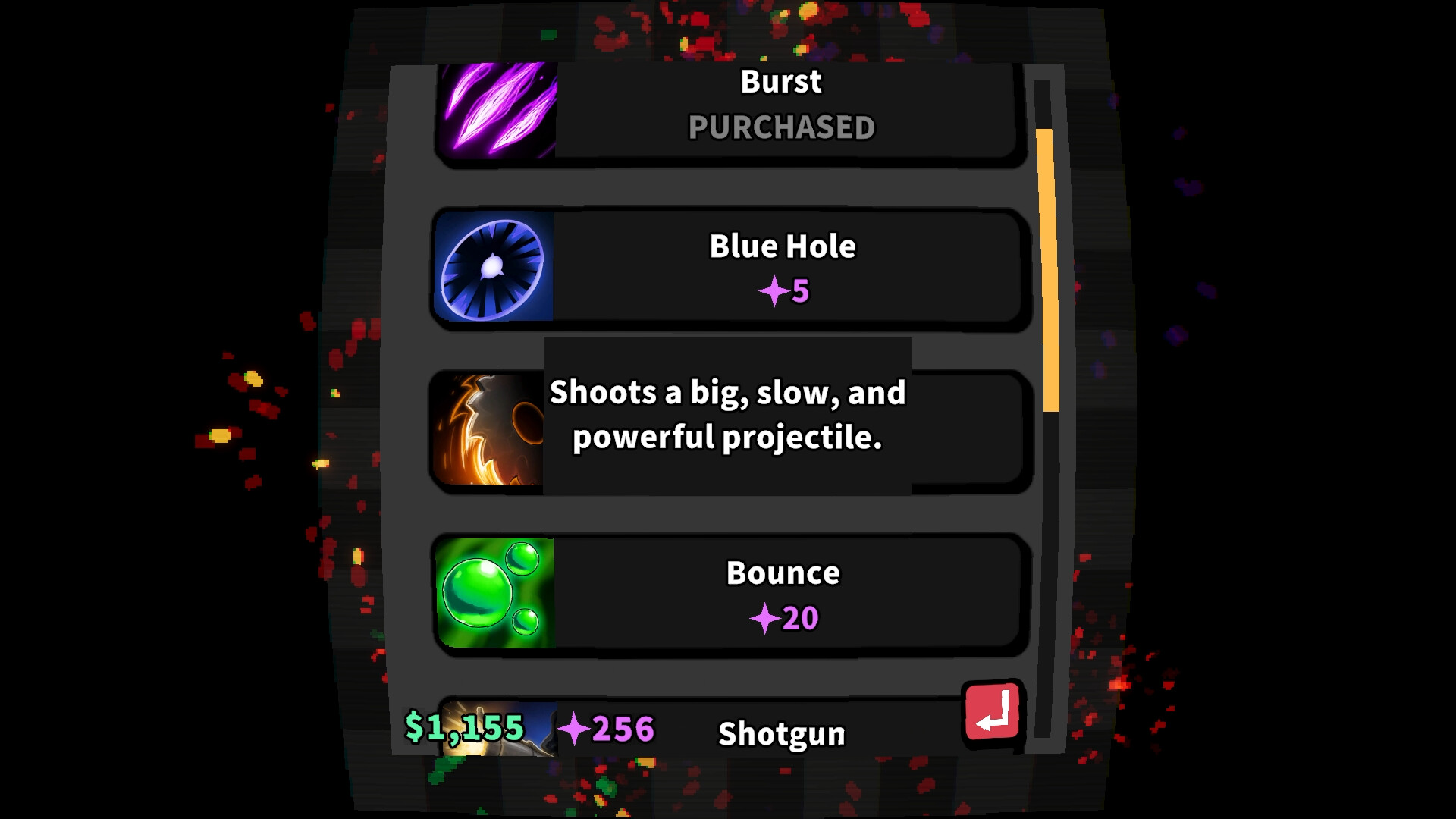
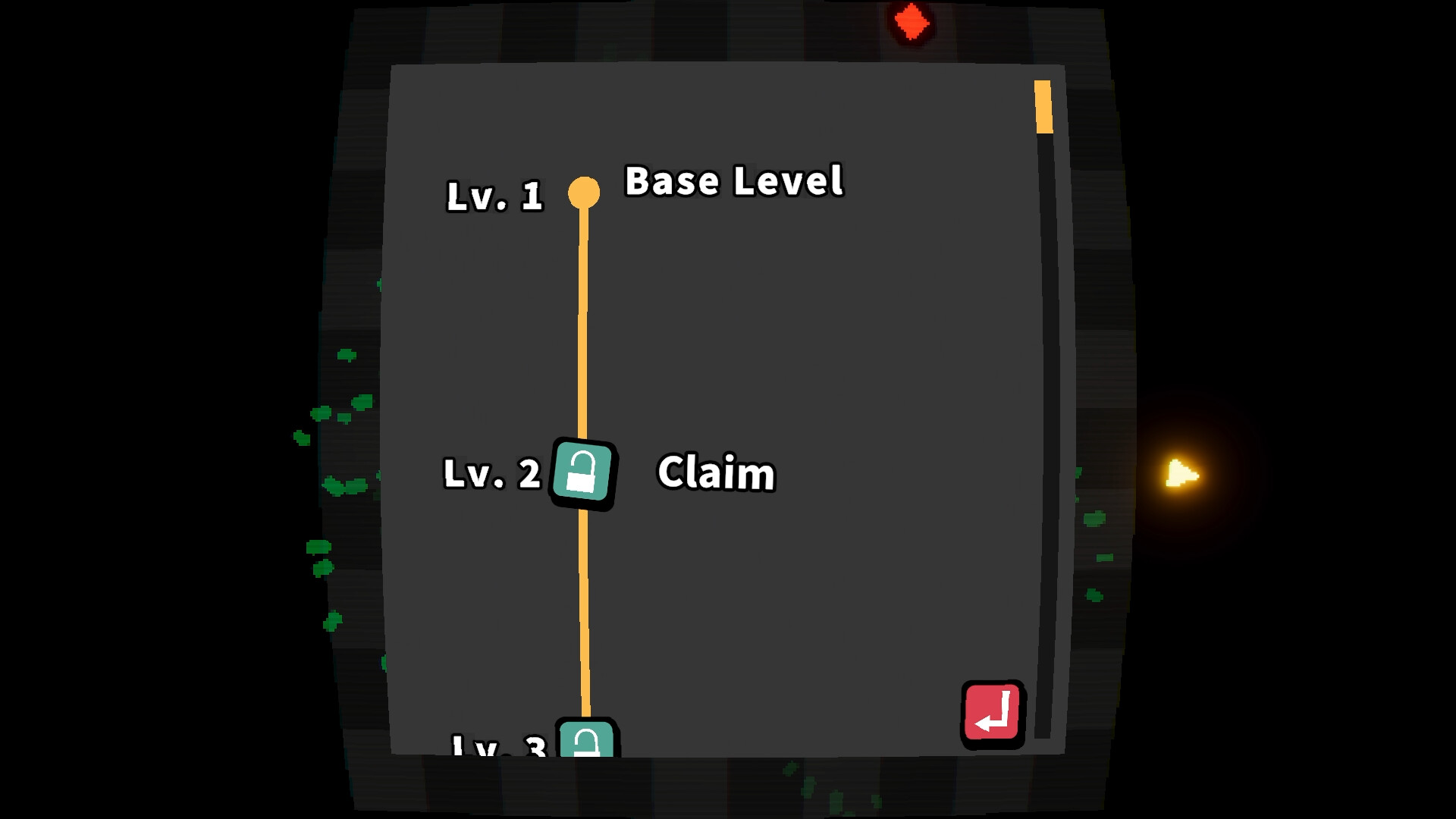
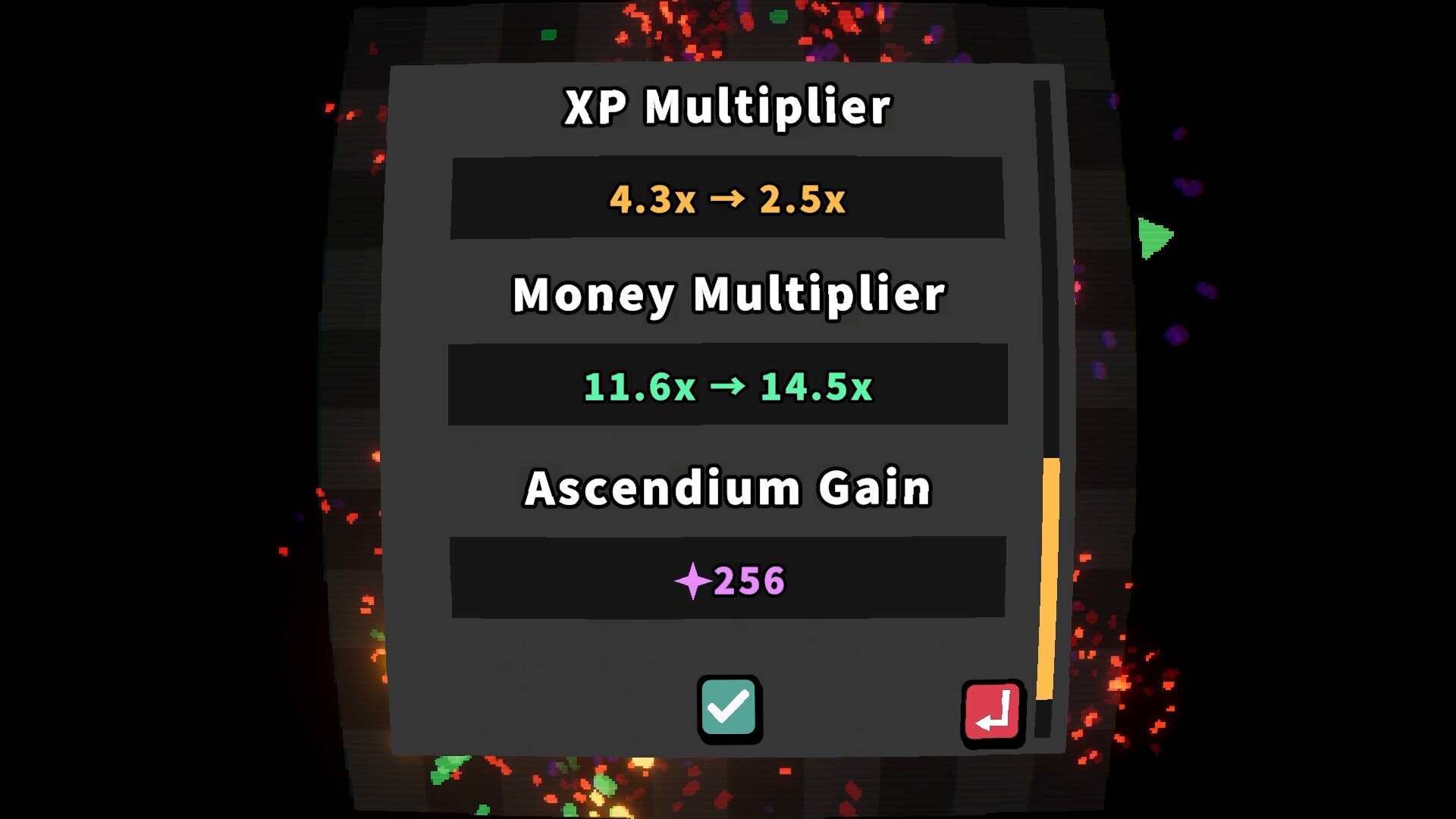
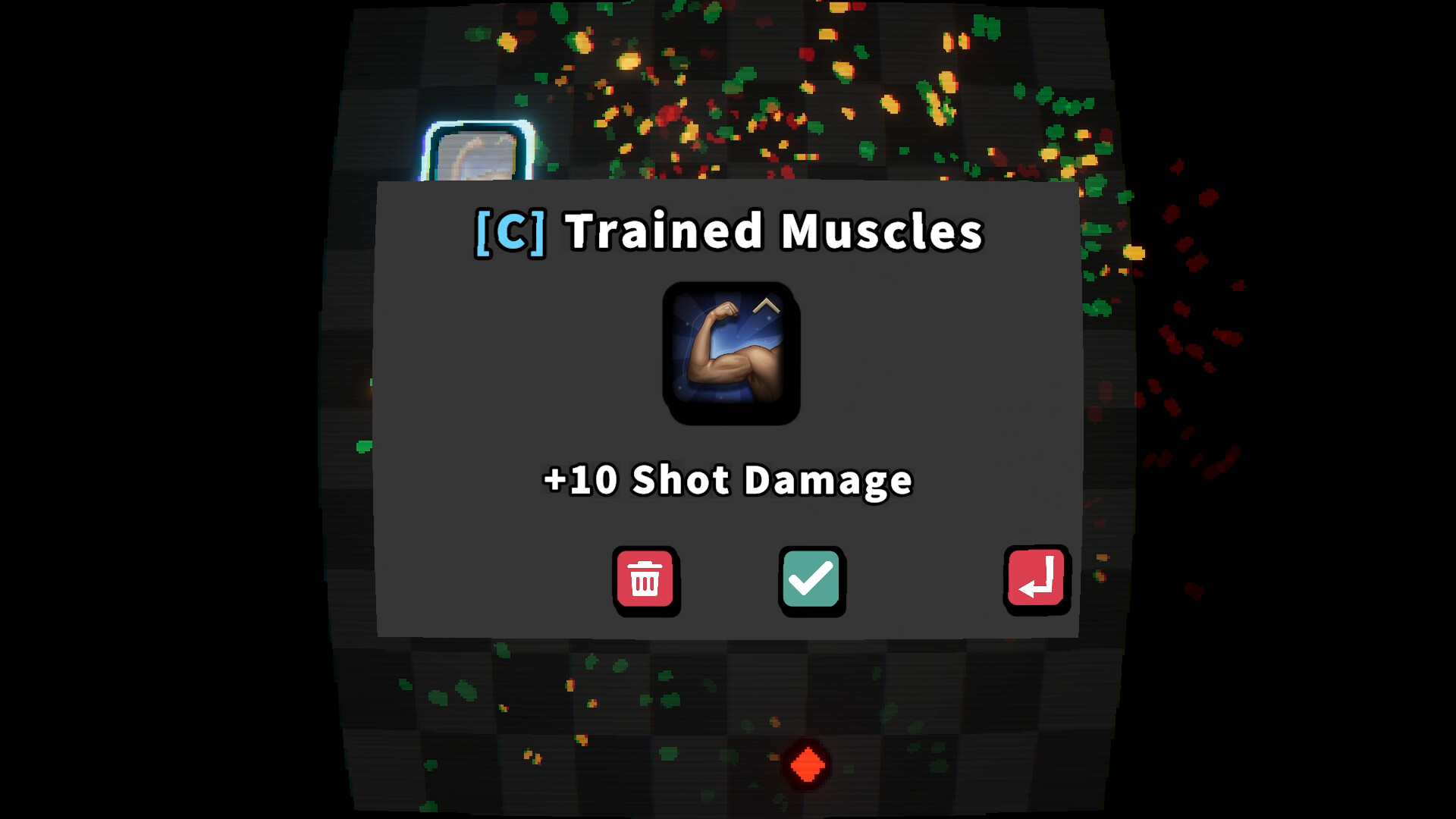
What elevates the game above a passive screensaver is the unlock economy and ascension system. Earn XP to level up and choose reward nodes: permanent stat boosts, powerful loot drops, or fresh weapons that change how your tower behaves. When you ascend, you reset a run in exchange for Ascendium points that unlock cross-run bonuses — suddenly those little clicks add up toward meaningful long-term progression. The loot hunt is delightfully addictive: rare gear can create hilariously overpowered combinations, and part of the joy is watching a previously impotent build steamroll waves after a few key finds. There are grinding moments, sure, and some players will find the mid-to-late progression slow, but I appreciated that cadence most of the time; it lets the game exist in the background without demanding a schedule. Also, the ability to switch between passive AFK and more active micro-management makes it flexible for varied attention spans.
Tiny Game, Big Personality: Looks, Sound and Performance
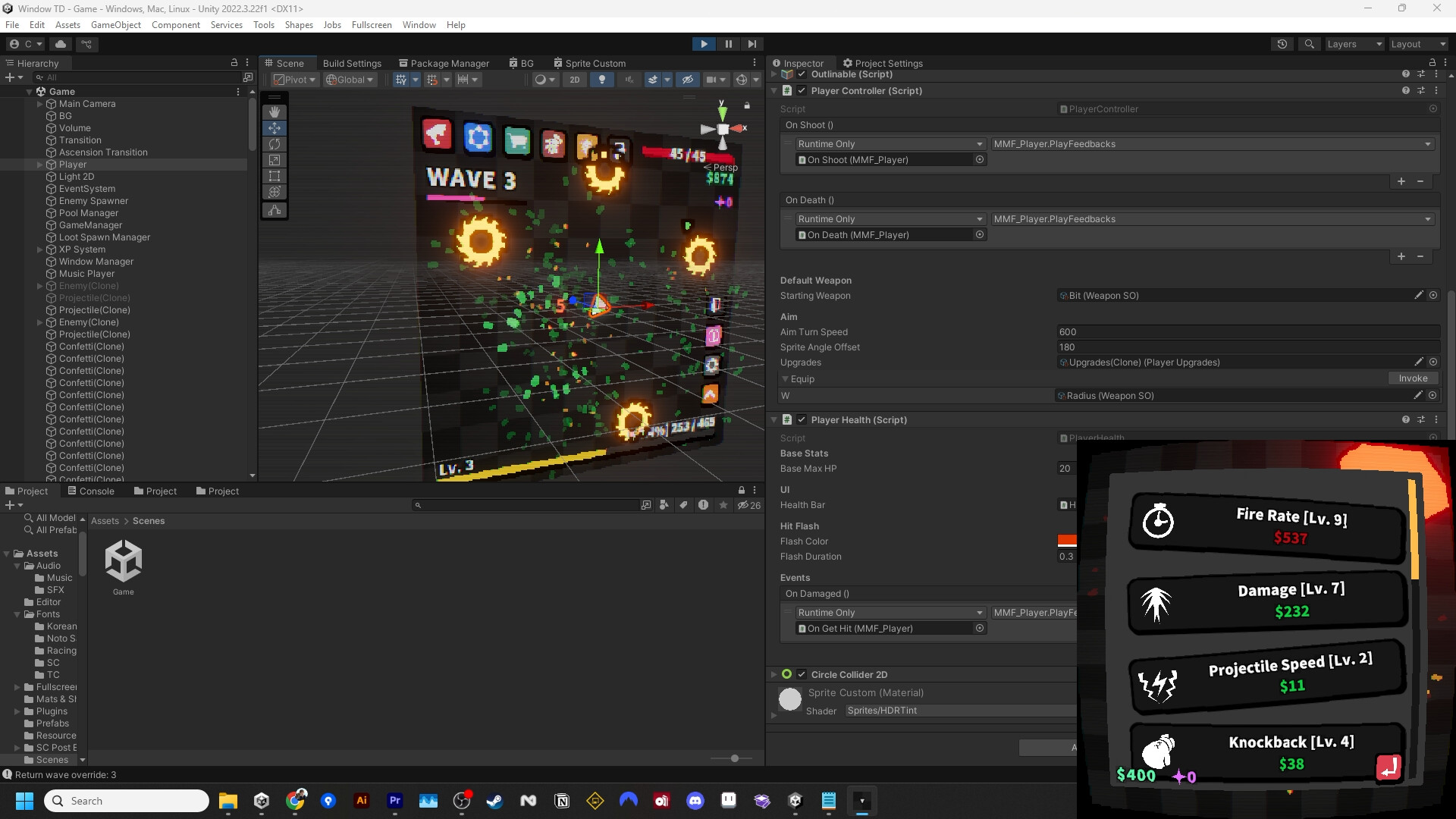
Desktop Defender’s presentation does a lot with a little. The aesthetic is cute and minimal — crisp icons, charming little projectiles, and readable UI when it fits — which helps it remain unobtrusive on a crowded desktop. Sound design is subtle: soft pews, satisfying upgrade chimes, and a few goofy SFX that made me grin during boring meetings. Performance is a clear selling point; it uses almost no RAM and CPU, which players rave about, and runs happily in the background while I streamed, wrote, or had dozens of tabs open. There are a few rough edges in the UI: menus can feel cramped at some window sizes, and some inventory screens require annoying scrolling. But overall it’s delightful to have a game that deliberately stays out of your way while still offering tactical choices and the dopamine hit of loot and ascensions.
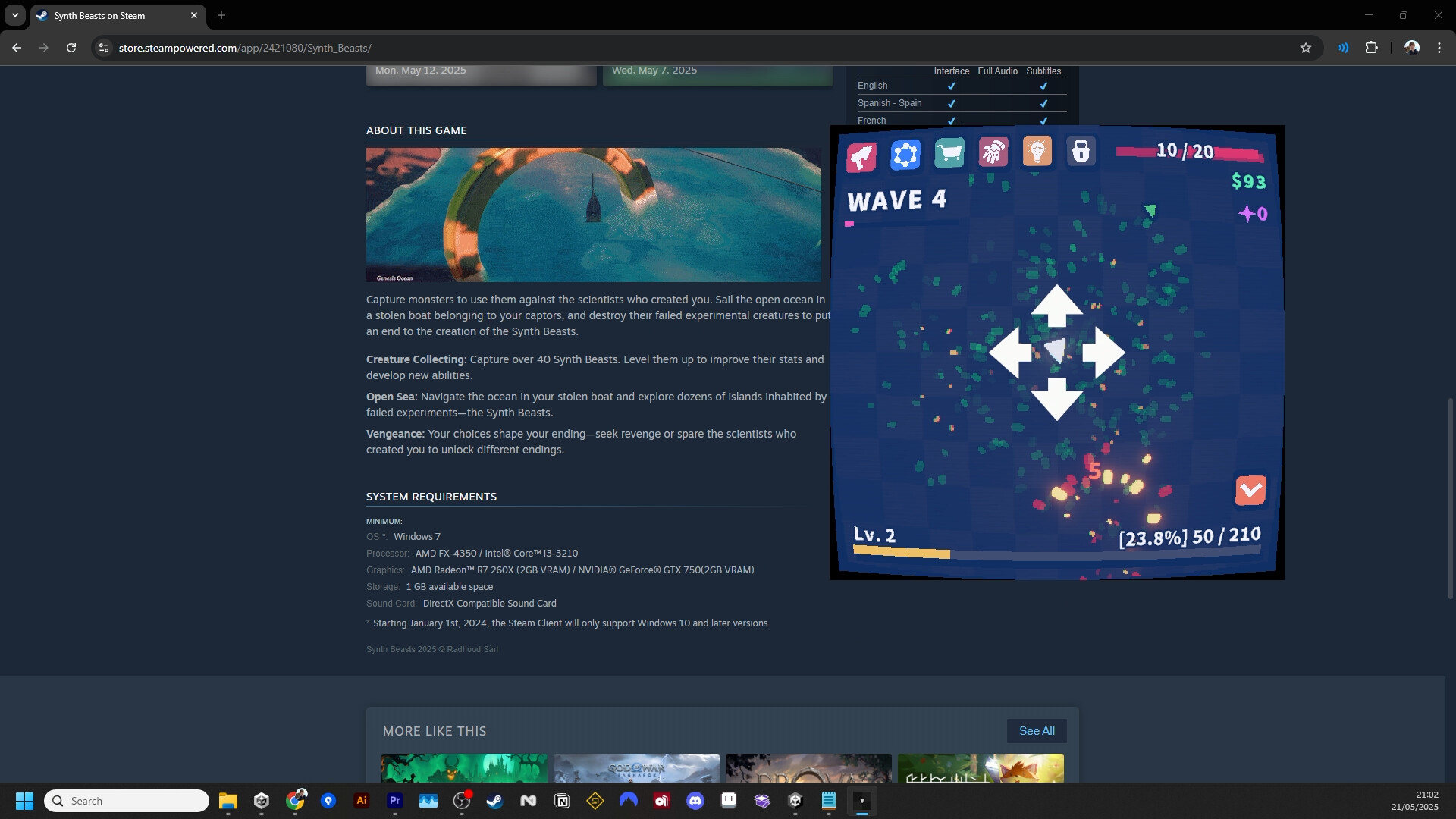
Desktop Defender isn’t trying to be a sprawling epic — it’s a smart, small toy that earns its place in the corner of your screen. If you want a minimal, low-effort companion that occasionally rewards attention with satisfying upgrades and loot, pick it up. Be aware of UI quirks and potential progression stalls, but those are forgivable for the convenience and charm here.
Pros
- Excellent low resource usage — truly background-friendly
- Simple, addictive loot and ascension loop
- Flexible: play passively AFK or engage for micro-management
- Charming presentation and satisfying sounds
Cons
- UI can feel cramped at many window sizes; needs better scaling
- Progression can stall mid-to-late for some players
- Occasional bugs with loot and some awkward menu flows
Player Opinion
Players consistently praise Desktop Defender for being perfect background fodder — low RAM usage, minimal fuss, and the tiny dopamine hits from upgrades. Many reviews specifically call it ADHD-friendly because it gives a small, manageable distraction without demanding focus. Positive feedback also highlights the frequent updates and QoL additions that keep the idle loop fresh. On the flip side, recurrent criticisms include a cramped UI at certain sizes, progression that feels grindy or stalls after a long playtime, and some bugged or underwhelming loot items. A few users complain about intrusive ad pop-ups and the lack of a fullscreen management mode for menus. If you enjoy incremental idle titles like Territory Idle or bite-sized tower defense games and don't want a heavy micromanagement experience, you'll probably love keeping Desktop Defender running in the background.